
Get any PDF form from the DocHub library of ready-made templates - Page 830
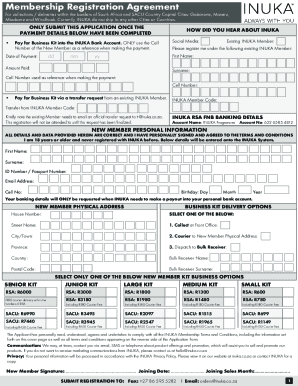
Economy and financeSouth African Government
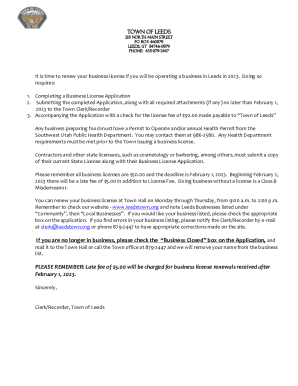
Town of Leeds Business License Application

Forums att conversationsatt-email-andATT (Bellsouth ) email Subaccount needs password reset

Certificate of occupancy form
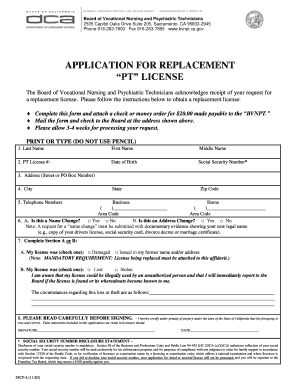
International diploma verification form pdf

Claim mechanics lien
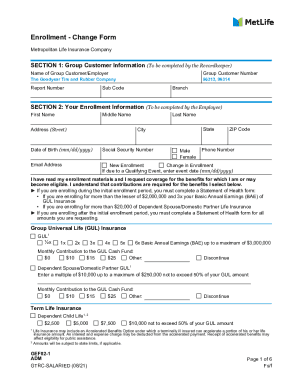
Group Customer Number

TAKEDA PHARMACEUTICALS U S A - Help At Hand

Madhyamik Certificate Download - Fill Online, Printable
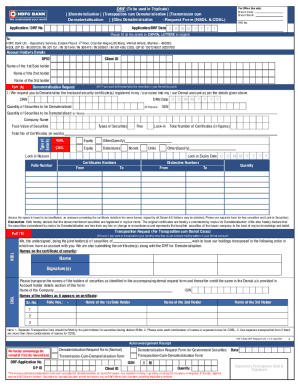
Dematerialisation Request Form (NSDL & CDSL) HDFC Bank

New Hire Job Application - Dunlap Towing Company

No Title

Submit the completed application and payment in the form of a personal check, money order, or cashie

Motorcycle Safety Program Military Waiver Application
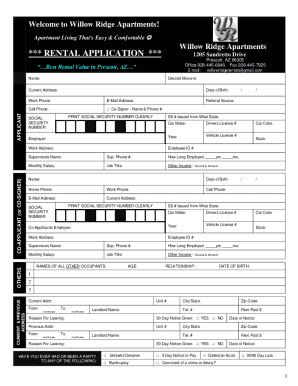
RENTAL APPLICATION - Prescott - Willow Ridge Apartments
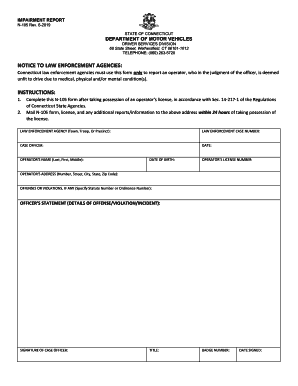
NOTICE TO LAW ENFORCEMENT AGENCIES: INSTRUCTIONS:
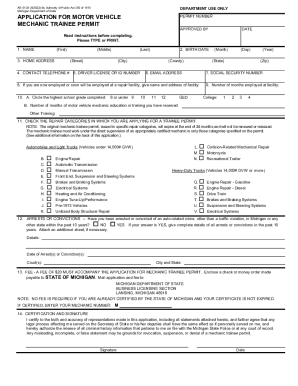
Formspal pdf-formsotherAPPLICATION FOR MOTOR VEHICLE PERMIT NUMBER MECHANIC TRAINEE
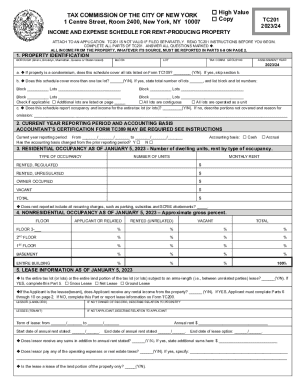
THE TAX COMMISSION OF THE CITY OF - e-Form RS Login
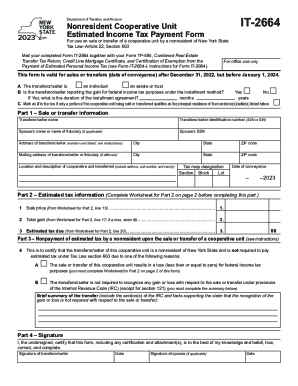
NY DTF IT-2664 2021-2022 - Fill out Tax Template Online - US Legal Forms
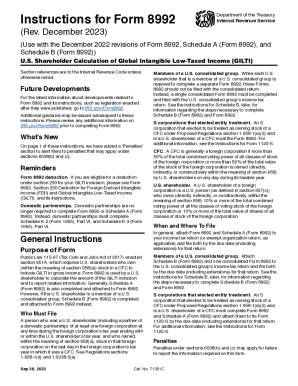
Internal Revenue Service, Treasury1 60385
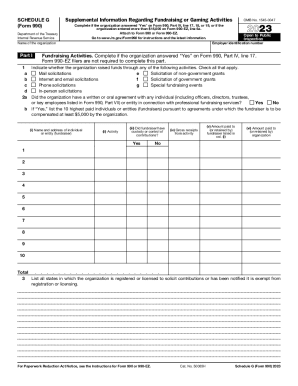
Tax Brief: Form 990, What You Need to Know About
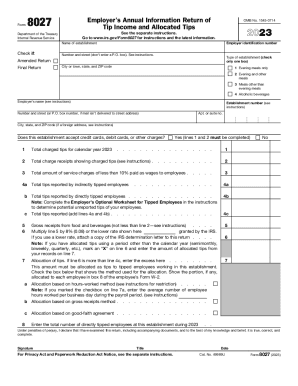
About Form 8027-T, Transmittal of Employer's Annual
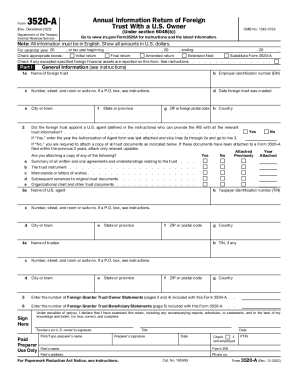
Reminder to U S Owners of a Foreign Trust
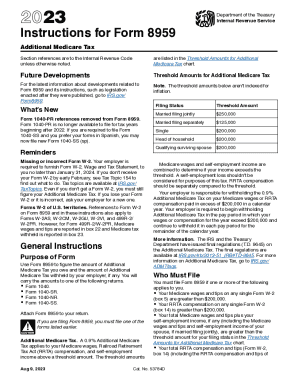
2023 Instructions for Form 8959 Instructions for Form 8959, Additional Medicare Tax
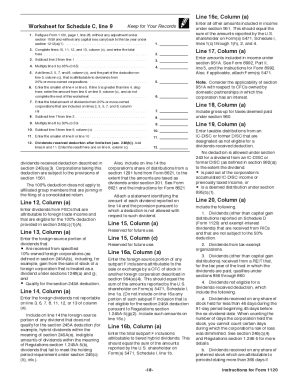
2022 Instructions for Schedule D (Form 1120)

2022 Instructions for Form 1120-F Instructions for Form 1120-F, U S Income Tax Return of a Foreign C
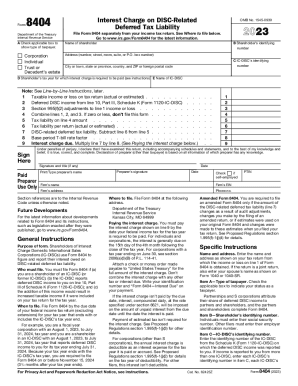
Proposed Collection; Comment Request for Form 8404
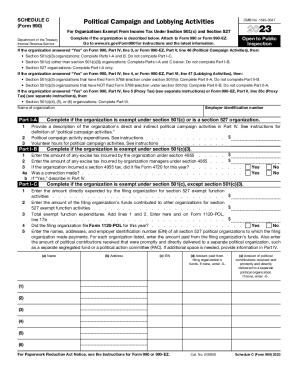
Form 990 Or 990-EZ Schedule C Political Campaign And
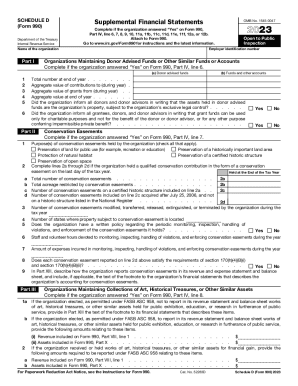
IRS Form 990 Schedule D Instructions - Express Tax Exempt
Section 30D New Clean Vehicle Credit
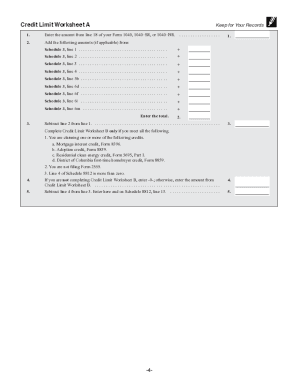
2023 Instructions for Schedule 8812 2023 Instructions for Schedule 8812, Credits for Qualifying Chil

Landlord's Guide to the Rental Income Schedule E Form

Form 13615 (sp) (Rev 10-2023) Volunteer Standards of Conduct AgreementVITA TCE Programs (Spanish Ver
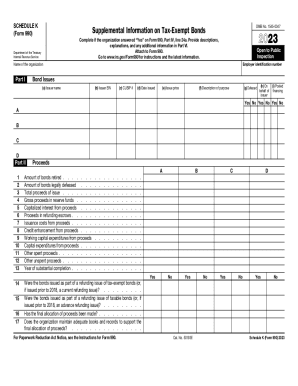
Schedule K to Form 990 and Fundamentals of Tax-Exempt
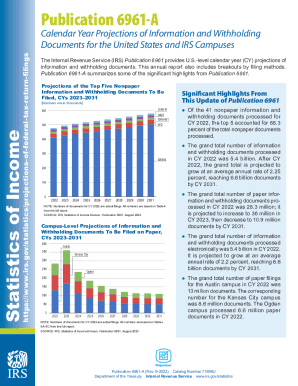
Publication 6961 - Calendar Year Projections
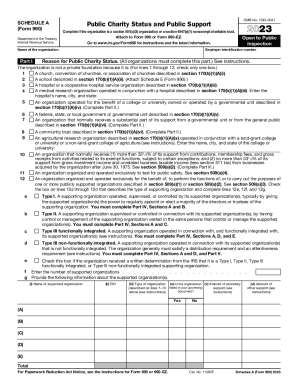
2023 Schedule A (Form 990) Public Charity Status and Public Support
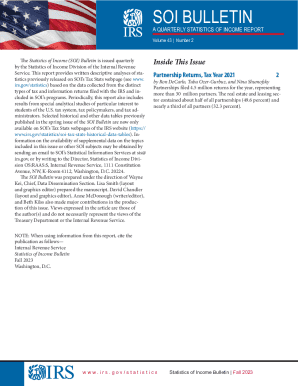
SOI Tax Stats - SOI Bulletins

Publication 1639 (Rev 10-2023) Social Security Administration Internal Revenue Service (SSA IRS) Rep
IRS Schedule O (990 form)

Form 4136 Credit for Federal Tax Paid on Fuels

Earned Income Credit (EIC) - Wisconsin Department of Revenue

2023 Form 8880 Credit for Qualified Retirement Savings Contributions
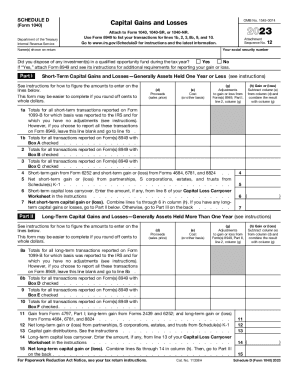
Schedule D (Form 1040) - Report Capital Gains & Losses

Publication 4695 (PR) VITA TCE Puerto Rico Volunteer Test
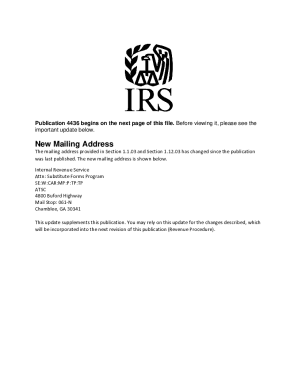
Solved: Change my mailing address on the account
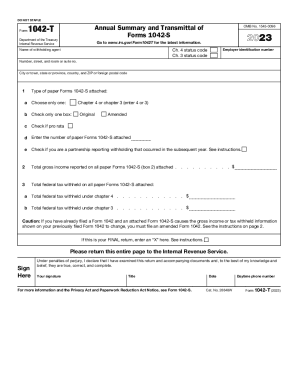
Instructions for Form 1042 (2023)Internal Revenue Service

Form 1045: Application for Tentative Refund: What it is

Licensing - Nebraska Department of Health & Human Services

34 team bracket

Schedule of tax payments
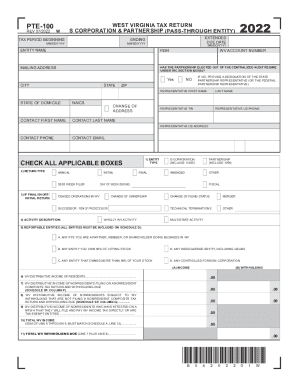
Forms & Instructions - Virginia Tax
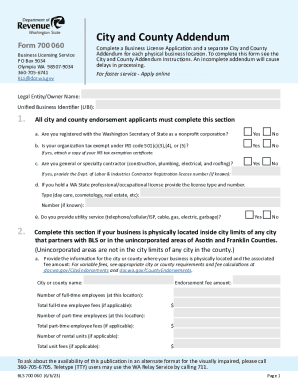
Po Box 9034 2022-2023 Form - Fill Out and Sign Printable

Buyer's Retail Sales Tax Exemption Certificate Form
Confidential Tax Information Authorization
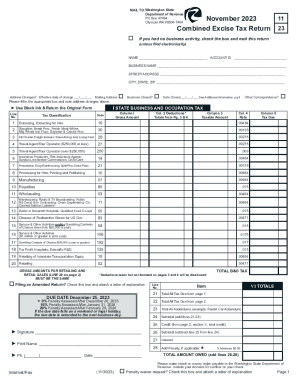
November Combined Excise Tax Return November Combined Excise Tax Return
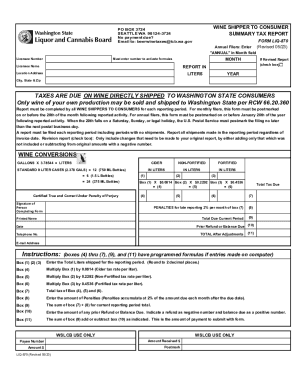
Tax and Fee ReportingWashington State Liquor and
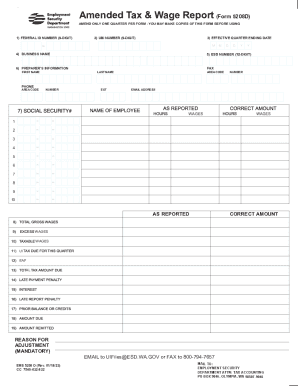
File or amend my returnWashington Department of Revenue
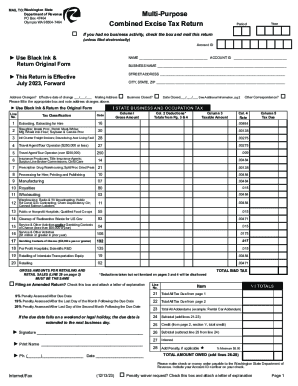
Washington State, Department of Revenue, Business tax

R-6140 (8 23)
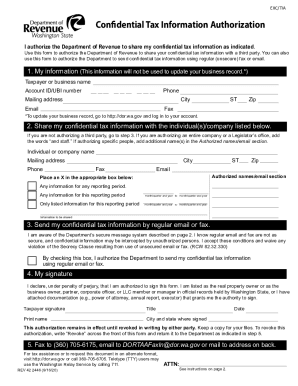
Authorization wa
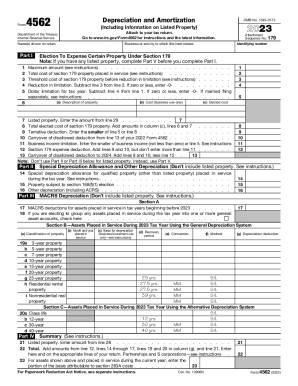
What to know about Form 4562 Depreciation and
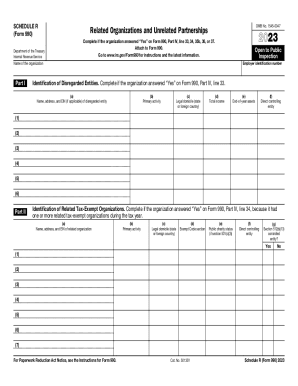
Form Schedule R (F 990) Schedule R (F 990) Related
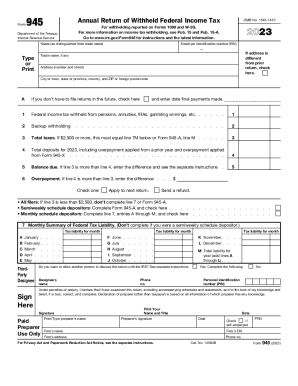
Instructions for Form 945 (2023)Internal Revenue Service
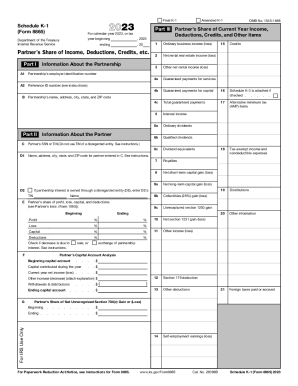
Schedule K-1 (Form 8865), partner's share of income - IUCAT
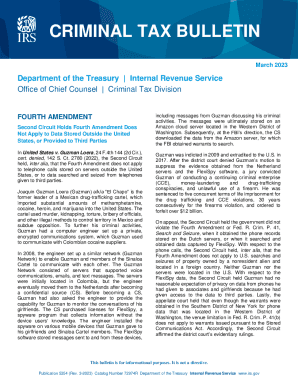
Publication 5354 (Rev 3-2023) Criminal Tax Bulletin

Annual Income Tax Returns (Form 1120-POL)

Publication 3598 (Rev 11-2023) What You Should Know About the Audit Reconsideration Process

2022 Publication 915 Social Security and Equivalent Railroad Retirement Benefits

Form 8860
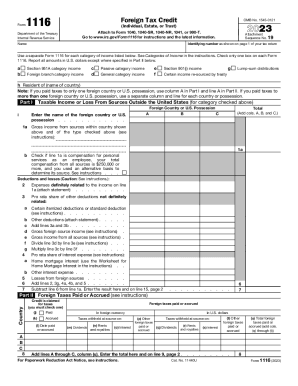
2023 Form 1116 Foreign Tax Credit (Individual, Estate, or Trust)

2023 Form 1041-T Allocation of Estimated Tax Payments to Beneficiaries (Under Code section 643(g))
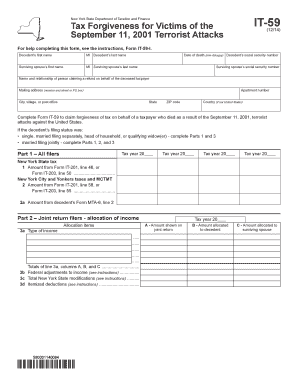
IT-59 New York State Department of Taxation and Finance Tax Forgiveness for Victims of the September

Vital Records maintains a - cdph ca

11 team bracket
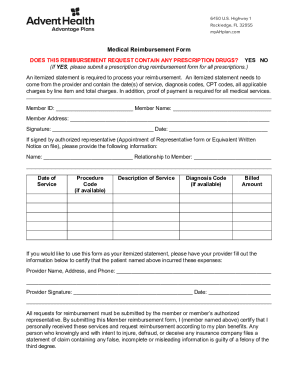
Medical Reimbursement Form - Health First
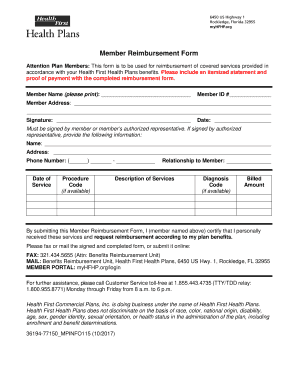
PDF Member Reimbursement Form - Health First

School indemnity form pdf

Partick housing association application form

Ultrasound request form template
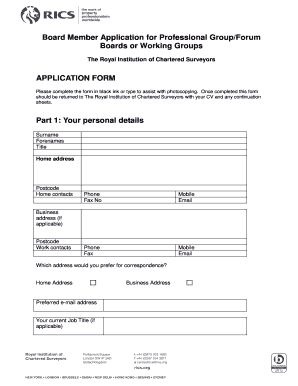
Board member application
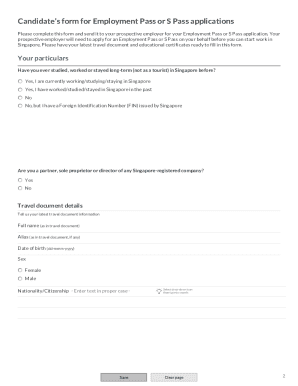
Candidate Form for Employment Pass - Fill Out and Sign
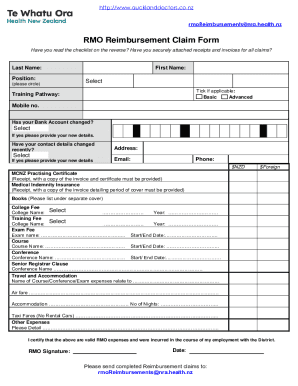
NRA House Officer Grant Reimbursement Claim Form

NRA Reimbursement Claim Form - Doctor Jobs Auckland I - aucklanddoctors co
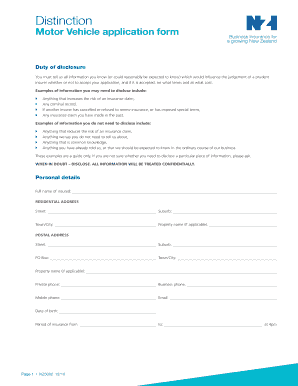
Mr1b

Commencement certificate

HKGEAC Master List Form of Documents Number : Forms

Notice of Application Form F31
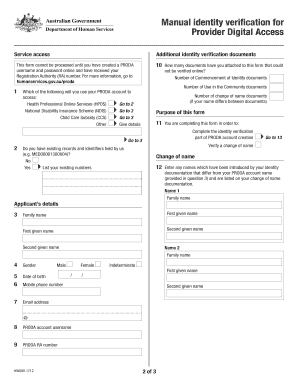
Australian Government PRODA Identity Verification Form
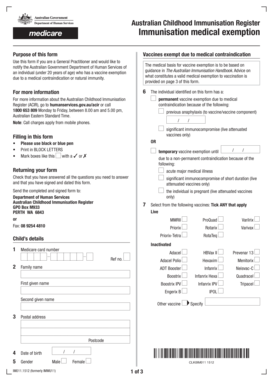
Australian Childhood Immunisation Register Immunisation medical exemption - humanservices gov

Download GEN-Form-04pdf 67020 KB - State Revenue Office
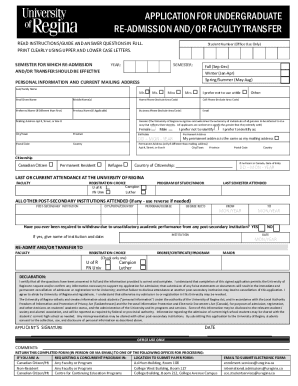
ReAdmission-or-Faculty-Transfer-Form

E ROUAL CAvADIAv LEGIOv COMPLAINT FORM

Physio referral form
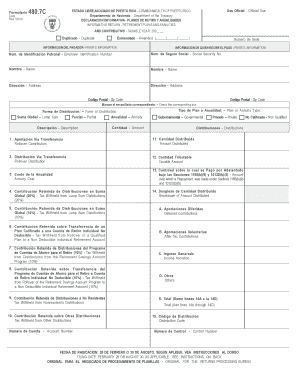
Formulario 480 7c

Tax utah formscurrentCompany Name Utah Sales Tax Acct Number E-mail Address
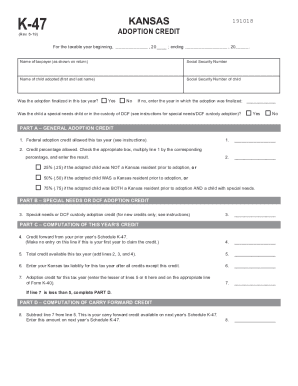
Ks credit form
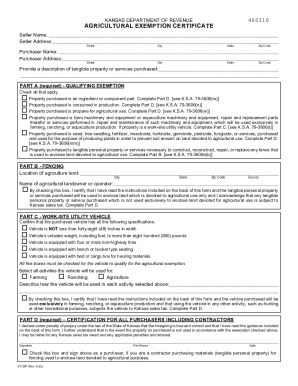
Kansas Agricultural Exemption Certificate
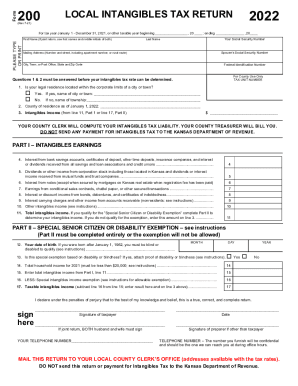
Form 200 Local Intangibles Tax Return Rev 7-21 Form 200 Local Intangibles Tax Return County Taxes
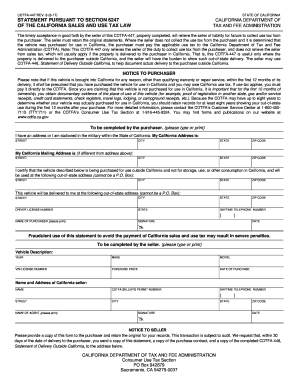
Cdtfa 447

Cocodoc form85105966-1095d-tax-practitioner1095d Tax Practitioner Guidelines For Computer-Prepared
Benefit from the DocHub online library of fillable PDF forms
Searching the PDF forms doesn't have to be a tedious and time-consuming process. With the DocHub online library, it has become easier to find the fillable PDF forms and modify them in your browser. The service allows you to adjust the document to your needs using powerful editing tools.
You can use online document editing features to modify almost any type of document with ease. You just need to find the template of your choice, open it in the editor, and use the toolbar to make the necessary corrections.
Follow this guide to get your document done with DocHub:
- Find the PDF template you need.
- Click the Get Form button to open the file in the editor.
- Use the toolbar to fill out and edit the document.
- Easily add and highlight text, insert images, checkmarks, and symbols.
- Drop new fillable fields, and rearrange or delete pages from your file.
- Save changes and download your record.
DocHub empowers everyone to streamline document editing, signing, and distribution, and form completion. Create an account and benefit from our well-organized PDF Forms library and comprehensive editor.