Type text, add images, blackout confidential details, add comments, highlights and more.
02. Sign it in a few clicks
Draw your signature, type it, upload its image, or use your mobile device as a signature pad.
03. Share your form with others
Send sallyport bop website via email, link, or fax. You can also download it, export it or print it out.
How to use or fill out bp a0148 with our platform
Ease of Setup
DocHub User Ratings on G2
Ease of Use
DocHub User Ratings on G2
Click ‘Get Form’ to open the bp a0148 in the editor.
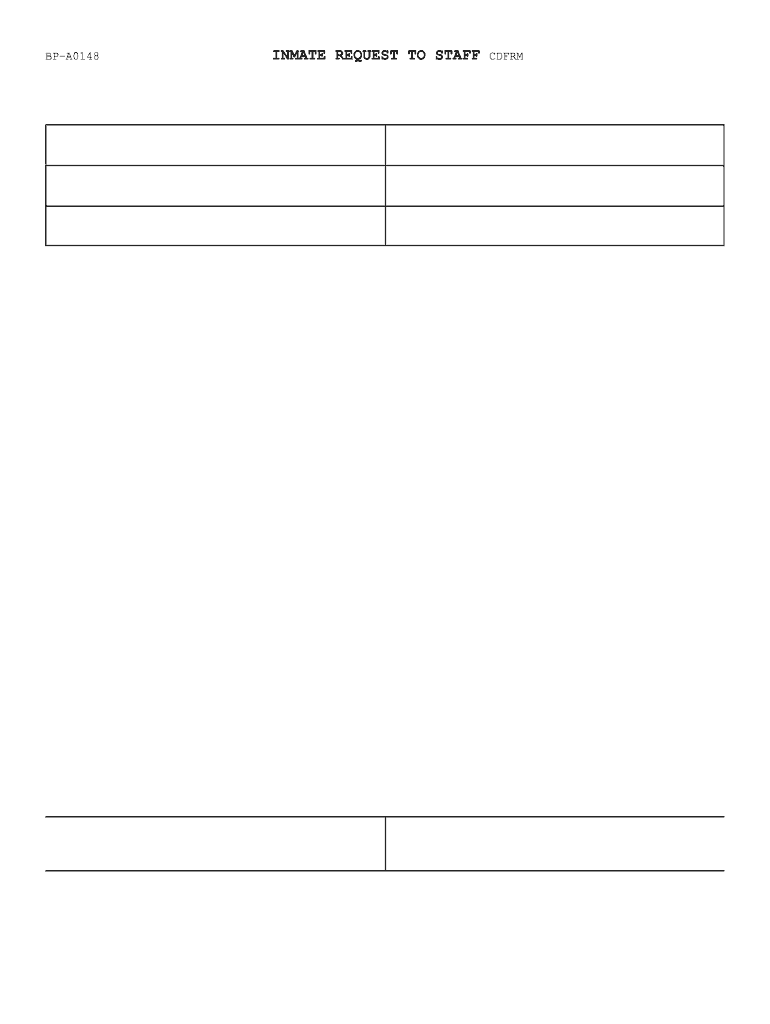
Begin by entering the name and title of the staff member you are addressing in the 'TO' field. This ensures your request reaches the appropriate person.
Fill in the 'DATE' field with the current date to document when your request is made.
In the 'FROM' section, provide your name and any relevant identification details, such as your REGISTER NO. and WORK ASSIGNMENT, to identify yourself clearly.
Complete the 'SUBJECT' line by briefly stating your question or concern. Be specific to facilitate an effective response; you may continue on the back if needed.
Leave the section below 'Do not write below this line' blank for staff use. This area is reserved for their response and signature.
Start using our platform today to fill out bp a0148 easily and for free!
BOP Correctional Services ManualBOP standardsBOP leave policyBureau of Prisons Uniform policyBOP employee Code of conductBOP SORTBop use of force policyFederal visiting forms
Security and compliance
At DocHub, your data security is our priority. We follow HIPAA, SOC2, GDPR, and other standards, so you can work on your documents with confidence.
ProMaster Standard/High Roof 136 Wheelbase Model FFM-PMR
Its everything you need for a well-equipped van. Featuring two and three drawer units and bins for organizing small parts. Plus two locking shelf drawers to
BP-A0148. INMATE REQUEST TO STAFF CDFRM. +6/ 10. U.S. DEPARTMENT OF JUSTICE. FEDERAL BUREAU OF PRISONS. TO:(Name and Title of Staff Member). DATE: FROM:.Read more
Cookie consent notice
This site uses cookies to enhance site navigation and personalize your experience.
By using this site you agree to our use of cookies as described in our Privacy Notice.
You can modify your selections by visiting our Cookie and Advertising Notice.