Type text, add images, blackout confidential details, add comments, highlights and more.
02. Sign it in a few clicks
Draw your signature, type it, upload its image, or use your mobile device as a signature pad.
03. Share your form with others
Send aimovig coupon 2023 via email, link, or fax. You can also download it, export it or print it out.
How to use or fill out Aimovig Ally with our platform
Ease of Setup
DocHub User Ratings on G2
Ease of Use
DocHub User Ratings on G2
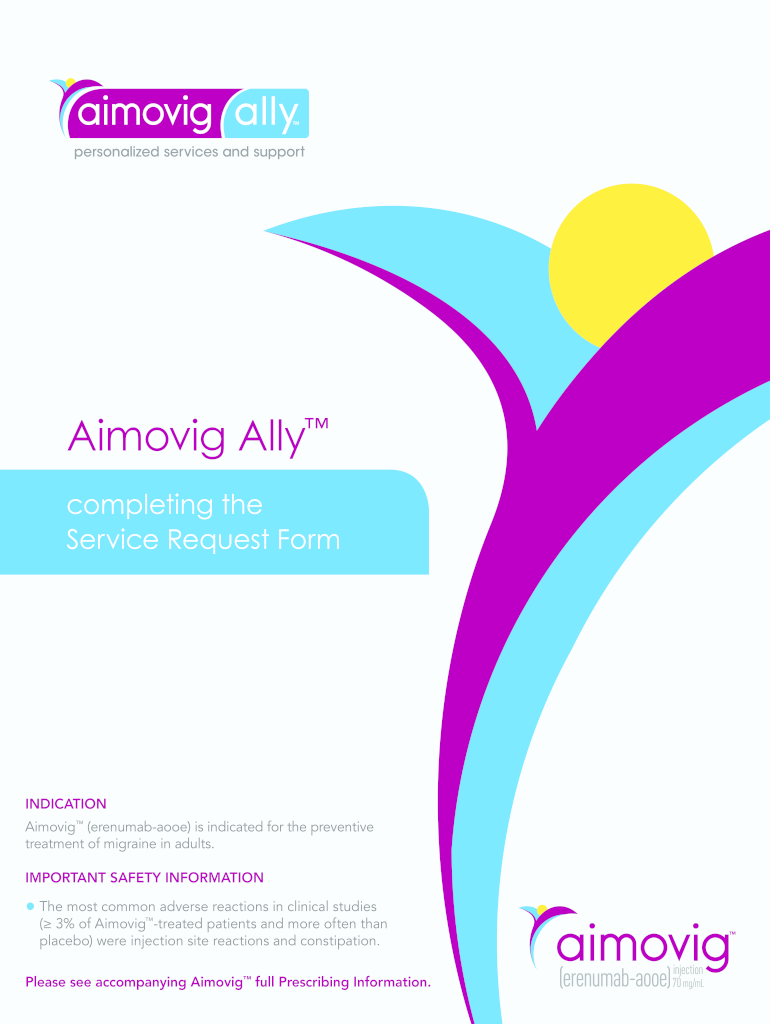
Click ‘Get Form’ to open the Aimovig Ally Service Request Form in the editor.
Begin by filling out the Patient Information section. Ensure all fields are completed, including the patient's name, date of birth, and contact information.
Next, move to the Prescription Insurance Information section. Input details such as Rx Group # and Rx BIN # accurately to avoid processing delays.
In the Prescriber & Prescription Information section, ensure that you attach a separate prescription if required by your state laws. Sign where indicated to validate the form.
Review all entries for accuracy. Once confirmed, submit electronically through our platform or fax it to 833-873-1499 for processing.
Start using our platform today for free and streamline your Aimovig Ally form submissions!
Aimovig Co pay Card 2026Aimovig Ally Access CardAimovig couponAimovig coupon $5Aimovig Co pay Card renewalAimovig co pay Card maxAimovig customer service phone numberAimovig copay card not working
Security and compliance
At DocHub, your data security is our priority. We follow HIPAA, SOC2, GDPR, and other standards, so you can work on your documents with confidence.
Aimovig. Patients may request a sharps container by calling Aimovig Ally Support at 1‐833‐. AIMOVIG (833‐246‐6844). What additional information is availableRead more
Cookie consent notice
This site uses cookies to enhance site navigation and personalize your experience.
By using this site you agree to our use of cookies as described in our Privacy Notice.
You can modify your selections by visiting our Cookie and Advertising Notice.