Type text, add images, blackout confidential details, add comments, highlights and more.
02. Sign it in a few clicks
Draw your signature, type it, upload its image, or use your mobile device as a signature pad.
03. Share your form with others
Send form sum 130 via email, link, or fax. You can also download it, export it or print it out.
How to use or fill out sum130 with our platform
Ease of Setup
DocHub User Ratings on G2
Ease of Use
DocHub User Ratings on G2
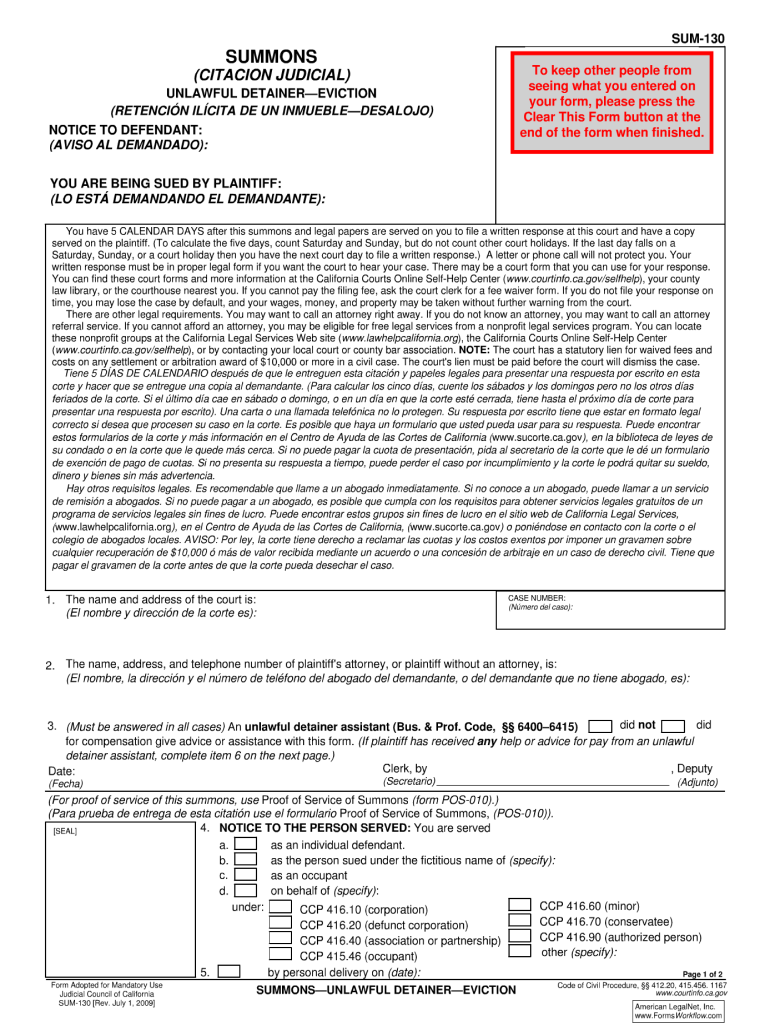
Click ‘Get Form’ to open the sum130 document in the editor.
Begin by reviewing the introductory section of the form, which typically outlines the purpose and necessary information required. Ensure you have all relevant details at hand.
Proceed to fill out personal information fields such as name, address, and contact details. Use clear and concise language to avoid any confusion.
Next, navigate to any specific sections that require additional documentation or signatures. Utilize our platform’s tools to easily insert your signature or upload supporting documents.
Finally, review all entered information for accuracy before submitting. Make sure every required field is completed to ensure a smooth processing of your form.
Start using our platform today for free and streamline your form completion process!
SUM-130 fillable formHow to fill out SUM-130UD 100SUM-130 pdfUD-101 formHow to fill out Unlawful Detainer formsPlaintiffs mandatory cover sheet and supplemental allegations unlawful detainer ud 101Forcible detainer vs unlawful detainer
Security and compliance
At DocHub, your data security is our priority. We follow HIPAA, SOC2, GDPR, and other standards, so you can work on your documents with confidence.
NOTICE! You have been sued. The court may decide against you without your being heard unless you respond within 10 days. You have 10 DAYS, not countingRead more
PLI PLUS is Practising Law Institutes research database which provides electronic access to the full collection of PLI Press publications. Practising LawRead more
Cookie consent notice
This site uses cookies to enhance site navigation and personalize your experience.
By using this site you agree to our use of cookies as described in our Privacy Notice.
You can modify your selections by visiting our Cookie and Advertising Notice.