




Here's how it works



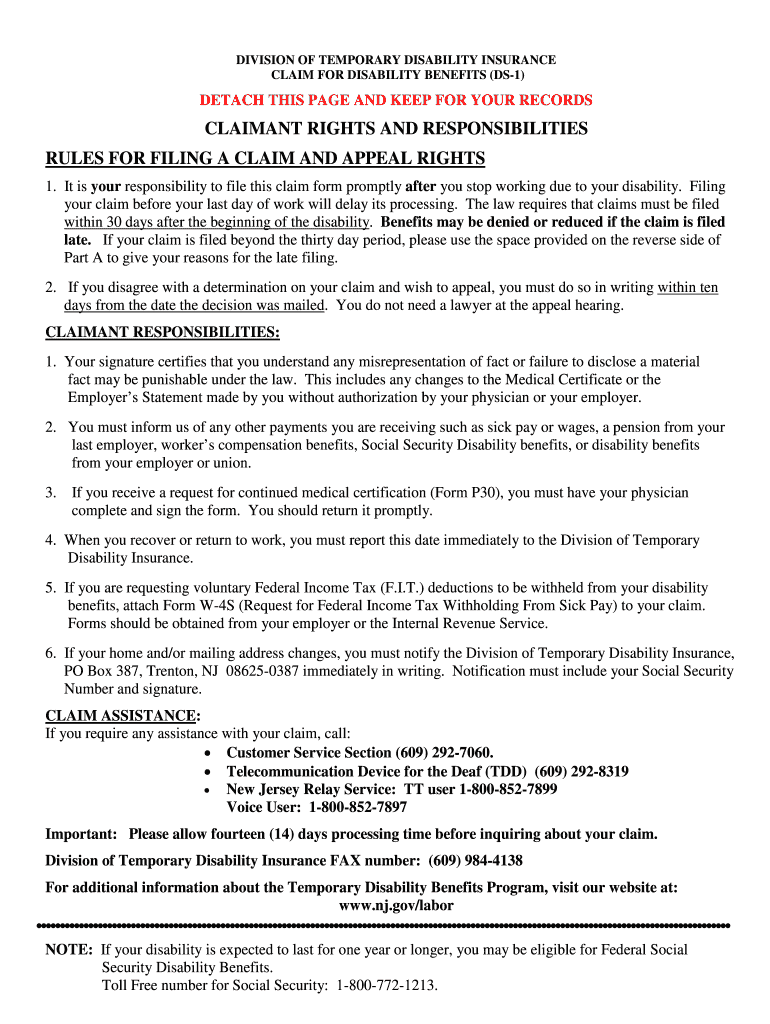
How to use or fill out wds 1 2014 form with our platform

- Click ‘Get Form’ to open the wds 1 2014 form in the editor.
- Begin with Part A. Fill in your full name, birth date, and Social Security Number clearly. Ensure that your home address is complete.
- In Item 9, indicate your citizenship status. If you are not a U.S. citizen, provide your Alien Registration Number and country of origin.
- Complete Items 12-15 with exact dates related to your disability and any emergency room care received. Be thorough to avoid delays.
- For Part A1, designate a representative if needed and sign the authorization. Include your contact number for follow-up.
- Ensure Parts B and C are completed by your doctor and employer respectively before submitting all parts together via mail or fax.
Start using our platform today to fill out the wds 1 2014 form online for free!
It's free
See more wds 1 2014 form versions
Got questions?
How can I create an electronic signature in my wds 1 2014 form on Android?
Signing documents on a mobile device is quick, simple, and doesn’t require software installation when you have an account with DocHub. Log in from any browser, fill in your blank fields with your information, and click on Sign → Create your signature. You can draw your electronic signature just as you usually do on paper, add its picture to your wds 1 2014 form, or type in your name and stylize its look. Whatever option you select, your document will be valid.
How do you edit wds 1 2014 form in Chrome?
If you are using Chrome, there are two easy ways to modify your wds 1 2014 form online. First, visit the DocHub site, add your document, and modify it using our toolbar. You may also set up our Chrome extension and modify any document by dragging and dropping it in your browser tab.
Security and compliance
At DocHub, your data security is our priority. We follow HIPAA, SOC2, GDPR, and other standards, so you can work on your documents with confidence.
Learn more


