




01. Edit your form online
Type text, add images, blackout confidential details, add comments, highlights and more.

Type text, add images, blackout confidential details, add comments, highlights and more.

Draw your signature, type it, upload its image, or use your mobile device as a signature pad.

Send it via email, link, or fax. You can also download it, export it or print it out.
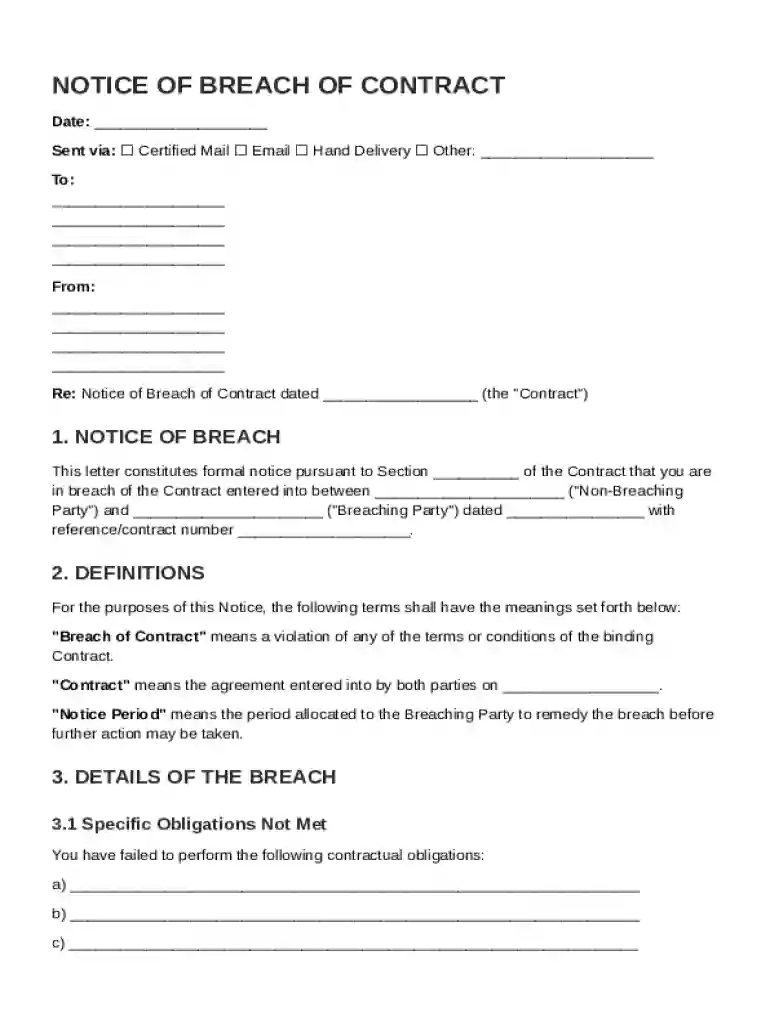
A Notice of Breach of Contract template is a formal document used in the United States to notify a party that has failed to fulfill their contractual obligations. It serves as an official communication to the breaching party, informing them of the specific terms violated and the impact of their actions. The notice functions as a critical legal instrument outlining the expectations for remediation, potential consequences, and legal actions for unresolved breaches.
The template is structured to include several essential components to ensure clarity and effectiveness. These elements typically include:
When utilizing a Notice of Breach of Contract template, it is important to follow specific steps to ensure the document serves its purpose effectively:
In the United States, the legal use of the Notice of Breach of Contract template is governed by specific regulations that dictate how such notices must be handled:
Filling out the Notice of Breach of Contract template involves several critical steps to ensure it is comprehensive and effective:
Various individuals and organizations may find the Notice of Breach of Contract template particularly useful, including:


Practical scenarios where the Notice of Breach of Contract template can be employed include:
Given the diverse legal frameworks across U.S. states, it's crucial to consider the following state-specific considerations:
When preparing a Notice of Breach of Contract, several documents are typically required to support the process:
At DocHub, your data security is our priority. We follow HIPAA, SOC2, GDPR, and other standards, so you can work on your documents with confidence.

The following is a sample clause for the arbitration of all future disputes between the parties before the AAA: Any controversy or claim arising out of or
To file a complaint, send a pre-complaint notice by certified mail, then submit the form with a copy of the notice, proof of mailing, and contract documents.
Institution BdocHub In the event of a BdocHub of contract by the Institution, the Contractor shall notify the Institution in writing within 30 days of any BdocHub


