01. Edit your form online
Type text, add images, blackout confidential details, add comments, highlights and more.

Type text, add images, blackout confidential details, add comments, highlights and more.

Draw your signature, type it, upload its image, or use your mobile device as a signature pad.

Send it via email, link, or fax. You can also download it, export it or print it out.
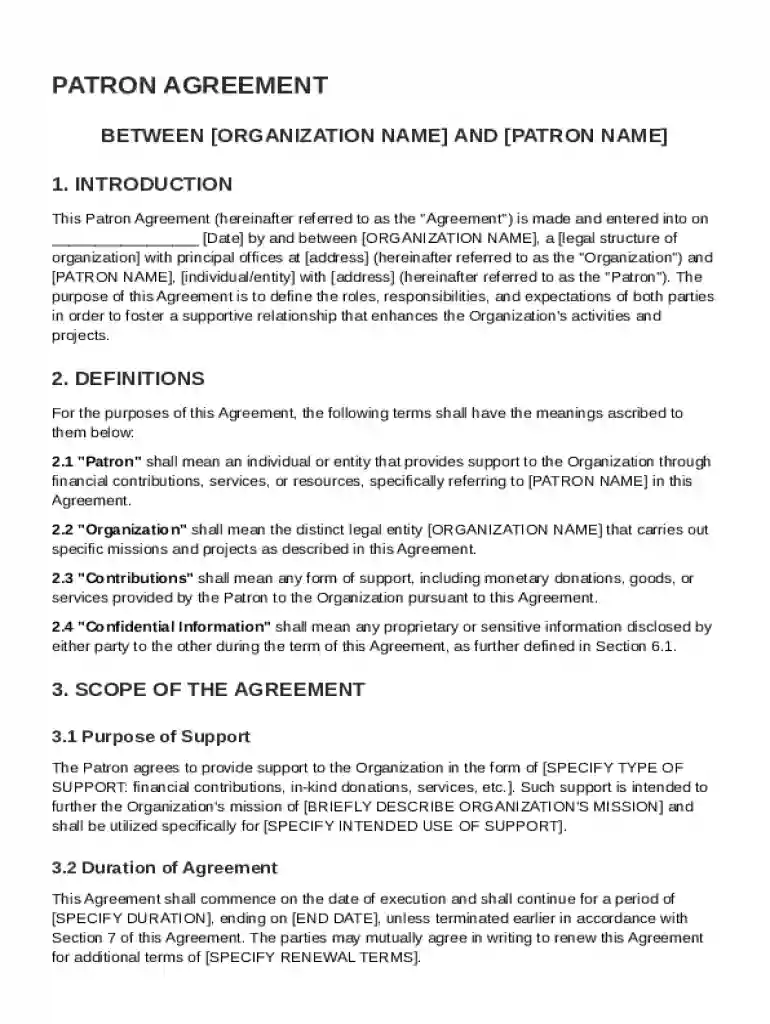
A Patron Agreement Template is a structured document used to formalize the terms and conditions between an organization and a patron. This agreement defines the roles, responsibilities, and expectations of both parties to foster a collaborative relationship. Typically, it includes details such as the scope of support provided by the patron, which may include financial contributions or active involvement, and the obligations of the organization, like acknowledgment and regular communication with the patron. Key elements of the agreement often cover confidentiality clauses, termination conditions, indemnification, liability limitations, and the governing law applied to the agreement.
Using a Patron Agreement Template involves several steps to ensure it fits the unique needs of your organization and patron. Start by thoroughly reviewing the template's content to understand the sections included. Then, customize specific areas to reflect the agreed-upon terms between your organization and the patron. This can include specifying the patron's contributions, detailing the organization's obligations, and clarifying communication expectations. It's critical to involve legal counsel to verify that the terms comply with relevant laws and regulations.
A well-drafted Patron Agreement Template contains several key elements to protect the interests of both the organization and the patron. Each component plays a role in ensuring the agreement's clarity and enforceability:
Completing a Patron Agreement Template requires attention to detail to ensure all necessary elements are covered:
The Patron Agreement Template is a legally binding document once signed by both parties. Its enforceability depends on the inclusion of clear, specific terms agreed upon by both the organization and the patron.
While the standard Patron Agreement Template provides a comprehensive structure, variations may exist to address different types of patron relationships. Organizations can develop alternative templates tailored to specific partnership models or industries.
The Patron Agreement Template is primarily used by non-profit organizations, cultural institutions, and educational entities seeking to formalize relationships with patrons. These agreements are beneficial in maintaining transparency and accountability:


Understanding key terminology associated with the Patron Agreement Template is essential for effective drafting and execution:
When deciding between digital and paper versions of the Patron Agreement Template, consider the advantages of each:
Digital Version:
Paper Version:
In sum, the digital option tends to offer enhanced convenience and security features crucial for modern document management processes.
At DocHub, your data security is our priority. We follow HIPAA, SOC2, GDPR, and other standards, so you can work on your documents with confidence.