






Definition and Meaning of Online Forms
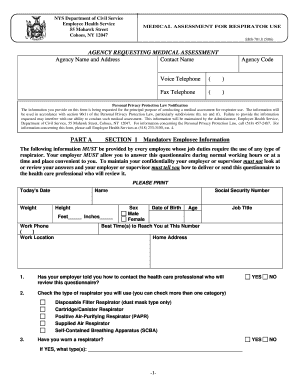
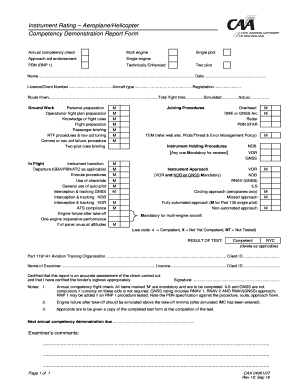
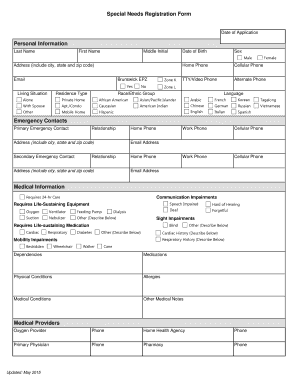
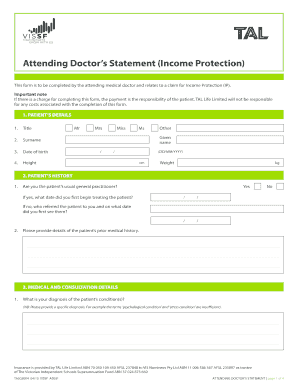
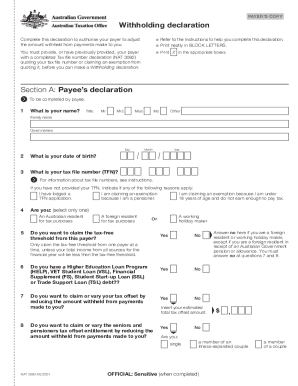
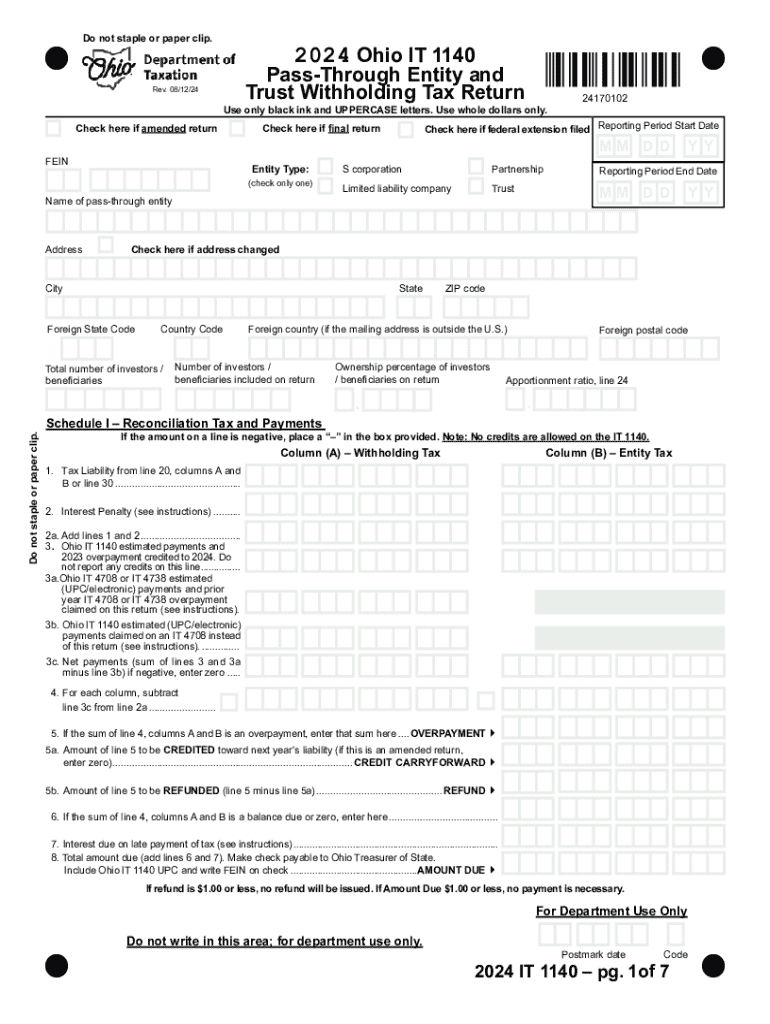
Online forms are digital representations of paper documents designed to facilitate data collection, submission, and processing over the internet. These forms are used across various sectors, including business, education, finance, and government, to streamline interactions that traditionally required physical forms. By converting tangible documents into digital ones, organizations can automate tasks, improve data accuracy, and enhance user convenience. Platforms like DocHub further simplify this transition by offering tools that allow users to edit, sign, and manage forms without needing extensive technical knowledge.
How to Use Online Forms
Online forms can be utilized in various ways depending on their purpose. Users typically begin by accessing the form through a link or a web portal. Each form includes fillable fields designed to capture specific information from the user. Platforms like DocHub enable users to fill out these forms with tools for typing, inserting signatures, and attaching files. After completing a form, users often have the option to review their entries before submitting it. Submissions can be instantly processed or queued for review, offering immediate or staggered responses based on the organization's workflow.
Steps to Complete an Online Form
- Access the Form: Open the form via a web link or through a platform like DocHub.
- Review Instructions: Read any instructions or guidelines accompanying the form to ensure accurate completion.
- Fill in the Information: Enter the required data into each field, ensuring all mandatory fields are completed.
- Attach Necessary Documents: Upload any necessary attachments using the platform's document upload tool.
- Add Signatures: If signatures are required, utilize available electronic signature tools to sign the form.
- Review Entries: Double-check all inputs for completeness and accuracy.
- Submit the Form: Use the designated button to submit the form for processing.
Common Challenges
- Missing mandatory fields can delay processing.
- Incorrect information can lead to form rejection.
- Technical issues can impede form submission if internet connectivity is unstable.
Why Should You Use Forms Online?
Using forms online offers numerous benefits such as improving efficiency, reducing time spent on physical document handling, and minimizing errors due to clear input guidelines. For businesses, online forms simplify data collection processes, enhance customer interactions, and can automatically integrate with other digital systems like databases and CRMs. Additionally, online forms are environmentally friendly, eliminating the need for paper-based documentation and contributing to sustainability efforts.
Important Terms Related to Online Forms
- Fillable Fields: Interactive areas of a form where users input information.
- Electronic Signature: A digital method of signing documents that is legally binding in many jurisdictions.
- Submission Confirmation: A notification acknowledging receipt of a submitted form.
- Form Templates: Pre-designed forms that can be used as-is or customized as needed.
Legal Use of Online Forms
Online forms must adhere to legal standards to ensure data protection and user privacy. For instance, complying with regulations such as the Electronic Signatures in Global and National Commerce Act (ESIGN Act) is crucial for recognizing electronic signatures as legally equivalent to handwritten ones. Additionally, data collected via online forms should comply with privacy laws such as the GDPR or HIPAA if relevant, protecting user information from unauthorized access or misuse.
Key Elements of Online Forms
- User Interface: Should be intuitive, allowing users to complete forms with ease.
- Data Validation: Mechanisms to ensure data entered is correct and meets expected formats (e.g., email validation).
- Security Features: Protocols such as SSL encryption to protect data during transmission.
- Attachments: Options for uploading additional documents necessary for form completion.
Examples of Using Online Forms
Online forms can be employed in diverse scenarios such as:
- Job Applications: Candidates can apply for positions through digital career portals.
- Tax Filing: Individuals can submit tax returns electronically through platforms that manage IRS forms.
- Customer Feedback: Companies can gather customer reviews and suggestions using online surveys.
State-Specific Rules for Online Forms
Rules governing online forms can vary significantly by state, especially for legal and government-related documents. For instance, specific procedures might apply for electronic submissions of state tax forms or business registrations. Some states may require additional certifications or verifications for forms to be accepted digitally. Always consult state regulations to ensure compliance when completing and submitting these forms online.