Understanding "Form Online"
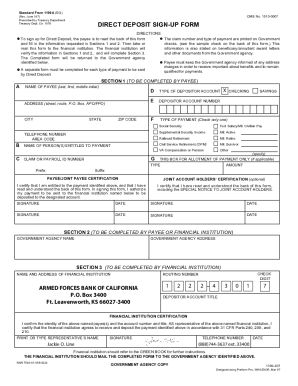
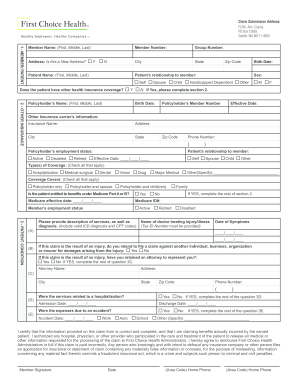
The term "form online" typically refers to a variety of document formats that are managed, completed, and submitted through internet-based platforms. Online forms are essential tools for collecting data, processing applications, and managing different types of transactions. They can be used for personal tax filings, business applications, surveys, or other administrative tasks that require organized data collection.
Types of Forms Available Online
Forms available online include tax forms, application forms, feedback forms, and registration forms. Each type serves a distinct purpose:
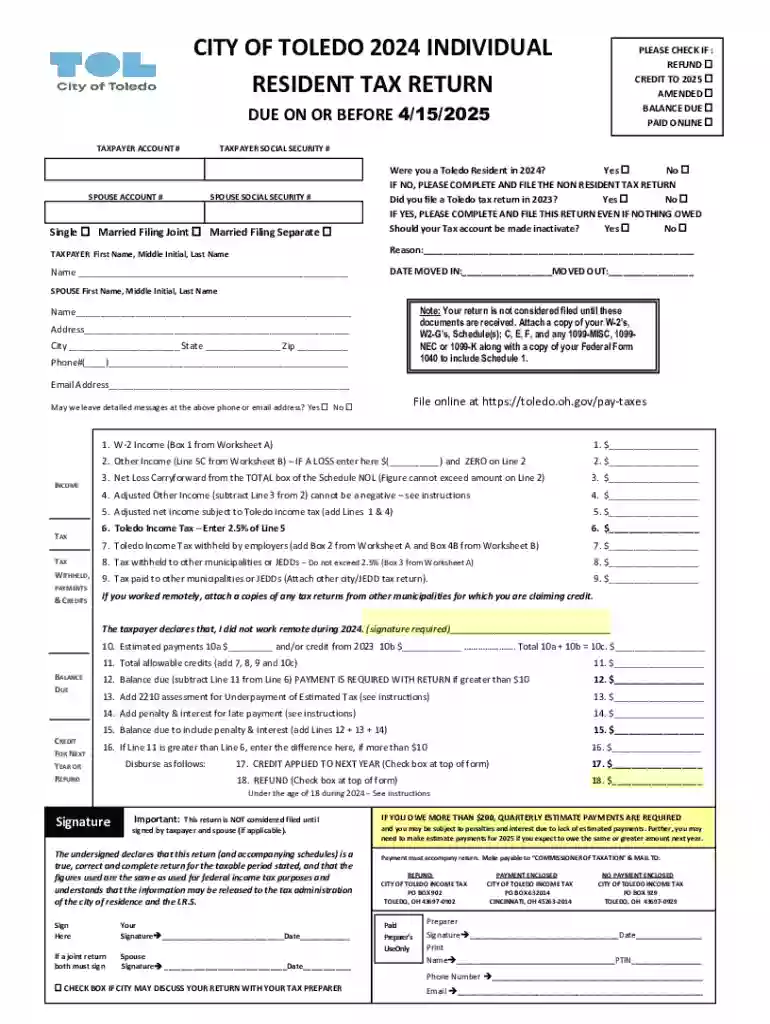
- Tax Forms: For filing state or federal taxes, such as the W-2 or 1040 forms.
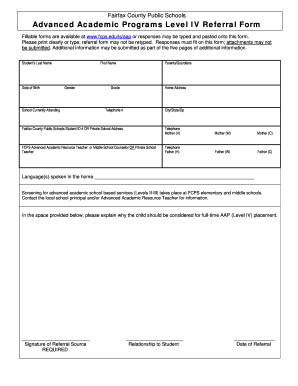
- Application Forms: Used for job applications, college admissions, and grant applications.
- Feedback and Surveys: Often employed by companies to gather customer feedback or employee inputs.
- Registration Forms: Utilized for events, courses, or memberships.
These forms are designed to streamline data collection and ensure accessibility from various devices.
How to Use the Form Online
Navigating online forms requires understanding their structure and intended purpose. Here's how you can effectively use them:
- Access the Platform: Start by visiting the hosting website or application offering the form.
- Choose the Form: Locate the specific form you need, whether it is for taxes, an application, or other purposes.
- Fill Out Required Information: Complete all mandatory fields, which may vary depending on the form’s complexity.
- Review for Accuracy: Double-check all entered data to ensure it is accurate and complete.
- Submit Online: Once reviewed, submit the form directly through the platform, ensuring any confirmations or receipts are saved.
Online platforms provide features like auto-saving and form validation to facilitate ease of use and prevent accidental data loss.
Steps to Complete the Form Online
Completing an online form follows a structured approach:
- Identify Required Fields: Determine which fields are mandatory to ensure all necessary information is provided.
- Enter Data: Input your information accurately into the designated fields. This can include personal details, responses to questions, or specific document uploads.
- Utilize Help Features: Use any available help buttons or guides offered on the form for clarification on the requirements.
- Attach Documents: If the form requests supporting documents, such as W-2s for tax forms, ensure these are uploaded in the correct format.
- Submit Form: Finalize your data entry and submit the form, looking for confirmation messages that signal successful submission.
These steps are universal across most online forms, making them adaptable to various needs.
Importance of Form Online Submission
Submitting forms online offers several advantages over traditional paper forms:
- Efficiency: Online forms can be processed more quickly, reducing delay times for approvals and responses.
- Accessibility: These forms are accessible from anywhere with an internet connection, providing flexibility for users globally.
- Environmental Impact: Digital forms reduce paper consumption, contributing to environmental sustainability.
- Security: Platforms often use encryption and authentication protocols to protect user data, enhancing overall security.
These benefits make online forms advantageous for individuals and organizations aiming for streamlined operations.
Examples of Using the Form Online
Examples of online form usage illustrate their versatility:
- Tax Filing: Many use forms online to file annual tax returns, spreading the workload over the tax season while ensuring compliance with IRS regulations.
- Job Applications: Job seekers submit resumes and cover letters via employment websites, using online forms to streamline the hiring process.
- Event Registration: Event organizers use forms to collect attendee information, manage RSVP lists, and process payments securely.
These scenarios reflect how diverse industries leverage online forms for efficient data handling.
IRS Guidelines and Online Tax Forms
When dealing with US tax forms online, understanding IRS guidelines is crucial:
- Form Selection: Choose the correct tax forms, such as W-9 or 1099, per your filing requirements.
- Submission Deadline: Adhere to IRS filing deadlines to avoid penalties.
- Electronic Signatures: Ensure any required signatures comply with legal standards for electronic documents.
These guidelines help taxpayers utilize online platforms for accurate and compliant tax submissions.
Legal Use of Forms Online
Legality in online form submissions is paramount:
- Signature Legality: Electronic signatures are recognized under laws like the ESIGN Act, providing legal standing to digital documents.
- Data Privacy Laws: Compliance with laws such as GDPR (for EU citizens) or CCPA (for California residents) helps protect user data during online transactions.
Understanding these legalities ensures that online forms are used ethically and in compliance with legal standards.
Key Elements of Online Form Platforms
Understanding the essential elements of online form platforms is vital for effective usage:
- User Interface: An intuitive design aids users in completing forms efficiently without requiring extensive technical know-how.
- Field Variety: Platforms should offer diverse field types, including text boxes, checkboxes, dropdown menus, and signature fields.
- Backend Analytics: Many platforms provide analytics tools to assess form submissions, offering insights into data patterns and user behavior.
These features make online forms a versatile tool for modern data management needs.