01. Edit your form online
Type text, add images, blackout confidential details, add comments, highlights and more.

Type text, add images, blackout confidential details, add comments, highlights and more.

Draw your signature, type it, upload its image, or use your mobile device as a signature pad.

Send it via email, link, or fax. You can also download it, export it or print it out.
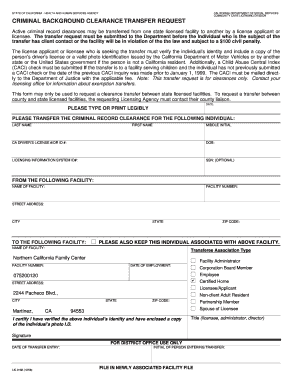
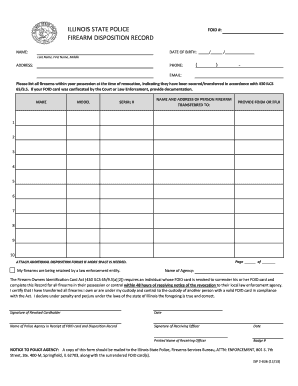
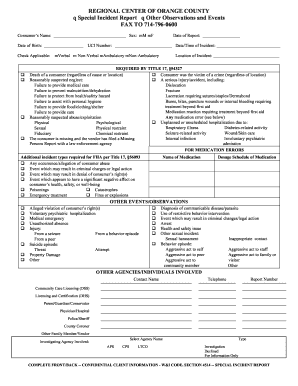
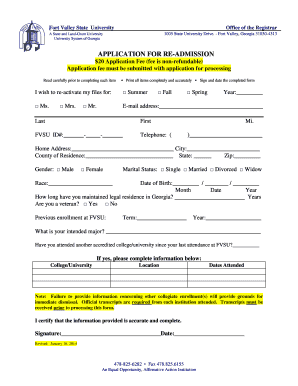
The term "form online" typically refers to digital versions of traditional paper forms that can be completed and submitted through internet-based platforms. This form format allows users to input information directly into a structured digital document, which can be used across various contexts such as legal, financial, educational, and commercial sectors. Online forms provide the convenience of remote access and immediate submission, enhancing both the speed and efficiency of transactions compared to their paper counterparts. They often include interactive fields like checkboxes and dropdown menus that guide users in entering data correctly.
Using a form online starts with accessing the specific form you need. This typically involves visiting the official website of the service or organization providing the form, such as government agencies, educational institutions, or private companies. Once the form is accessed, users must fill in the required fields, which may include text areas for personal details, checkboxes for options, and dropdown menus for selections. Online platforms often include guidance tools such as tooltips or instructions to help users correctly fill out the form. After completion, the form can be submitted digitally, and users may receive a confirmation or reference number, indicating successful submission.
Obtaining a form online usually involves a straightforward process. Start by identifying the official source hosting the form, which is often a government or institutional website. Use search tools on these websites or appropriate search engines with specific keywords to locate the desired form. Many organizations have dedicated sections for downloadable forms, making it easy to find and access the documents you need. Ensure that you are on a secure and official site to avoid phishing scams or accessing unofficial versions. Once located, forms can often be downloaded directly as PDFs or other compatible formats for completion.
Using a form online offers numerous advantages. Primarily, it allows for greater speed and efficiency, as forms can be completed and submitted instantly from any device with internet access. This eliminates the need for physical travel or mailing delays. Online forms reduce paper use, contributing to environmental sustainability. Additionally, most online platforms incorporate security features like encryption to protect personal information, which may enhance the safety of sensitive data compared to traditional paper forms. Furthermore, digital forms often come with built-in validation checks that reduce errors by ensuring data is entered in the correct format.
Online forms contain various essential elements designed to streamline data input and enhance user experience. Typically, these elements include text fields for inputting names, addresses, and other detailed information. Checkboxes and radio buttons are used for selecting options, while dropdown menus offer a list of predefined choices to maintain data consistency. Online forms may also include digital signature fields to authenticate documents legally. Validation and error-checking mechanisms ensure that data entered meets required formats, minimizing errors. Furthermore, forms may incorporate sections for user instructions, providing guidance on accurate form completion.
Online forms must adhere to legal standards, particularly regarding data protection and privacy. Legal frameworks like the Electronic Signatures in Global and National Commerce Act (ESIGN Act) in the United States give digital signatures the same legality as hand-signed ones, allowing certain online forms to be used for transactions that require legally binding agreements. Additionally, platforms hosting online forms need to comply with the General Data Protection Regulation (GDPR) for European audiences or similar privacy laws to ensure users' data is securely handled. It's crucial for users to understand the form's legal implications upon submission and review any terms and conditions provided.
Online forms are typically compatible with various software and platforms to ensure broad access and usability. Most online forms are designed as fillable PDFs, which are compatible with software like Adobe Acrobat Reader, and can be completed on both Windows and Mac OS platforms. For users of Google Workspace, forms can often be accessed and edited directly within Google Docs or Sheets. Compatibility extends to mobile devices, with many forms optimized for completion via web browsers on smartphones and tablets. Furthermore, integration with cloud storage services like Dropbox or Google Drive facilitates easy access and storage of completed forms.
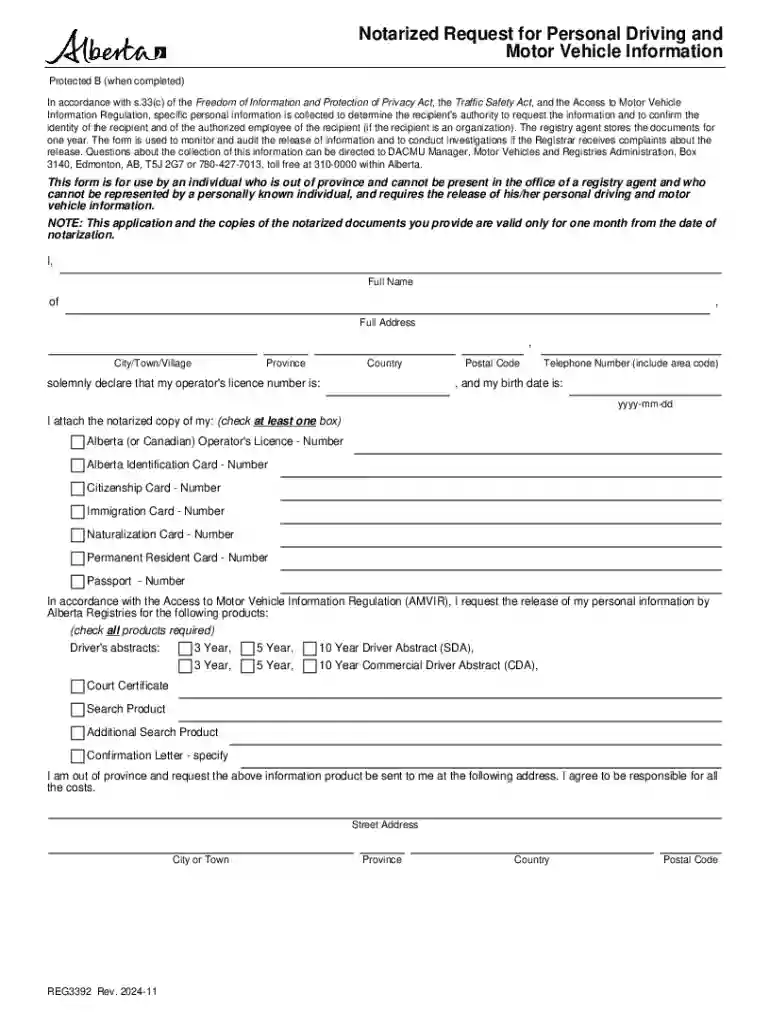
We've got more versions of the Alberta Request for Personal Driving and Motor Vehicle Information form. Select the right Alberta Request for Personal Driving and Motor Vehicle Information version from the list and start editing it straight away!
At DocHub, your data security is our priority. We follow HIPAA, SOC2, GDPR, and other standards, so you can work on your documents with confidence.