



01. Edit your form online
Type text, add images, blackout confidential details, add comments, highlights and more.

Type text, add images, blackout confidential details, add comments, highlights and more.

Draw your signature, type it, upload its image, or use your mobile device as a signature pad.

Send it via email, link, or fax. You can also download it, export it or print it out.
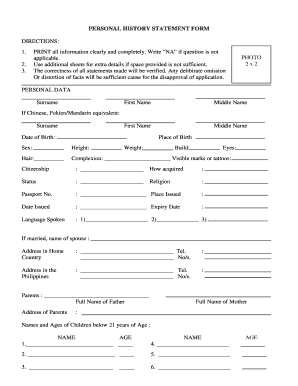
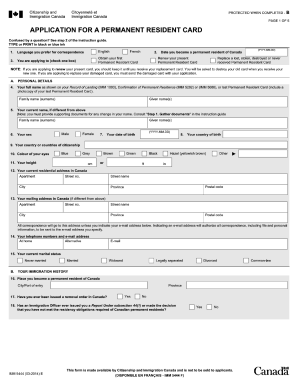
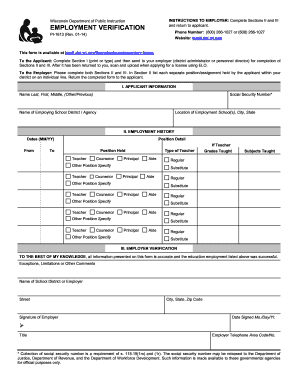
Understanding the concept of "form online" is essential for those who need to manage and submit documents in a digital environment. Essentially, a form online is a digital version of a paper form, designed to be filled out using a computer or mobile device. These forms are used across various sectors, including taxation, business registration, and legal documentation. They mimic the structure and fields of their paper counterparts but are optimized for online completion and submission. By completing forms online, users can streamline the process, reduce errors, and ensure faster processing.
To utilize a form online, start by accessing the required document through a digital platform like DocHub. Once accessed, follow these steps:
Open the Form: Use a compatible device to open the form in an editing tool. Platforms like DocHub facilitate easy viewing and editing.
Fill Out Required Fields: Complete each field as directed, ensuring accuracy to avoid submission errors. Use available tools for text entry, dropdown selections, and checkbox marking.
Insert Signatures if Needed: Many online forms require electronic signatures. DocHub allows the user to draw, type, or upload a signature.
Review: Double-check all entered information for mistakes or omissions to ensure compliance and correctness.
Submit: Once all information is filled in, submit the form through the online portal as per the instructions specified by the issuing authority.
Forms can be obtained online through various governmental and organizational websites. Here’s a step-by-step approach:
Identify the Required Form: Determine which specific form is needed for your task, such as tax filings or business registrations.
Visit Official Websites: Go to the official website of the issuing authority, like the IRS for tax forms or the state government site for local forms.
Download the Form: Most forms are available in PDF format. They can be downloaded to your device for future use.
Use DocHub to Access It: Once downloaded, you can upload the form to DocHub for easy editing and management.
Completing a form online involves a series of methodical steps designed to facilitate accuracy and compliance:
Prepare Necessary Information: Gather all required information before starting the form, such as identification numbers, relevant dates, and financial data.
Access the Form: Use a reliable platform like DocHub to access and edit the form online.
Fill in Personal Data Accurately: Ensure personal details like names and addresses are entered correctly.
Attach Required Documents: Some forms require additional documents. Attach any necessary documentation as instructed.
Submit: Follow instructions for online submission, ensuring you comply with all guidelines and formats.
Filing forms online presents numerous advantages:
Various individuals and organizations use online forms:

Familiarity with essential terms enhances understanding and use of online forms:
Legal compliance is integral when using online forms:
Typical elements found in online forms include:
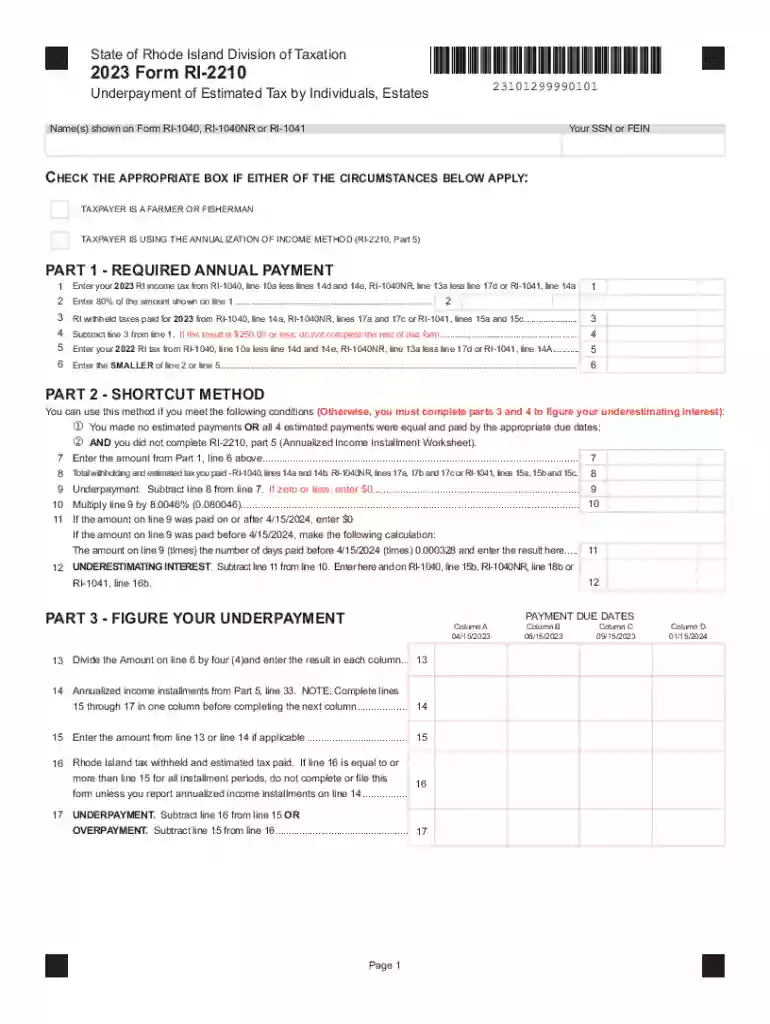
We've got more versions of the Rhode Island 2023 Form RI-2210 form. Select the right Rhode Island 2023 Form RI-2210 version from the list and start editing it straight away!
At DocHub, your data security is our priority. We follow HIPAA, SOC2, GDPR, and other standards, so you can work on your documents with confidence.

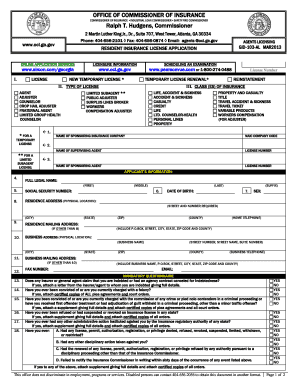


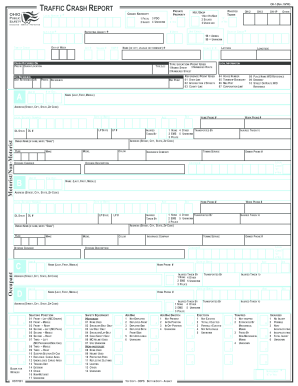
Jan 20, 2026 RI-2210 (2025) Underpayment of Estimated Tax by Individuals PDF file, RI-2210A (2025) Underpayment of Estimated Tax by Individuals
RI-2210A (2022). Underpayment of Estimated Tax by Individuals Shortcut Method. PDF file, less than 1mb. RI-2848.Read more


