




01. Edit your form online
Type text, add images, blackout confidential details, add comments, highlights and more.

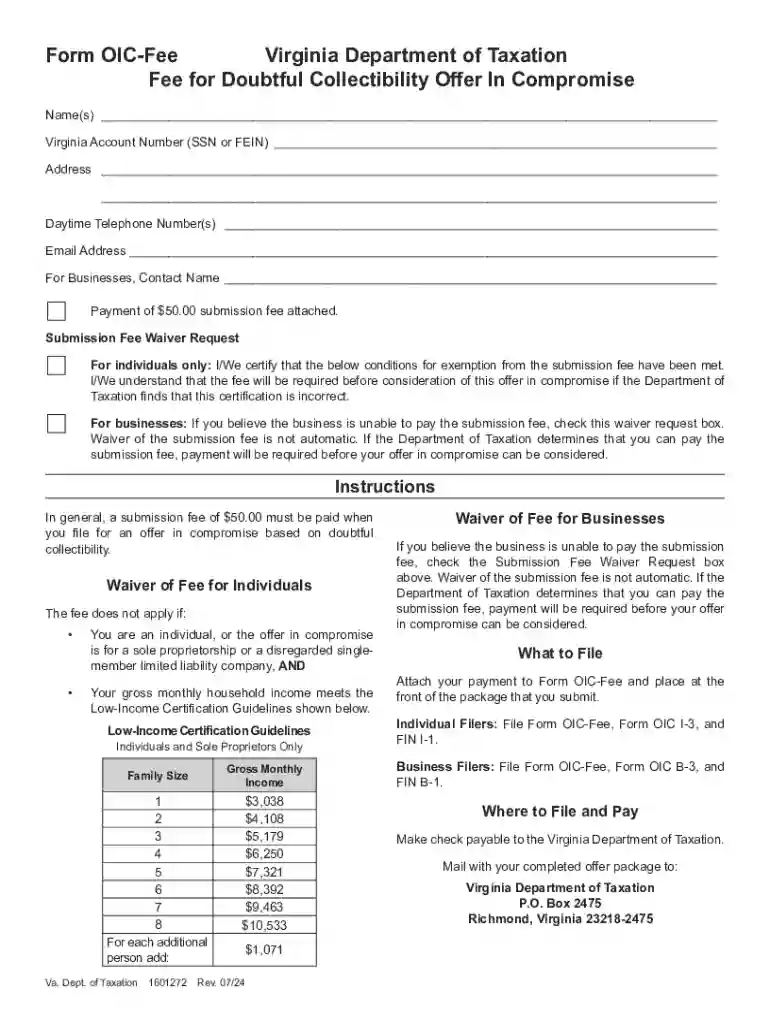
Type text, add images, blackout confidential details, add comments, highlights and more.

Draw your signature, type it, upload its image, or use your mobile device as a signature pad.

Send it via email, link, or fax. You can also download it, export it or print it out.
The term "form online" refers to digital forms available on the internet that individuals or organizations can fill out and submit electronically. These forms serve various purposes, including applications, data collection, and agreements. They are designed to streamline processes by eliminating the need for paper forms and allowing for immediate submission and processing. Online forms are integral in settings ranging from personal use, like signing a lease agreement, to business contexts, such as submitting tax documents or employee evaluations.
Using online forms offers numerous advantages. It enhances efficiency by enabling instant submission and reduces the risk of errors through validation features that check for missing or incorrect information. Online forms also ensure accessibility, allowing users to complete them from diverse devices and locations. Security is often heightened with encryption protocols, safeguarding sensitive data during transmission. These forms facilitate easy data management, as digital submission allows for straightforward integration with databases or software platforms, streamlining both data collection and retrieval.
To use a form online effectively, follow these steps:
Completing a form online can be broken down into a series of structured steps:
Online forms are legally binding and comply with various international and domestic regulations. They often contain embedded digital signature capabilities that adhere to electronic signature laws such as the ESIGN Act in the United States. To maintain legal validity, ensure that forms are filled out accurately, and necessary fields marked for legal acceptance are duly completed. Ensure to follow all jurisdiction-specific guidelines related to electronic submissions to avoid potential legal pitfalls.
A broad cohort of individuals and organizations uses online forms. They are widely adopted by businesses for operations management, HR processes, and customer interactions. Government agencies leverage them for tax submissions, permit applications, and regulatory compliance. Educational institutions use online forms for student enrollment and records management. Nonprofits and healthcare providers use them for registrations and consent forms. Essentially, anyone needing streamlined data collection or document submission benefits from using forms online.
Several key terms are associated with forms online:
Forms online generally feature compatibility with various software solutions like TurboTax or QuickBooks, enhancing ease of use and integration into existing workflows. Compatibility ensures users can pull or push data efficiently between these platforms and online forms, ensuring seamless work processes. This is particularly useful for businesses that rely on such software for accounting, tax preparation, and organizational tasks. Compatibility means that users can interact with forms without unforeseen technical barriers, making the process fluid and efficient.
We've got more versions of the Virginia Doubtful Collectibility Offer In Compromise Form form. Select the right Virginia Doubtful Collectibility Offer In Compromise Form version from the list and start editing it straight away!
At DocHub, your data security is our priority. We follow HIPAA, SOC2, GDPR, and other standards, so you can work on your documents with confidence.
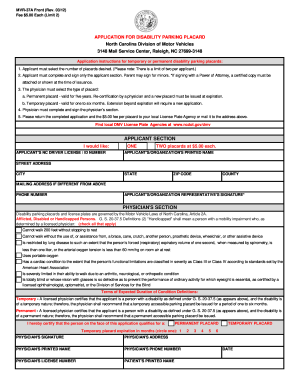

by S Tillman 2026 This booklet allows a taxpayer to submit a Doubt as to Collectibility and Effective Tax Administration offers.
Financial Hardship (Doubtful Collectibility) Individuals: Form OIC I-3, FIN I-1, OIC-Fee Businesses: Form OIC B-3, FINB-1, OIC Fee.Read more


