




01. Edit your form online
Type text, add images, blackout confidential details, add comments, highlights and more.

Type text, add images, blackout confidential details, add comments, highlights and more.

Draw your signature, type it, upload its image, or use your mobile device as a signature pad.

Send it via email, link, or fax. You can also download it, export it or print it out.
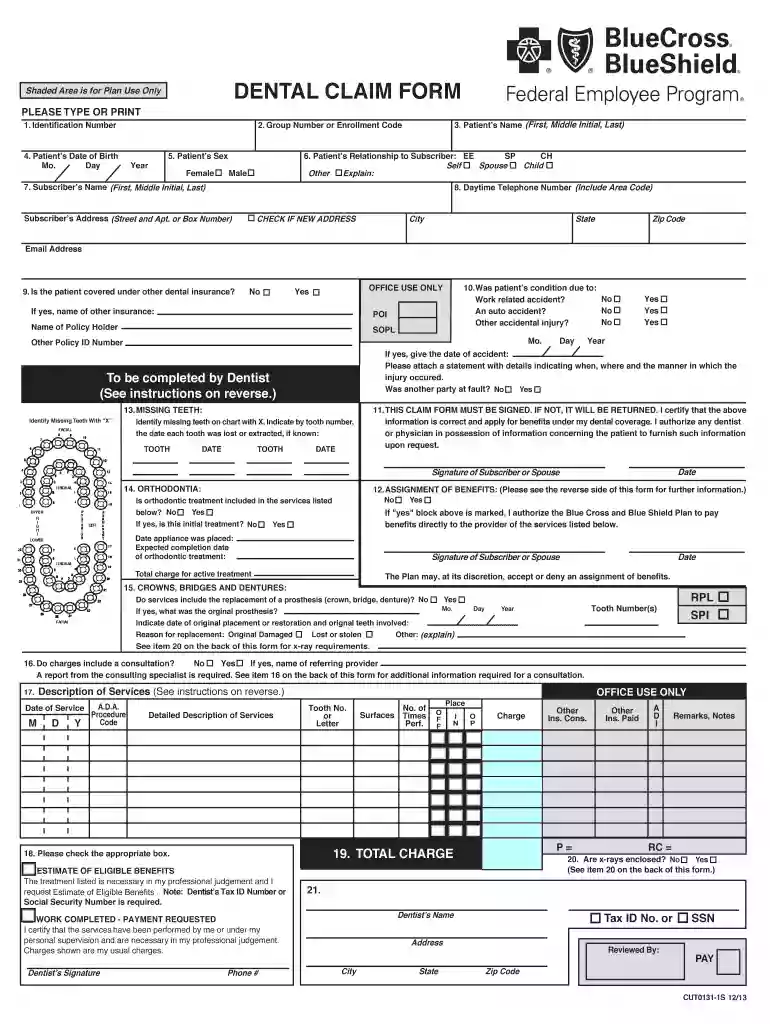
The phrase "Shaded Area is for Plan Use Only" applies to designated sections of forms or documents that are reserved for specific administrative, official, or technical uses. These areas are typically used by the issuing organization or authority to input data relevant to processing, tracking, or further detailing the document's contents. Users are generally instructed not to fill out these sections, as they are reserved for internal purposes. This ensures the integrity, accuracy, and proper handling of the form during its lifecycle.
Understanding what might be included in the "Shaded Area" sections can be beneficial:
These elements are crucial for internal record-keeping and ensuring proper document flow.
The shaded areas are primarily used by personnel or systems associated with the entity issuing and processing the document:
Restricting the use of this area maintains the accuracy and consistency required for official documents.


Typically, the steps to interact with the shaded area (if ever required by internal users) might include:
The shaded areas hold legal significance:
This alignment with legal standards is critical in industries such as healthcare, finance, and government.
Understanding certain terms is pivotal to comprehend the full context:
Familiarity with these terms ensures correct interpretation and use of related documents.
Practical scenarios illustrate the use of shaded areas:
These examples highlight the specialized nature of shaded areas in documentation processes.
When interacting with forms that include shaded areas, specific documents may be required:
Having the right documentation ensures streamlined and compliant handling of forms.
We've got more versions of the Shaded Area is for Plan Use Only form. Select the right Shaded Area is for Plan Use Only version from the list and start editing it straight away!
| Versions | Form popularity | Fillable & printable |
|---|---|---|
| 2023 | 4.4 Satisfied (32 Votes) | |
| 2023 | 4.2 Satisfied (49 Votes) | |
| 2022 | 4.8 Satisfied (55 Votes) | |
| 2020 | 4.8 Satisfied (247 Votes) | |
| 2020 | 4.8 Satisfied (101 Votes) | |
| 2020 | 4.4 Satisfied (134 Votes) | |
| 2020 | 4.8 Satisfied (261 Votes) | |
| 2020 | 4.8 Satisfied (117 Votes) | |
| 2020 | 4.3 Satisfied (26 Votes) | |
| 2020 | 4.7 Satisfied (51 Votes) | |
| 2020 | 4.2 Satisfied (36 Votes) | |
| 2020 | 4.1 Satisfied (59 Votes) | |
| 2020 | 4.5 Satisfied (39 Votes) | |
| 2019 | 4.8 Satisfied (130 Votes) | |
| 2019 | 4.8 Satisfied (79 Votes) |
At DocHub, your data security is our priority. We follow HIPAA, SOC2, GDPR, and other standards, so you can work on your documents with confidence.


