BP: Pulse: 2026

Get Form
BP: Pulse: Preview on Page 1

Here's how it works

01. Edit your form online
Type text, add images, blackout confidential details, add comments, highlights and more.

02. Sign it in a few clicks
Draw your signature, type it, upload its image, or use your mobile device as a signature pad.

03. Share your form with others
Send it via email, link, or fax. You can also download it, export it or print it out.

How to use or fill out BP: Pulse: with our platform

Form edit decoration
9.5
Ease of Setup
DocHub User Ratings on G2
9.0
Ease of Use
DocHub User Ratings on G2
  1. Click ‘Get Form’ to open the BP: Pulse: document in the editor.
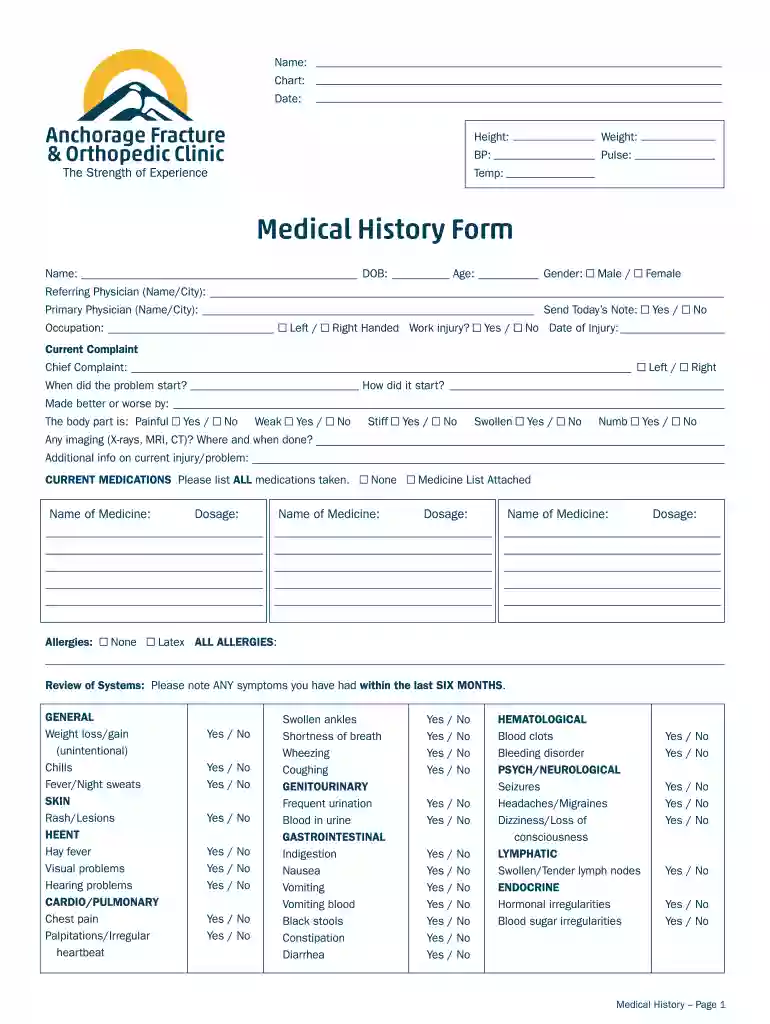
  2. Begin by entering your personal information at the top, including your Name, Date, Height, and Weight. Ensure accuracy for effective medical assessment.
  3. Fill in the Medical History section. Provide your Date of Birth, Age, and Gender. Indicate any referring or primary physician details as needed.
  4. In the Current Complaint section, describe your chief complaint and its onset. Use checkboxes to indicate symptoms like pain or swelling.
  5. List all current medications under CURRENT MEDICATIONS. Include dosage information for each medication.
  6. Complete the Review of Systems by checking any symptoms experienced in the last six months across various categories.
  7. Finally, sign and date the form at the bottom to confirm accuracy before submission.

Start filling out your BP: Pulse: form today for free using our platform!

See more BP: Pulse: versions

We've got more versions of the BP: Pulse: form. Select the right BP: Pulse: version from the list and start editing it straight away!
Versions Form popularity Fillable & printable
2019 4.2 Satisfied (47 Votes)
2015 4 Satisfied (45 Votes)
be ready to get more

Complete this form in 5 minutes or less

Get form

Got questions?

We have answers to the most popular questions from our customers. If you can't find an answer to your question, please contact us.
Contact us
Pricing: Flat-Rate Subscription vs. Some operators charge a monthly fee (in exchange for a lower per-kWh rate), while others only charge for what you consume. If you drive frequently, a paid subscription can quickly pay for itself. However, for occasional use, avoiding fixed monthly costs may be more advantageous.
With a bp pulse full membership subscription, you can enjoy our best value on the go tariffs to charge on the bp pulse network, starting from 0.44/kWh. Youll also get access to free charging on selected bp pulse points - all for just 7.85 (inc VAT) per month. Oh, and all new members get 1 months free subscription*.
bp pulse is bps global EV charging infrastructure business. We provide EV charging through our network in the UK and globally - for both the public, and commercial partners - in addition to transforming real estate sites into fully-funded EV charging hubs.
BP is only really worth it if you dont have many other options available to you. I think its around 7.50 a month. Tesla and ionity both do a subscription for cheaper rates too, but I dont know ionity rates. I spend an awful amount of time on zapmap looking at all of the charge points to see speeds/prices.
Prior to commencement of each bp pulse charging session, there will be a temporary pre-authorisation charge to confirm your payment method. This is to ensure your payment method is valid and to protect our customers from fraudulent activities.
be ready to get more

Complete this form in 5 minutes or less

Get form

People also ask

Pricing may vary between bp pulse locations. Is there a memberships/ subscription? You dont need a membership or subscription to pay for your charge.
How Much Does Charging Cost? Pricing is flexible depending on the time of day you charge. Peak hours, from 2 pm to 10 pm, run $0.60 per kWh, on the high side for public charging. The rest of the day, the price drops to a more reasonable $0.40 per kWh.

Related links