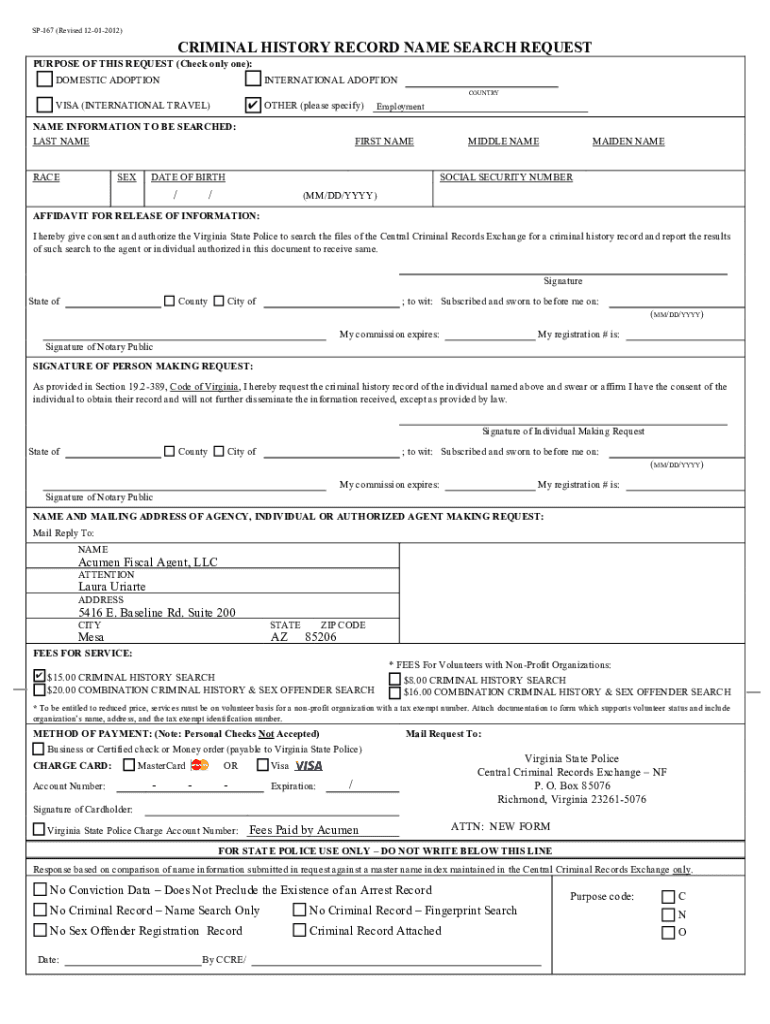
Type text, add images, blackout confidential details, add comments, highlights and more.
02. Sign it in a few clicks
Draw your signature, type it, upload its image, or use your mobile device as a signature pad.
03. Share your form with others
Send acumen dci portal sign in via email, link, or fax. You can also download it, export it or print it out.
How to use or fill out employee packet acumen fiscal agent with our platform
Ease of Setup
DocHub User Ratings on G2
Ease of Use
DocHub User Ratings on G2
Click ‘Get Form’ to open the employee packet in the editor.
Begin with the I-9 Employment Eligibility Verification. The employee must complete Section I, providing their personal information such as name, address, and date of birth.
As the employer, fill out Section II of the I-9 form. Ensure you enter the correct date when the employee will start working. If this date changes, it is your responsibility to update and resubmit the form within three days.
Gather copies of acceptable documents that support the I-9 form. Make sure these copies are clear and readable.
Complete the W-4 Employee’s Withholding Allowance Certificate by following instructions available on www.irs.gov.
Fill out Form VA-4 for Virginia tax exemptions, referring to https://www.tax.virginia.gov/forms/ for guidance.
Complete additional forms such as the Personal Assistant Service Agreement and Employee Agreement as required.
Once all forms are completed, fax or mail them to Acumen for processing. Wait for notification before allowing any work to commence.
Start using our platform today to streamline your document editing and submission process!
Fill out employee packet acumen fiscal agent online It's free
See more employee packet acumen fiscal agent versions
We've got more versions of the employee packet acumen fiscal agent form. Select the right employee packet acumen fiscal agent version from the list and start editing it straight away!
Typical new hire packets include items like a welcome letter, an employee handbook, an employment contract, tax forms, direct deposit forms, health insurance information, and benefits package details.
What does an Acumen Fiscal Agent do?
Acumen Fiscal Agent has 466 total employees.
Does a hiring packet mean I got the job?
There is a title, What Is a New Hire Packet? with the explanation, It includes forms that a new employee completes before employers officially hire them.
What is an employee pack?
Whether it comes in a box, a bag, or is laid out on their desk, the welcome package is carefully curated to match the companys brand, culture, and for the team member receiving it. The package typically contains a mix of practical and fun products that helps the employee to comfortably settle into their role.
Remember, every company is unique, and your onboarding packet should reflect what makes sense for your organization. The welcome letter is the new hires formal welcome to the team. It should detail the job title, salary, start date, work schedule, reporting structure, and any other relevant employment conditions.
acumen fiscal agent login
REDACTED - Arkansas Department of Human Services
Jun 1, 2022 Acumen. Please call 877-824-9356 if you have any questions. I hereby authorize Acumen Fiscal Agent (Acumen):. 1. To file form SS-4 on myRead more
Methodist University Employee Handbook February 2025
An employee must be scheduled 35 or more hours per week for a minimum of nine months of the year during the fiscal year, earns at least $684 during any week
Cookie consent notice
This site uses cookies to enhance site navigation and personalize your experience.
By using this site you agree to our use of cookies as described in our Privacy Notice.
You can modify your selections by visiting our Cookie and Advertising Notice.