




01. Edit your form online
Type text, add images, blackout confidential details, add comments, highlights and more.

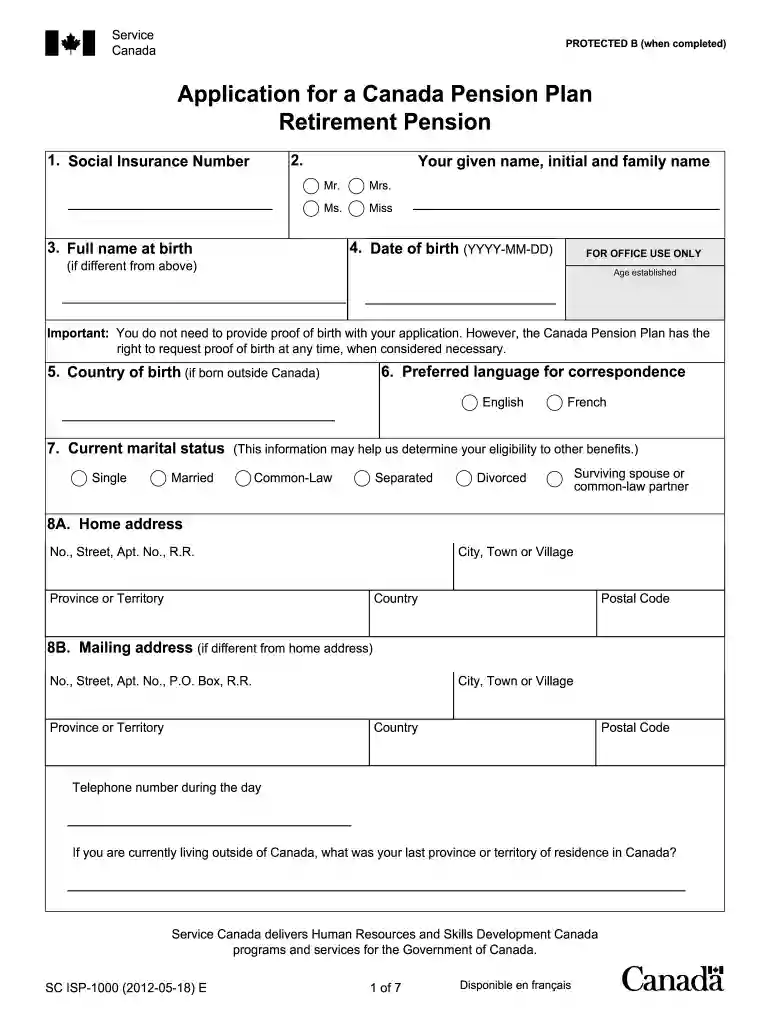
Type text, add images, blackout confidential details, add comments, highlights and more.

Draw your signature, type it, upload its image, or use your mobile device as a signature pad.

Send it via email, link, or fax. You can also download it, export it or print it out.

Start filling out your Canada Pension Plan forms today using our platform for free!
We've got more versions of the canada pension plans forms 2012 form. Select the right canada pension plans forms 2012 version from the list and start editing it straight away!
Yes, you can use DocHub for signing any business and personal paperwork, including your canada pension plans forms 2012. All eSignatures you create with our tool are legally binding and court-admissible, as DocHub complies with criteria required by ESIGN and UETA. Save your completed form with a detailed Audit Trail if necessary.
You can get and modify your canada pension plans forms 2012 online by using DocHub. Its simple but feature-rich design enables you to start effective work right after you sign up your account. Create your profile and add your file, then our interface will guide you via our stress-free form completion experience.
At DocHub, your data security is our priority. We follow HIPAA, SOC2, GDPR, and other standards, so you can work on your documents with confidence.
In 2010 a split assessment was introduced with about three quarters payable in Canadian dollars and one quarter payable in U.S. dollars. To ensure consistency.Read more
Dec 8, 2022 The Maple Revolutionaries are Canadas large public sector pension plans and the investment organizations that manage their assets.Read more
Form 8891 is used by U.S. citizens or residents (a) to report contributions to Canadian registered retirement savings plans. (RRSPs) and registered retirementRead more


