




01. Edit your canada pension plan application online
Type text, add images, blackout confidential details, add comments, highlights and more.

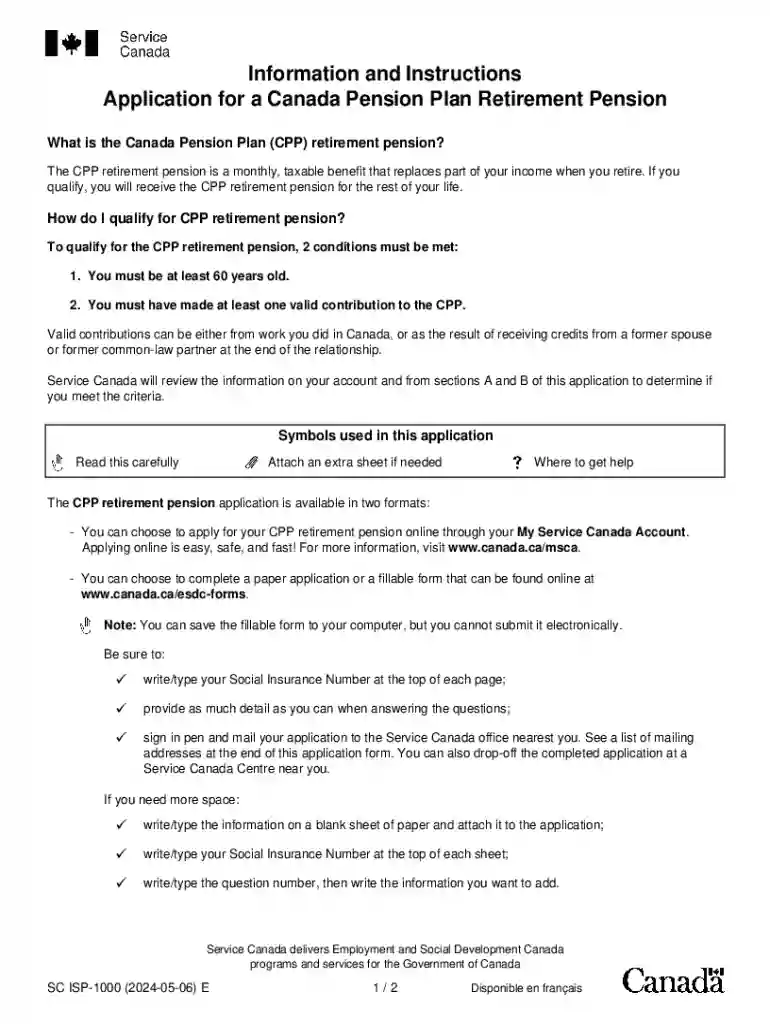
Type text, add images, blackout confidential details, add comments, highlights and more.

Draw your signature, type it, upload its image, or use your mobile device as a signature pad.

Send cpp application form via email, link, or fax. You can also download it, export it or print it out.
The term "form online" refers to electronic forms that are filled out and submitted via the internet. These forms are accessible through various online platforms or websites and are used for a wide range of purposes, including applications, registrations, surveys, and data collection. Filling out forms online provides convenience by eliminating the need for physical paperwork and enabling quicker submission and processing.
Finding the necessary form online typically starts with visiting the relevant government or business website associated with the form. Once there, users can navigate to a section often labeled as "Forms," "Documents," or "Applications." Many organizations provide a dedicated online portal where users can download forms or fill them out directly. To access these forms, a user may need to create an account or log in using an existing ID. Search functions are available on most websites to quickly locate specific forms by name or number, such as a "W-9" tax form or a "DS-11" passport application form.
Utilizing forms online provides numerous benefits. Primarily, it enhances efficiency by reducing processing time compared to traditional paper forms. Online forms are often more accessible, allowing users to complete them anywhere with internet access. They offer built-in verification tools that reduce errors. Furthermore, digital forms typically incorporate data protection measures, ensuring user information is securely transmitted and stored.
Forms submitted online are often legally binding when properly completed and submitted following the provided guidelines. Many organizations, including the IRS, recognize electronic forms as equivalent to paper submissions. However, legality may depend on conforming to specific criteria, such as electronic signature requirements or authentication protocols. Users should always ensure they are using the official website to avoid phishing scams or unauthorized data collection.
Certain forms may require different versions or have specific instructions for residents in different states. For example, state tax forms may feature distinct fields or instructions based on state tax laws. When filling out state-specific forms online, users should ensure they are using the correct website or state portal to avoid submitting incorrect information.
Most online forms are designed to be compatible with a variety of web browsers and PDF readers to ensure broad accessibility. Software tools like DocHub may offer integration with cloud services such as Google Drive for easy uploading and saving of documents. Some forms may integrate with tax software, such as TurboTax or QuickBooks, allowing for direct import or export of financial information.
Completing an online form may require uploading supplementary documentation. Common documents include identity proof, financial statements, or previously issued form confirmations. It's crucial to check the specific requirements listed within the form's instructions, as well as any directives on acceptable file types and size limits.
It's important to know if the online form has multiple versions or paper alternatives. Older form versions may still be valid in certain contexts, while digital updates might offer new features or requirements. Understanding the differences between versions ensures that users submit the correct form type based on current regulations or procedural updates.
We've got more versions of the canada pension plan application form. Select the right canada pension plan application version from the list and start editing it straight away!
At DocHub, your data security is our priority. We follow HIPAA, SOC2, GDPR, and other standards, so you can work on your documents with confidence.
Apr 14, 2020 This paper reviews current IFATCA policy regarding retirement, and its. Canada is even considering allowing workers to draw a partial pension
Eligible employees can apply for and receive a full CPP retirement pension at age 65, as early as age 60 with a reduction, or as late as age 70 with an increaseRead more


