Type text, add images, blackout confidential details, add comments, highlights and more.
02. Sign it in a few clicks
Draw your signature, type it, upload its image, or use your mobile device as a signature pad.
03. Share your form with others
Send free printable final wishes forms via email, link, or fax. You can also download it, export it or print it out.
How to use or fill out last wishes document with our platform
Ease of Setup
DocHub User Ratings on G2
Ease of Use
DocHub User Ratings on G2
Click ‘Get Form’ to open the last wishes document in the editor.
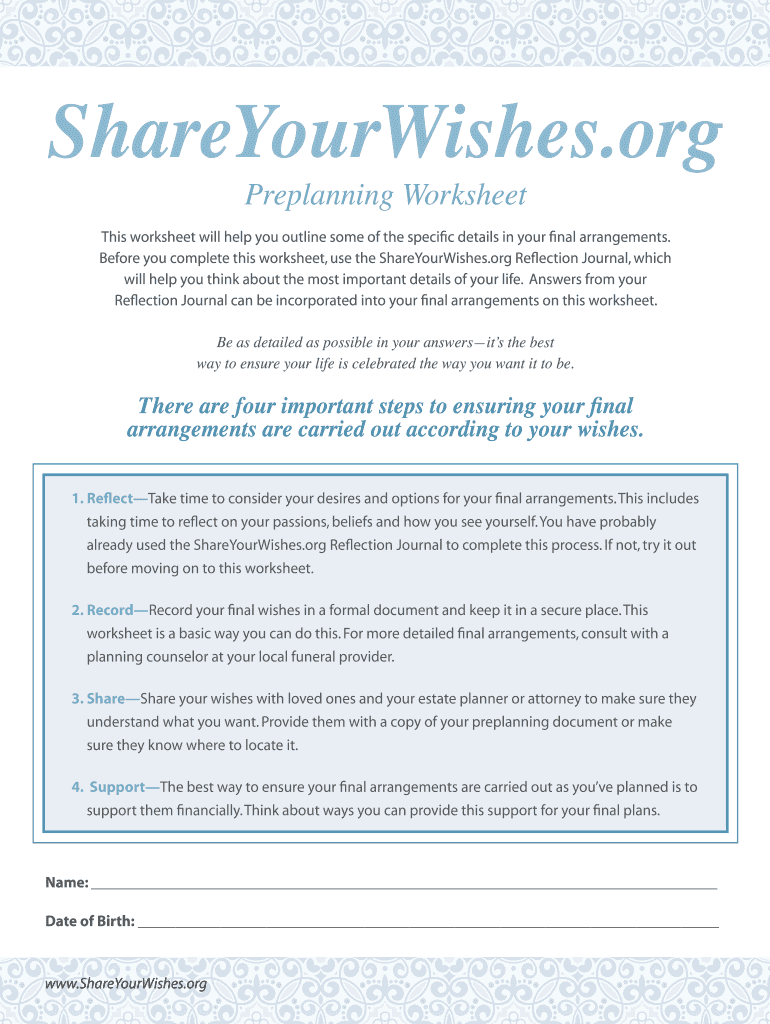
Begin by filling in your personal information, including your name and date of birth. This ensures that your document is personalized and accurately reflects your wishes.
In Section 1, indicate your burial or cremation preference by selecting the appropriate options. If you choose cremation, specify the timing and preferences regarding your remains.
Move to Section 2 to detail your funeral service preferences. Fill in the preferred funeral home, place of service, religious preferences, and any specific requests for casket type or clothing.
In Section 3, provide details about cemetery services. Specify your preferred cemetery, interment options, and any memorialization instructions you wish to include.
Review all sections carefully to ensure accuracy. Once completed, save your document securely within our platform for easy access and sharing with loved ones.
Start using our platform today to create a comprehensive last wishes document for free!
Advance Directives - Illinois Department of Public Health
An advance directive is a written statement you prepare that expresses how you want medical decisions made in the future should you not be able to make themRead more
Free Printable Final Wishes Planner - An end of life planner helps you organize and record your final wishes, including funeral arrangements, and other
Cookie consent notice
This site uses cookies to enhance site navigation and personalize your experience.
By using this site you agree to our use of cookies as described in our Privacy Notice.
You can modify your selections by visiting our Cookie and Advertising Notice.