Georgia application permit form 2026

Get Form
license id permit form Preview on Page 1

Here's how it works

01. Edit your license id permit form online
Type text, add images, blackout confidential details, add comments, highlights and more.
02. Sign it in a few clicks
Draw your signature, type it, upload its image, or use your mobile device as a signature pad.
03. Share your form with others
Send georgia driver license form via email, link, or fax. You can also download it, export it or print it out.

How to use or fill out the Georgia application permit form with our platform

Form edit decoration
9.5
Ease of Setup
DocHub User Ratings on G2
9.0
Ease of Use
DocHub User Ratings on G2
  1. Click ‘Get Form’ to open the Georgia application permit form in the editor.
  2. Begin by filling out Section A with your personal information, including your last name, first name, middle name, and complete address. Ensure all details are accurate and clearly printed.
  3. In Section B, provide information regarding any previous licenses held in other states or countries. Be thorough in listing all relevant details as required.
  4. If applicable, complete the Vision Screening Results section. This may require input from a licensed optometrist or ophthalmologist.
  5. Review Sections C through F for additional requirements such as emergency contact information and voter registration options. Make sure to check all relevant boxes and provide necessary signatures.
  6. Once completed, save your document and utilize our platform’s features to sign and submit your application securely.

Start using our platform today to fill out your Georgia application permit form online for free!

See more georgia application permit form versions

We've got more versions of the georgia application permit form form. Select the right georgia application permit form version from the list and start editing it straight away!
Versions Form popularity Fillable & printable
2013 4.8 Satisfied (224 Votes)
be ready to get more

Complete this form in 5 minutes or less

Get form

Got questions?

We have answers to the most popular questions from our customers. If you can't find an answer to your question, please contact us.
Contact us
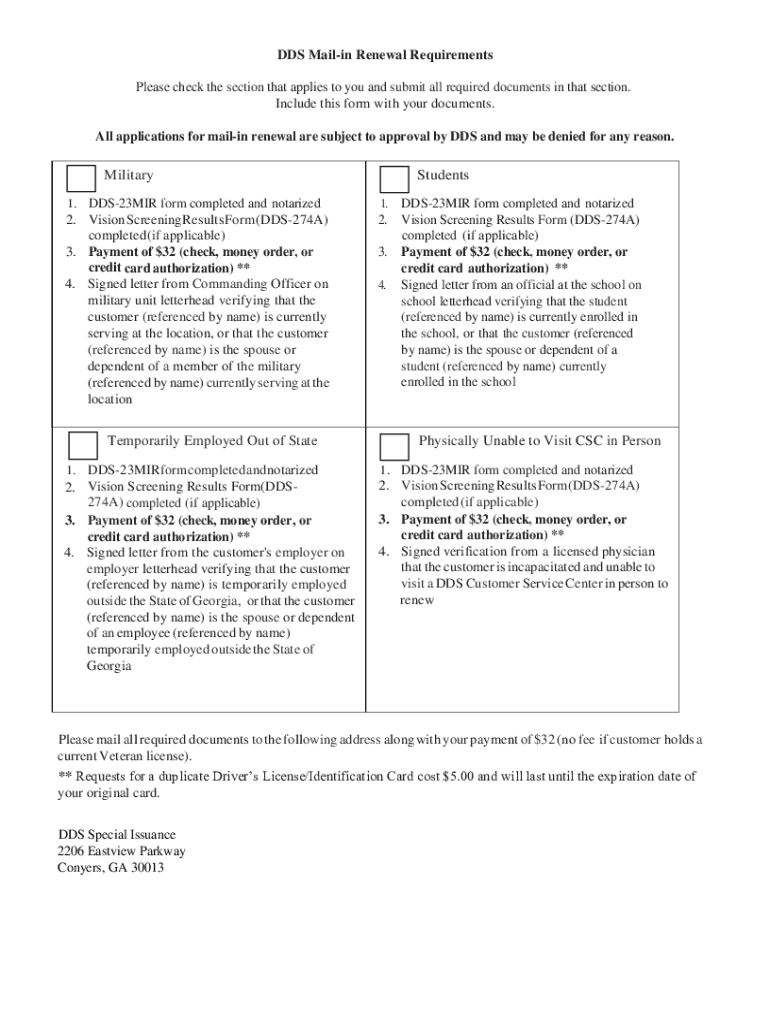
Submit Your Application Complete the application form. The information you submit will only be saved for 30 days. Visit a DDS Customer Service Center. Take and pass your Vision Exam. Take and pass your Knowledge Exam. If you pass, you will receive your learners permit and can begin driving under certain conditions.
Gather the Required Documents Proof of Identity - US Citizens (1 Document) Bring 1 of the following documents: Proof of Name Change (Any and All Name Changes) Proof of Social Security Number (If Required) Proof of Georgia Residency (2 Documents) Proof of Identity Lawful Status - Non-US Citizens.
Required documents to take the Georgia Learners Permit Test: 1 document: Proof of identity (passport, birth certificate, etc.) 1 document: Proof of social security number (social security card, W-2, etc.) 2 documents: Proof of residence (utility bill, financial statement, etc.)
Appointments are required for Road Tests only. Appointments are no longer required to renew, change address, or other in-person services. Dont forget to fill out the required License/ID/Permit form before you visit a center.
When a customer chooses to cease driving, they may voluntarily surrender their drivers license. They must visit a DDS Customer Service Center and complete the Affidavit for Voluntary Surrender Form (DDS-577). Customers can apply for an ID at that time.

Security and compliance

At DocHub, your data security is our priority. We follow HIPAA, SOC2, GDPR, and other standards, so you can work on your documents with confidence.

Learn more
ccpa2
pci-dss
gdpr-compliance
hipaa
soc-compliance
be ready to get more

Complete this form in 5 minutes or less

Get form