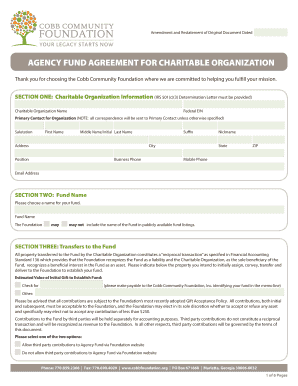
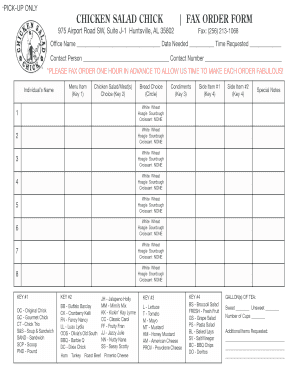
Enhance your output with Data Business Forms

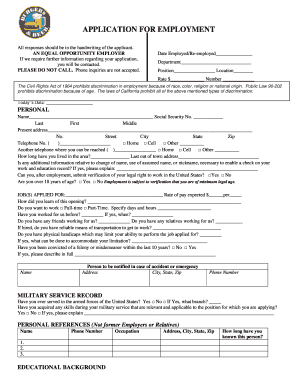
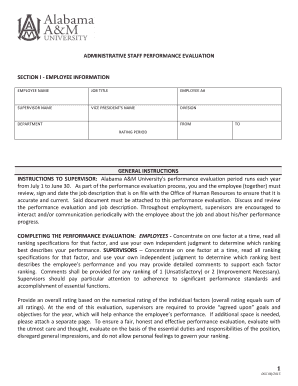
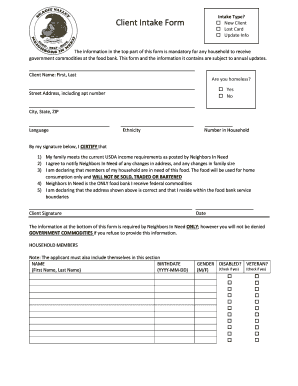
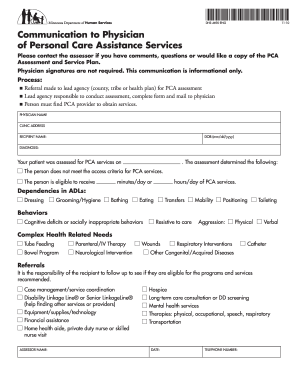
Form management consumes to half of your office hours. With DocHub, it is easy to reclaim your time and effort and improve your team's productivity. Get Data Business Forms online library and discover all document templates related to your daily workflows.

Effortlessly use Data Business Forms:

  1. Open Data Business Forms and utilize Preview to obtain the relevant form.
  2. Click Get Form to begin working on it.
  3. Wait for your form to open in our online editor and begin editing it.
  4. Add new fillable fields, icons, and images, modify pages order, etc.
  5. Complete your document or prepare it for other contributors.
  6. Download or deliver the form by link, email attachment, or invite.

Improve your daily file management with the Data Business Forms. Get your free DocHub account right now to explore all templates.


Video Guide on Data Business Forms management

video background

Commonly Asked Questions about Data Business Forms

Final answer: A timesheet is an example of a business form. Select the correct answer. Which data is an example of a business form Brainly question Brainly question
A student contact information form is a document that collects essential information about a student, such as their address, phone number, and emergency contacts. Schools use this form to ensure they can contact students or their parents in case of an emergency or to send important updates.
Provides a record of information collected via a form, log, or electronic submission that is used for data entry into a database or spreadsheet. May include financial data, research data, employee information, survey responses, questionnaires, student information, etc.
A data form provides a convenient means to enter or display one complete row of information in a range or table without scrolling horizontally. You may find that using a data form can make data entry easier than moving from column to column when you have more columns of data than can be viewed on the screen. Add, edit, find, and delete rows by using a data form - Microsoft Support Microsoft Support en-us office add-edit- Microsoft Support en-us office add-edit-
Dataform lets you create repositories to manage your code In a Dataform repository, you use Dataform core, an extension of SQL, to write SQLX files in which you define your workflow. Dataform repositories support version-control.
Steps to Create a Form in Excel Step 1: Add Data Entry Form Option. You will notice that there actually is no option or tab to create a data entry form on the toolbar at the top. Step 2: Create a Table. Step 3: Enter Form Data. Step 4: Data Validation. Step 5: How to Search for Records. Step 6: Data Collection.