
Get any PDF form from the DocHub library of ready-made templates - Page 905

Accident and incident investigation procedure

Set up form
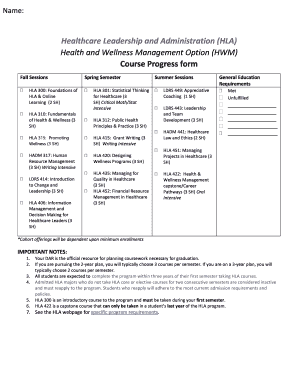
Healthcare Leadership and Administration (HLA)

Failure to complete any of these - blinn

Workload Reassignment Request Form - Stephen F Austin State - sfasu
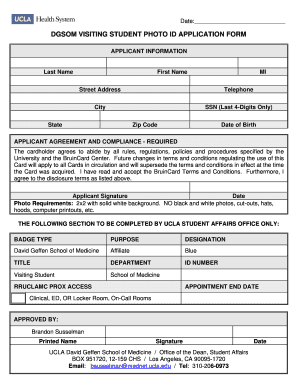
Ucla mhq

Ferpa consent release student

Orono, ME 04469-5781

Chenyu Zhang - PhD student in Molecular & Cellular Biology

East Asian Languages & Cultures, MAUniversity of Illinois

Occupational health safety form
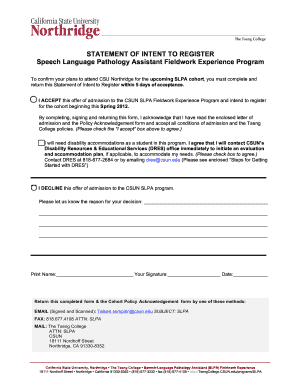
SLPA-template SIR-H2
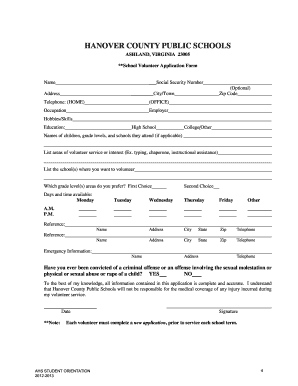
Hanover county public schools volunteer form
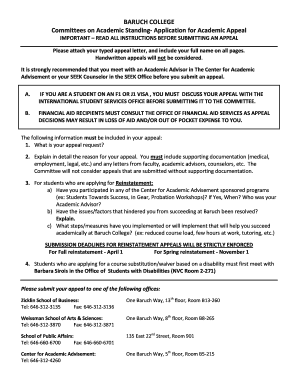
Baruch appeal
Chaffey college transcript
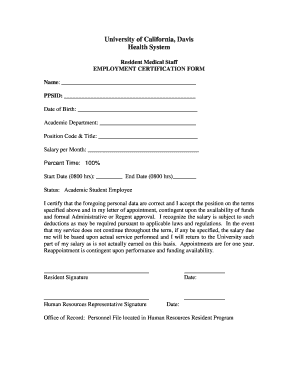
Employment certification form
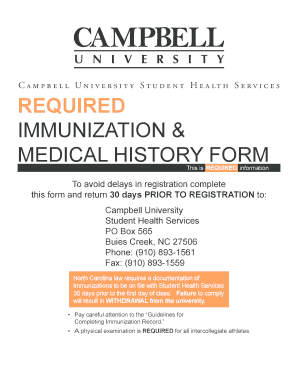
Campbell university immunizations form
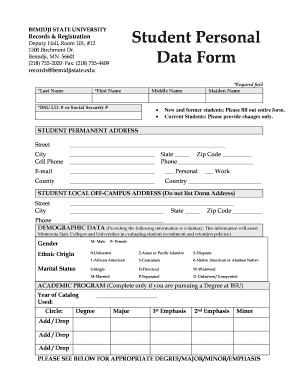
Personal data sheet form for students

Student id card request form
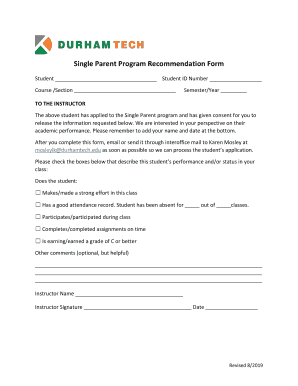
Emergency Financial Assistance Program Student Progress Report
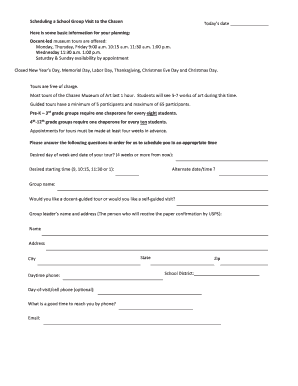
Scheduling a Group Visit to the Chazen Todays date
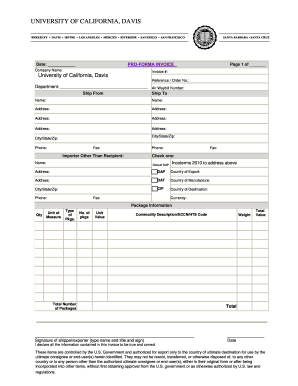
Campus Benchmarking Report - Regents of the University of

Community Health Nursing MN Quarterly Progress Planning Form

Tufts university waiver
Eop verification form

Unc religious exemption form

Employment application pdf missouri form

Authorization use image
Ia form guardians

Affiliate id card

Twu authorization

Howard university contract

College visit evaluation form
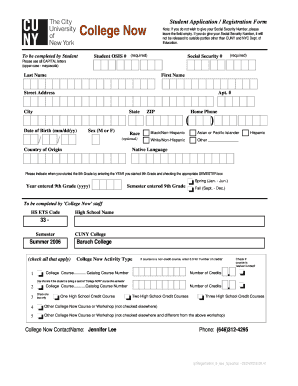
College Now Registration Form - Baruch College - CUNY - baruch cuny

Dental School University of Maryland Consent Form for Videotaping - dental umaryland

Faculty-Staff-Housestaff Info Sheet, updated 2-23-15 jtb

Csn majors
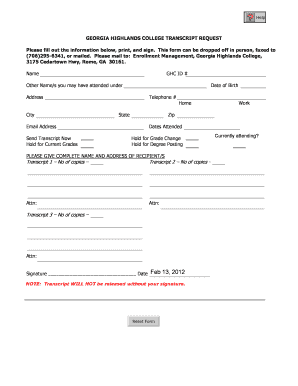
Georgia highland transcript online
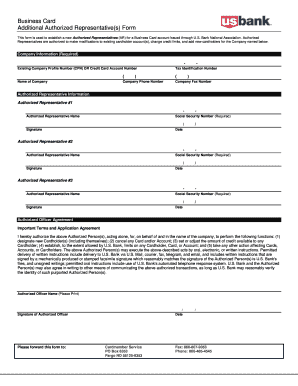
Representative form
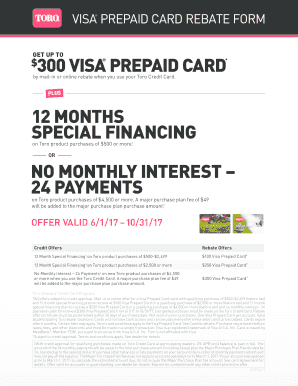
Tororebate
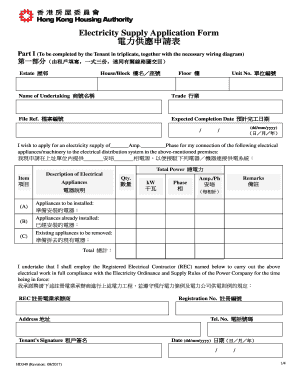
Hd349

Alberta enforcing
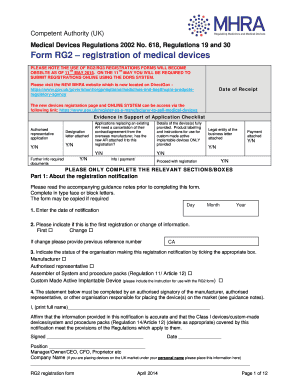
Uk registration devices
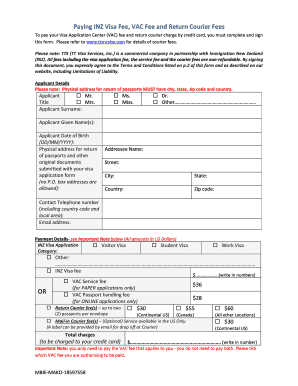
New zealand applications
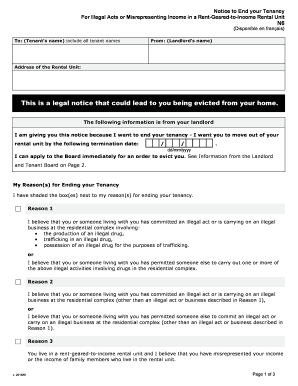
Form n6
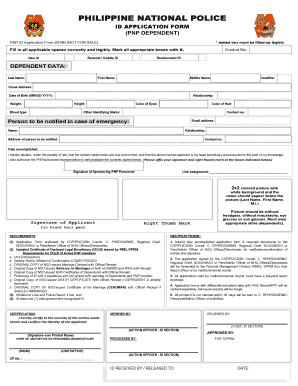
Cdlb pnp

Application form pulilan
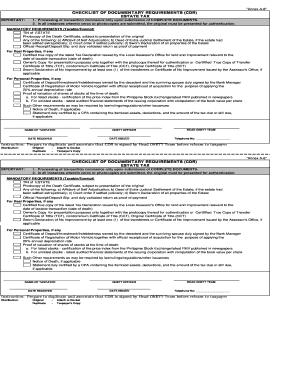
Estate tax return checklist of documentary requirements annex b3
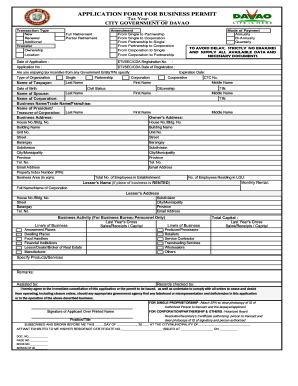
Occupational permit davao
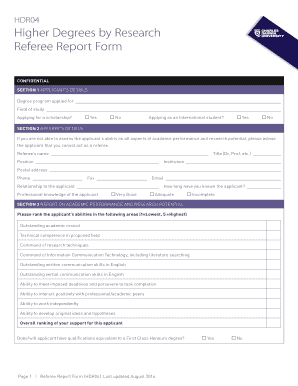
Referee report form
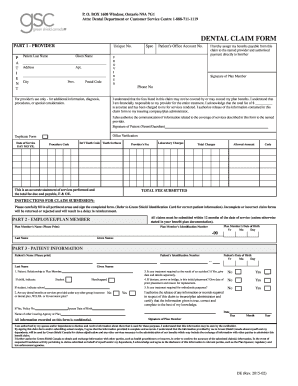
Canada dental green shield
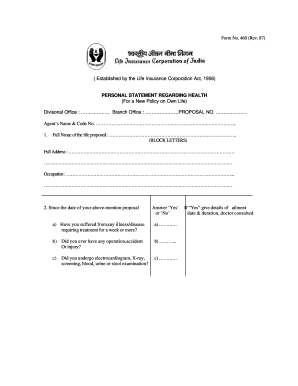
Lic personal statement regarding health form
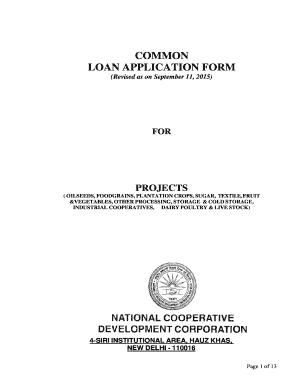
Ncdc form
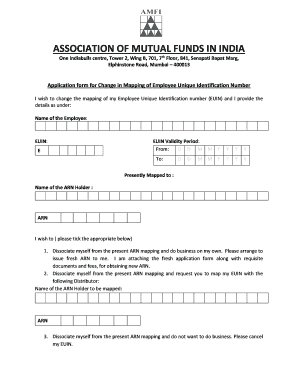
Amfi form change
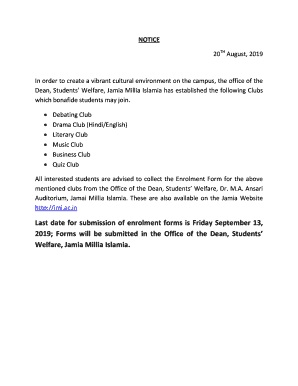
How to form debating club members
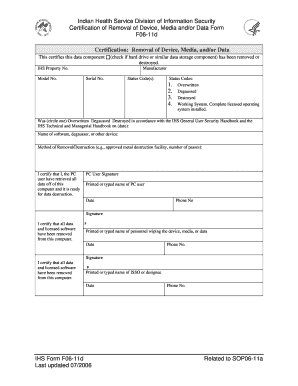
Form certification removal
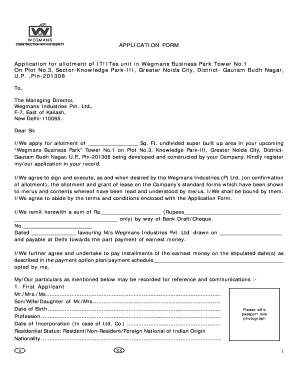
Wegmans job application pdf

Which of these is important to consider before believing
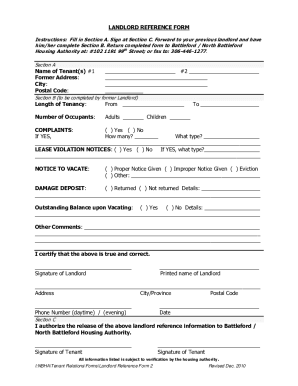
Rental Verification Form - Fill Out and Sign Printable PDF
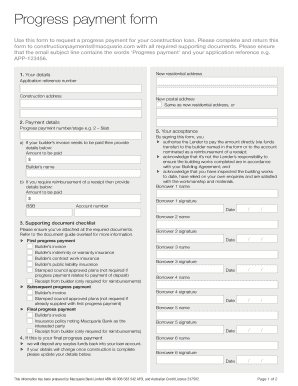
57574 MAC PROGRESS PAYMENT FORM 57574 MAC PROGRESS PAYMENT FORM

Salary transfer letter format
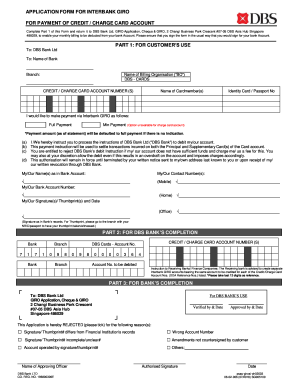
Application form giro card
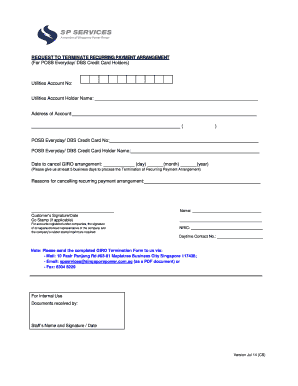
Singapore sp terminate arrangement template

Incapacitated child credit form 2
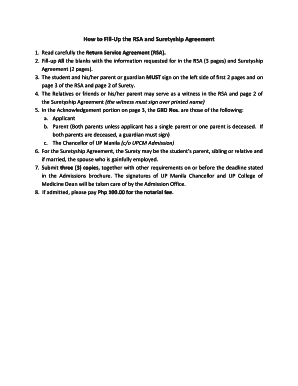
Surety agreement sample philippines
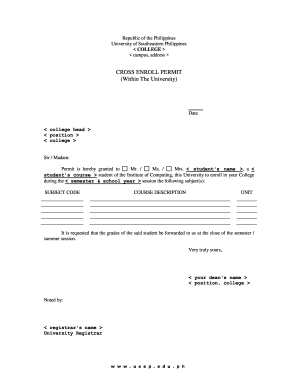
Usep form
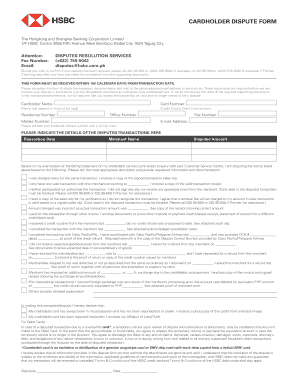
Ph hsbc dispute form
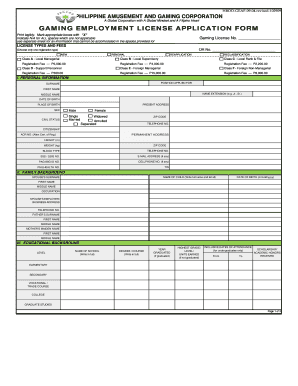
Pagcor gaming employment license
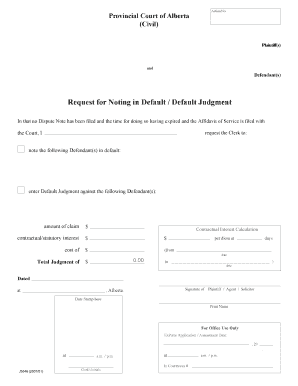
J3646 alberta provincial noting default judgment
Cartrack standard download

Personal report

Irs individualsunderstanding-your-cpUnderstanding Your CP2000 NoticeInternal Revenue Service

Ownership statutory declaration

Change number plates nsw
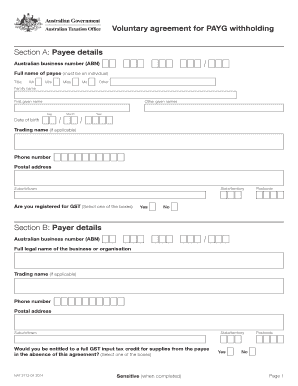
Pay as you go withholding

Cit enrolment

Bachelor of Occupational Therapy (Honours)

Au csu declaration form

GENERAL MICROBIOLOGY SAMPLE SUBMISSION FORM Client

Life support registration form
Australian Institute for Suicide Research and Prevention, Griffith University, 2015

Bank individual certification form
Vet enrolment form

William angliss application form

Patient education: Chest pain (Beyond the Basics) - UpToDate
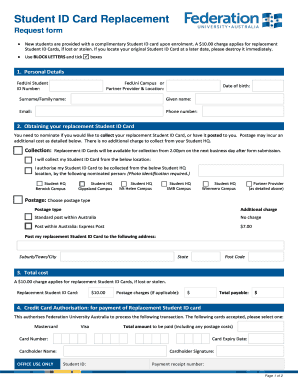
Australia student id card form
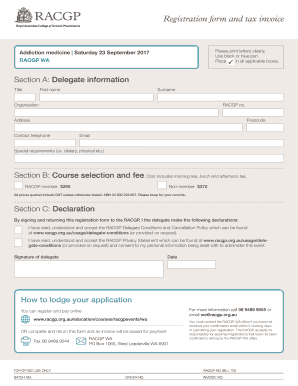
Addiction medicine - RACGP
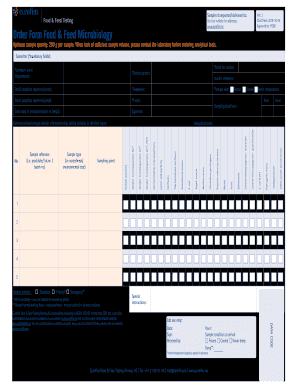
Order Form Food & Feed Microbiology - Eurofins
Rmit assessment statement
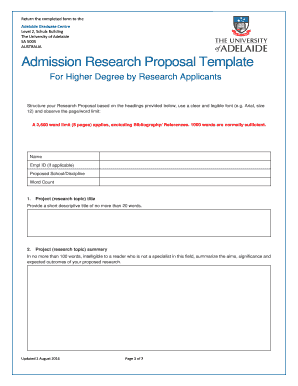
Australia research proposal sample
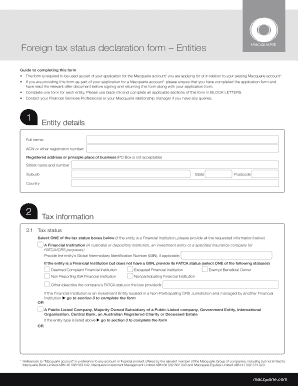
Foreign tax declaration form
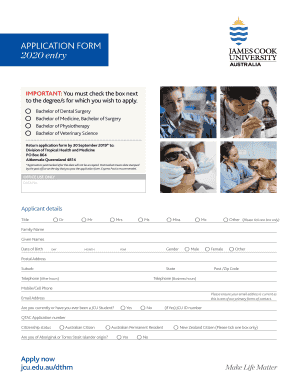
APPLICATION FORM 2020 entry
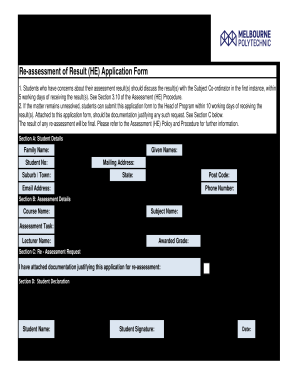
Re assessment of Result (HE) Application Form
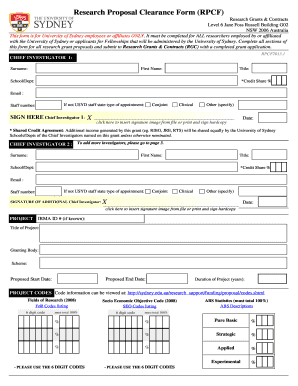
Research Proposal Clearance Form - The University of Sydney - sydney edu
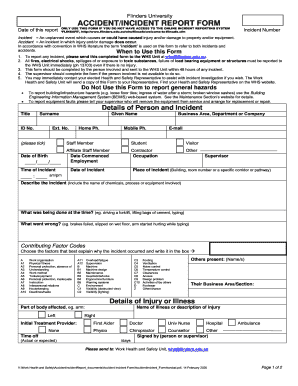
Au accident incident form
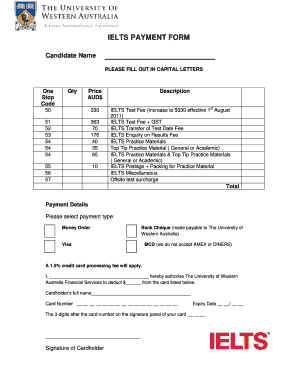
PLEASE FILL OUT IN CAPITAL LETTERS

VHA Office of Emergency Management Home - Veterans Affairs

2019 Chapter of the year award application form
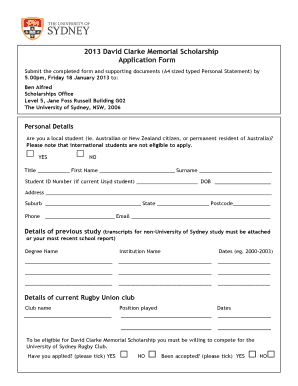
2013 australia university memorial scholarship
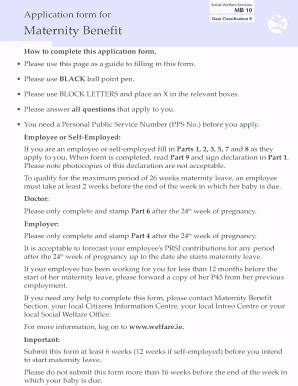
Maternity benefit form
Benefit from the DocHub online library of fillable PDF forms
Searching the PDF forms doesn't have to be a tedious and time-consuming process. With the DocHub online library, it has become easier to find the fillable PDF forms and modify them in your browser. The service allows you to adjust the document to your needs using powerful editing tools.
You can use online document editing features to modify almost any type of document with ease. You just need to find the template of your choice, open it in the editor, and use the toolbar to make the necessary corrections.
Follow this guide to get your document done with DocHub:
- Find the PDF template you need.
- Click the Get Form button to open the file in the editor.
- Use the toolbar to fill out and edit the document.
- Easily add and highlight text, insert images, checkmarks, and symbols.
- Drop new fillable fields, and rearrange or delete pages from your file.
- Save changes and download your record.
DocHub empowers everyone to streamline document editing, signing, and distribution, and form completion. Create an account and benefit from our well-organized PDF Forms library and comprehensive editor.