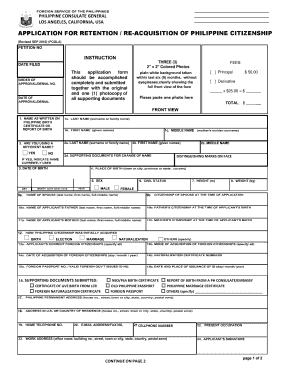
Type text, add images, blackout confidential details, add comments, highlights and more.
02. Sign it in a few clicks
Draw your signature, type it, upload its image, or use your mobile device as a signature pad.
03. Share your form with others
Send 1290 form via email, link, or fax. You can also download it, export it or print it out.
How to use or fill out form 1290 with our platform
Ease of Setup
DocHub User Ratings on G2
Ease of Use
DocHub User Ratings on G2
Click ‘Get Form’ to open it in the editor.
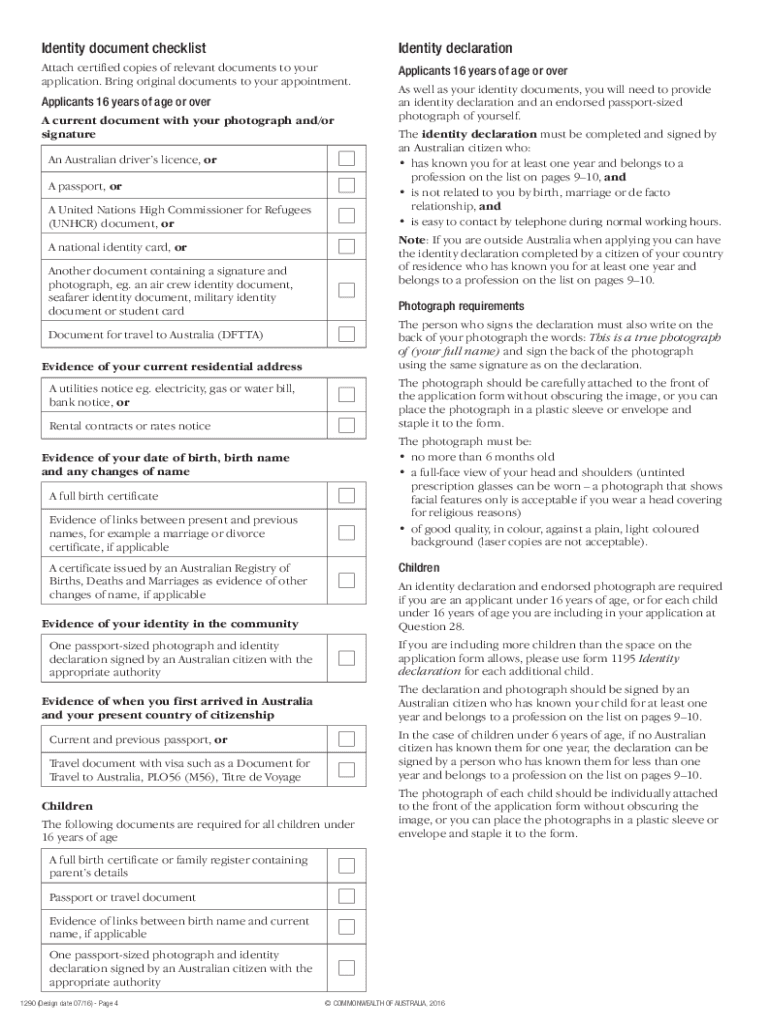
Begin with Part A, where you will enter your personal details including your full name, date of birth, and current address. Ensure all information is accurate and written in BLOCK LETTERS.
In Part B, provide details about any children under 16 years of age that you are including in this application. If necessary, attach additional sheets for more children.
Move to Part C to fill in information about your parents or adoptive parents. Include their names, dates of birth, and citizenship status.
Complete Part D by listing any immediate family members not previously mentioned. This includes siblings and spouses.
In Part E, list the identity documents you are providing. Ensure these documents collectively show your photograph, signature, and current address.
Finally, review all sections for accuracy before submitting your application through our platform. You can also save a copy for your records.
Start filling out form 1290 today on our platform for free!
Form 1290 feesAustralian citizenship online application form 1290Form 1300tAustralian citizenship application form PDFAustralian citizenship application form onlineForm 1298iAustralian citizenship application form for New Zealand citizensForm 119
Security and compliance
At DocHub, your data security is our priority. We follow HIPAA, SOC2, GDPR, and other standards, so you can work on your documents with confidence.
Required Enrollment for Culminating Graduate Students
Required Enrollment for Culminating Graduate Students (1290R). University Policy for Required Continuous Enrollment. Continuous enrollment is required ofRead more
We nominate a portion of our parts collection for the Best Parts Collection Award because these parts assemble and function together to create the crux of ourRead more
Providers may submit the following types of claims on Form 1290: New; Dental; Nurse Aide Training (NAT); Adjustment. Form 1290 only allows billing for oneRead more
Cookie consent notice
This site uses cookies to enhance site navigation and personalize your experience.
By using this site you agree to our use of cookies as described in our Privacy Notice.
You can modify your selections by visiting our Cookie and Advertising Notice.