Type text, add images, blackout confidential details, add comments, highlights and more.
02. Sign it in a few clicks
Draw your signature, type it, upload its image, or use your mobile device as a signature pad.
03. Share your form with others
Send it via email, link, or fax. You can also download it, export it or print it out.
How to use or fill out aoc a 256 with our platform
Ease of Setup
DocHub User Ratings on G2
Ease of Use
DocHub User Ratings on G2
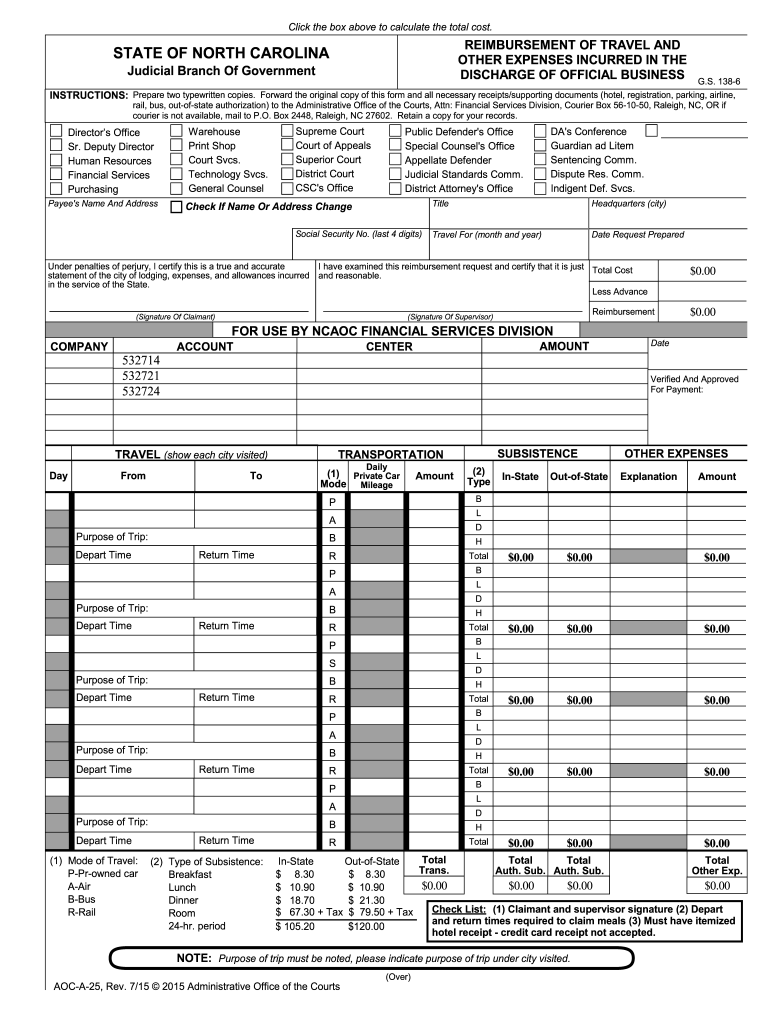
Click ‘Get Form’ to open the aoc a 256 in the editor.
Begin by entering your name and address in the designated fields. Ensure accuracy as this information is crucial for reimbursement processing.
Indicate any changes to your name or address by checking the appropriate box. This helps maintain updated records.
Fill in your Social Security number (last four digits) and specify the headquarters city where you lodged during your travel.
Detail the purpose of your trip, including dates and modes of transportation used. Use the provided sections to itemize expenses such as mileage, meals, and lodging.
Attach all necessary receipts for expenses incurred, ensuring they are itemized as required. This includes hotel bills and travel tickets.
Review all entries for accuracy before submitting. Sign where indicated to certify that the information is true and complete.
Start filling out your aoc a 256 form online for free today!
An order granting a petition for an expunction of an adult criminal matter has two basic effects. One, it requires deletion of records about the case.Read more
80-4096 for all other supported adapters. 256. This value specifies the number of receive buffer descriptors allocated by the driver. Increasing this value.Read more
256, Laws of 2013 effective July 28, 2013. The longer version includes wording as regards the aggravating circumstance for sentencing purposes. Please checkRead more
Cookie consent notice
This site uses cookies to enhance site navigation and personalize your experience.
By using this site you agree to our use of cookies as described in our Privacy Notice.
You can modify your selections by visiting our Cookie and Advertising Notice.