






Definition & Meaning
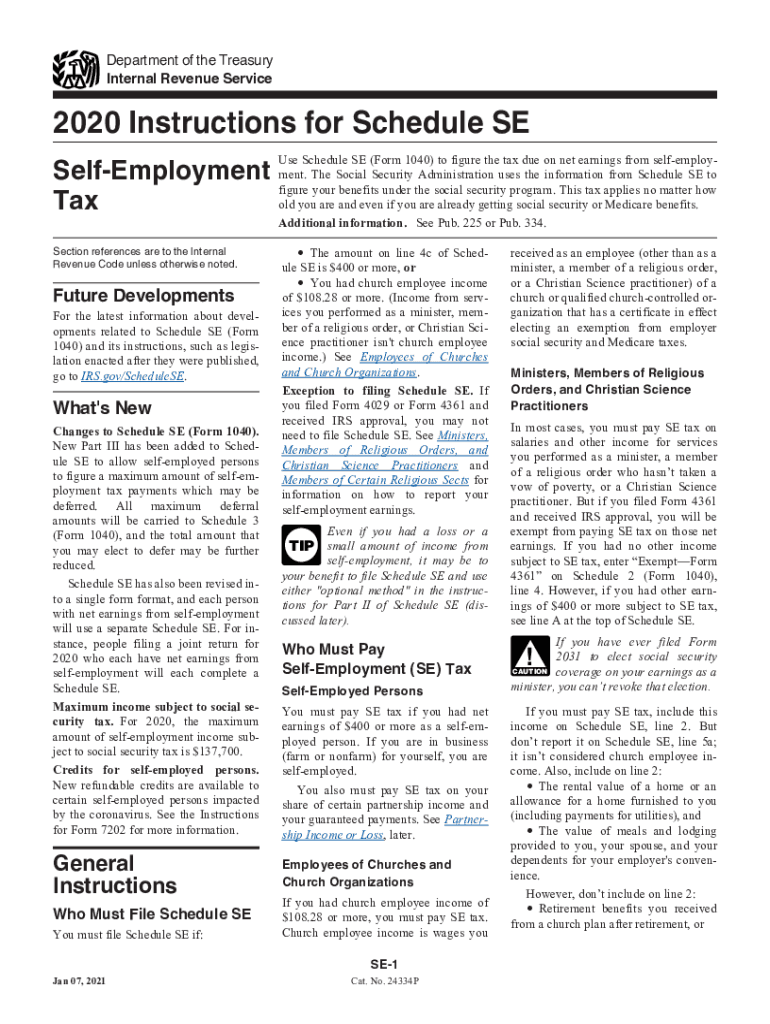
The Schedule SE (Form 1040) is primarily used in the United States for calculating the self-employment tax owed by individuals who have income from self-employment. This tax covers Social Security and Medicare, which are typically deducted from wages by an employer. For self-employed individuals, this form ensures they contribute equitably to these social insurance programs. Beyond its basic function, Schedule SE provides essential documentation for those relying on freelance or independent income.
How to Use the Schedule SE
Using Schedule SE involves several critical steps. First, ensure that you or your business qualifies for self-employment income criteria, which generally include sole proprietors and independent contractors. Next, gather comprehensive records of your net income to fill out the form accurately. The form guides you through a series of calculations to determine your amount of self-employment tax, based on your net earnings. Finally, the determined tax is then reported as part of your individual 1040 filing process.
Steps to Complete the Schedule SE
-
Determine Eligibility: Verify if your income qualifies as self-employment income. This generally includes independent contractors, freelancers, and sole proprietors.
-
Calculate Net Profit: Use your income and expense records to derive the net profit from your business ventures.
-
Complete Part I: Enter your net earnings information to calculate your total self-employment tax. This section helps determine if additional forms are needed.
-
Determine Deductions: Some deductions reduce your adjusted gross income. Line 6 typically lists the self-employment tax deduction.
-
Verify Totals: Confirm calculations and compare them against any guidance provided by tax experts or IRS resources.
-
Submit: Attach Schedule SE to your Form 1040 when filing your annual tax return.
Who Typically Uses the Schedule SE
Schedule SE is used by a variety of individuals with diverse income sources. This includes freelancers, independent contractors, small business owners, and members of partnerships who earn self-employment income. Additionally, church employees and members of religious sects paying self-employment taxes for their earnings also use this form. Understanding eligibility is crucial to ensuring compliance with tax regulations.


IRS Guidelines
The IRS provides specific guidelines for accurately completing Schedule SE. Key elements include calculating net earnings and understanding applicable tax rates. The IRS frequently updates requirements, which may introduce forms of deductions or credits. Consulting the latest IRS publications or a tax professional can ensure you remain compliant with all updates in tax law and filing procedures.
Filing Deadlines / Important Dates
Schedule SE must be filed as part of your annual tax return by the IRS deadline, typically April 15. Extensions can be filed if additional time is needed, but any taxes owed must still be estimated and paid by the original deadline to avoid penalties. Note that those paying quarterly estimated taxes must consider their full-year liabilities through Schedule SE to prevent underpayment penalties.
Required Documents
To accurately fill out Schedule SE, maintain precise financial records:
- Profit/loss statements from business operations
- 1099 forms reporting miscellaneous income
- Detailed records of business expenses
- Previous tax returns for reference Accurate documentation ensures compliance and can be crucial during IRS audits or reviews.
Form Submission Methods (Online / Mail / In-Person)
Schedule SE can be submitted alongside your Form 1040 through various methods:
- Online: Use e-file services recommended by the IRS or through tax software for easy online filing.
- Mail: Print and mail the completed Form 1040 with Schedule SE to the IRS.
- In-Person: Assistance from tax professionals ensuring correct and timely submission. Ensure that any submission method aligns with your personal or business needs, especially if complexity demands expert review.
Taxpayer Scenarios: Self-Employed
Many self-employed taxpayers face unique challenges with Schedule SE. These scenarios often involve income fluctuation, the need to maximize deductions, or properly attributing income to partners. Variations also exist for those operating under unique income arrangements, such as cooperative housing or religious group dividends. Address these challenges with thorough financial management and excellent record-keeping.