




Here's how it works

01. Edit your form online
Type text, add images, blackout confidential details, add comments, highlights and more.

02. Sign it in a few clicks
Draw your signature, type it, upload its image, or use your mobile device as a signature pad.

03. Share your form with others
Send it via email, link, or fax. You can also download it, export it or print it out.
How to use or fill out form i 129 2014 with DocHub

- Click ‘Get Form’ to open the I-129 form in our editor.
- Begin with Part 1, Petitioner Information. Fill in your legal name or company name, mailing address, and contact information. Ensure all details are accurate for smooth processing.
- Move to Part 2, Information About This Petition. Select the requested nonimmigrant classification and basis for classification. Be sure to check the appropriate boxes based on your situation.
- In Part 3, provide Beneficiary Information. Include names, dates of birth, and other relevant details about the beneficiary or beneficiaries you are filing for.
- Complete Part 4 regarding Processing Information. Specify if any beneficiaries are outside the U.S., and provide necessary consulate information if applicable.
- Proceed to Parts 5 through 9 as needed, filling out employment details, certifications, and any additional information required by USCIS.
- Review all sections carefully for completeness before submitting your petition through our platform.
Start using our platform today to fill out your Form I-129 efficiently and for free!
Fill out form i 129 2014 online
It's free
It's free
See more form i 129 2014 versions
We've got more versions of the form i 129 2014 form. Select the right form i 129 2014 version from the list and start editing it straight away!
| Versions | Form popularity | Fillable & printable |
|---|---|---|
| 2025 | 4.8 Satisfied (52 Votes) | |
| 2024 | 4.4 Satisfied (53 Votes) | |
| 2022 | 4.8 Satisfied (172 Votes) | |
| 2021 | 4.1 Satisfied (66 Votes) | |
| 2020 | 4.4 Satisfied (102 Votes) | |
| 2019 | 4.1 Satisfied (111 Votes) | |
| 2017 | 4.3 Satisfied (100 Votes) | |
| 2014 | 4 Satisfied (70 Votes) | |
| 2011 | 4.2 Satisfied (71 Votes) | |
| 2009 | 4 Satisfied (60 Votes) | |
| 2005 | 4 Satisfied (20 Votes) |
Security and compliance
At DocHub, your data security is our priority. We follow HIPAA, SOC2, GDPR, and other standards, so you can work on your documents with confidence.
Learn more


Related forms

Nysed complaint form
The document is a complaint form for individuals to report issues related to proprietary schools in New York State. It p ...
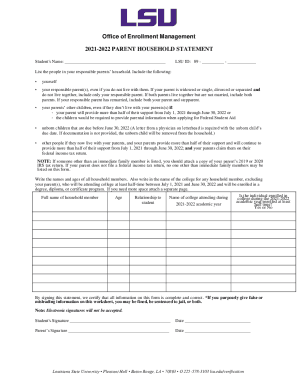
Office of Enrollment Management - lsu
The document is a 2021-2022 Parent Household Statement from the Office of Enrollment Management at Louisiana State Unive ...
Certified nursing assistant packet
The document outlines the admission requirements and necessary paperwork for the Certified Nursing Assistant (CNA) progr ...
College hardship waiver
The document outlines the 2019-2020 Hardship Waiver Policy and Guidelines for Southern University at Baton Rouge, detail ...
CSI Distance Learning Proctor Request Form
The document is a proctor request form for CSI distance learning class exams, outlining the process for students to obta ...
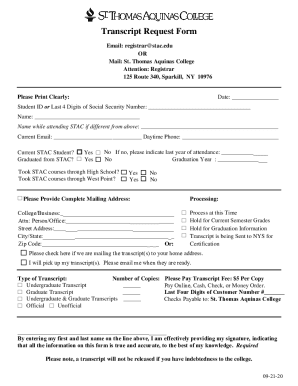
PDF Transcript Request Form - St Thomas Aquinas College
The document is a Transcript Request Form for St. Thomas Aquinas College, detailing the information required from studen ...
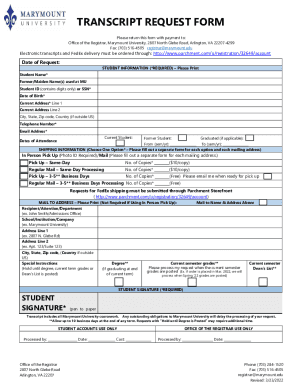
Marymount transcript request
The document is a Transcript Request Form for Marymount University, detailing the process for students to request their ...
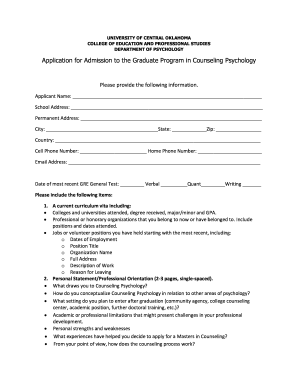
UCO: College of Education and Professional Studies
The document is an application form for admission to the Graduate Program in Counseling Psychology at the University of ...