




Here's how it works

01. Edit your certificate of origin template online
Type text, add images, blackout confidential details, add comments, highlights and more.

02. Sign it in a few clicks
Draw your signature, type it, upload its image, or use your mobile device as a signature pad.

03. Share your form with others
Send certificate of origin canada example via email, link, or fax. You can also download it, export it or print it out.
How to use or fill out certificate of origin template Canada with our platform

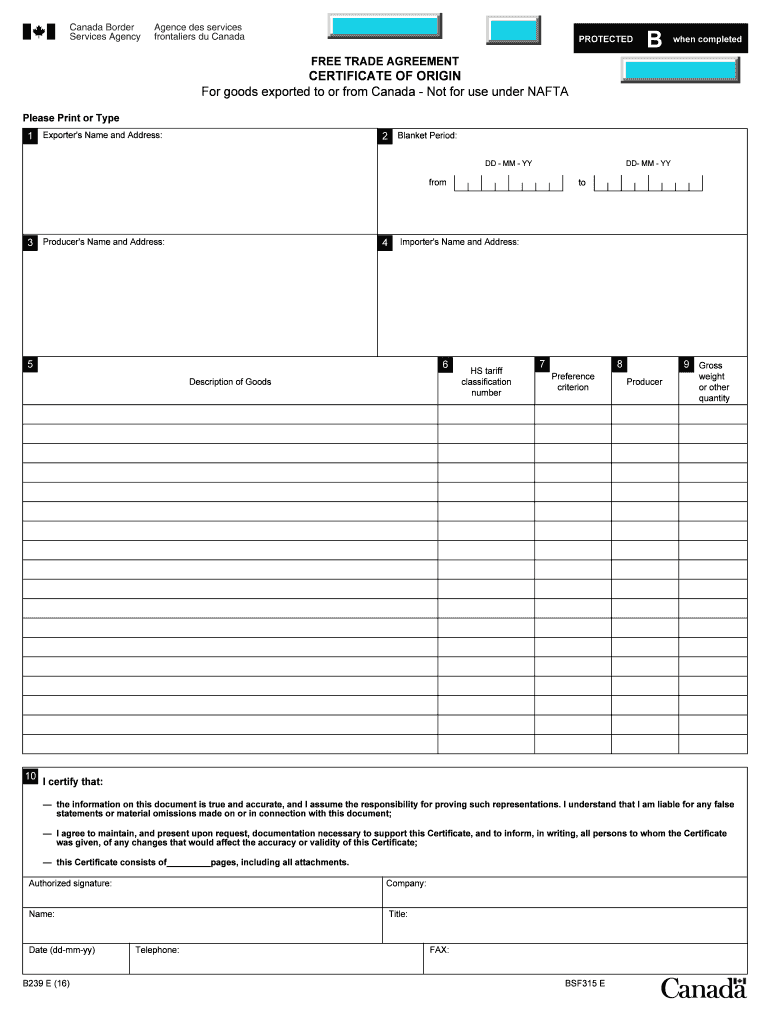
- Click ‘Get Form’ to open the certificate of origin template in the editor.
- In Field 1, enter the full legal name and address of the exporter. Ensure accuracy for compliance.
- For Field 2, if applicable, specify the blanket period by entering the start and end dates for multiple shipments.
- Fill in Field 3 with the producer's name and address. If there are multiple producers, attach a list as needed.
- In Field 4, provide the importer's name and address. If unknown, indicate 'Unknown' or 'Various' for multiple importers.
- Field 5 requires a detailed description of each good. Include invoice numbers if available for clarity.
- Identify the HS tariff classification number in Field 6 for each good described in Field 5.
- In Field 7, state which preference criterion (A-E) applies to each good based on its origin.
- Field 8 asks if you are the producer; answer 'Yes' or 'No' and provide additional details as necessary.
- If not a blanket certificate, indicate gross weight or quantity in Field 9 before signing in Field 10.
Start using our platform today to easily complete your certificate of origin template online for free!
Fill out certificate of origin template canada online
It's free
See more certificate of origin template canada versions
We've got more versions of the certificate of origin template canada form. Select the right certificate of origin template canada version from the list and start editing it straight away!
Security and compliance
At DocHub, your data security is our priority. We follow HIPAA, SOC2, GDPR, and other standards, so you can work on your documents with confidence.
Learn more


Related forms

Roommate Agreement FAQ - United States
The document is a Roommate Agreement outlining the terms and responsibilities of co-tenants living together in a rental ...
Texas ts 2
The document is a Notice of Sales Agent Sponsorship Termination from the Texas Real Estate Commission, outlining the pro ...
45016 form
The document is an application form for real estate appraiser certification in Indiana, detailing the requirements, fees ...
BASIC RENTAL AGREEMENT OR RESIDENTIAL LEASE8 important lease clauses for landlords - Cozy BlogFree R
BASIC RENTAL AGREEMENT OR RESIDENTIAL LEASE8 important lease clauses for landlords - Cozy BlogFree R
The Arkansas Residential Lease Agreement outlines the terms and conditions between a landlord and tenant for leasing a r ...
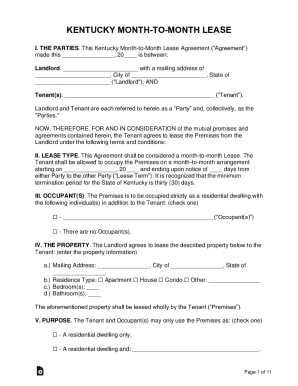
Protective Rental Agreement - Kentucky
The document is a Kentucky Month-to-Month Lease Agreement outlining the terms and conditions between a Landlord and Tena ...

Disclosure radon rental
The document is a disclosure form for landlords to inform tenants about the potential health risks of radon gas in resid ...
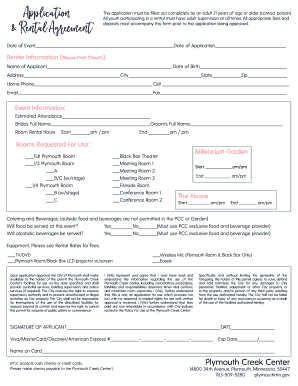
Wedding Rental Application
The document is an application and rental agreement for the Plymouth Creek Center, requiring completion by an adult aged ...
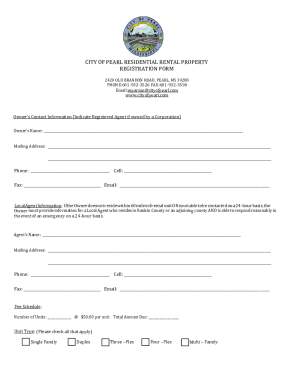
Spokeo MSPearlWho Lives at 2420 Old Brandon Rd, Pearl, MS 39208Spokeo
The document is a Residential Rental Property Registration Form for the City of Pearl, Mississippi. It requires property ...