
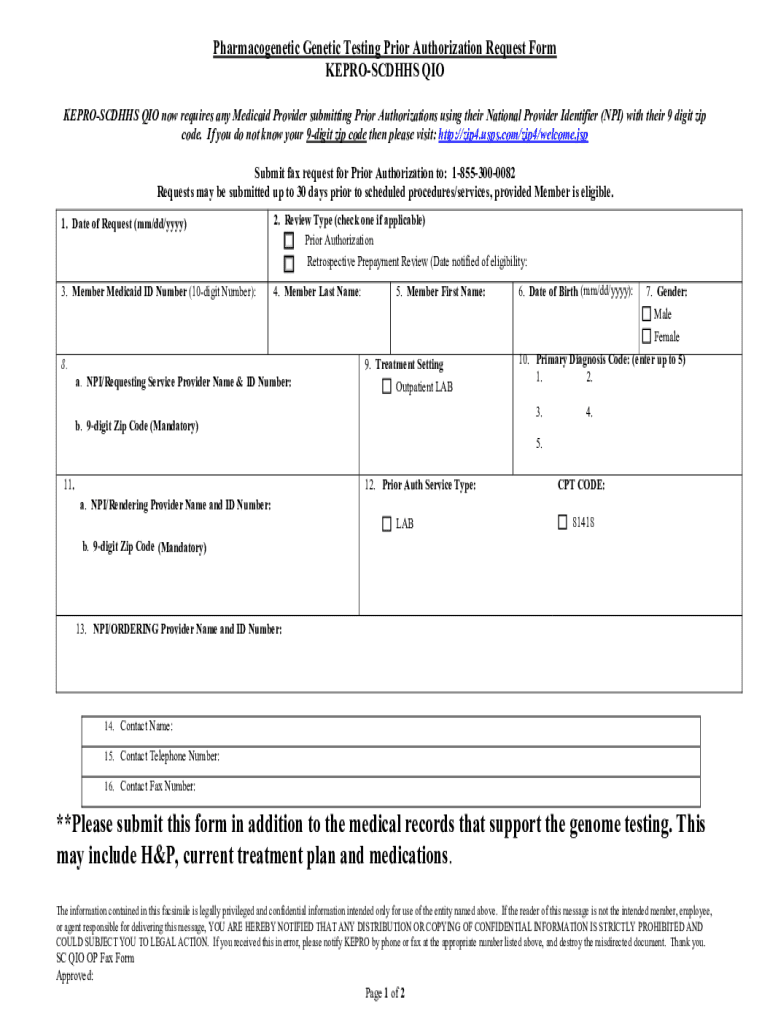







Definition and Meaning of Form Online
The term "form online" specifically refers to digital versions of documents that are typically available for completion, submission, or processing via the internet. These forms replicate the structure and function of traditional paper forms but offer the benefit of enhanced accessibility and efficiency. Online forms play a crucial role in a variety of applications, from government documentation and tax filings to business transactions and legal agreements. They facilitate data collection, streamline workflows, and simplify the process of information exchange across diverse sectors.
Practical Applications
- Tax Filing: Online forms such as tax returns allow individuals and businesses to file their taxes electronically, reducing errors and expediting processing times.
- Employment: Job application forms that can be completed online improve the recruitment process by reaching a broader audience.
- Healthcare: Patient information forms help in the efficient management of medical records and appointments.
Steps to Complete the Form Online
Completing a form online generally involves several intuitive steps designed to guide the user through the process efficiently. Here is a typical sequence:
- Access the Form: Navigate to the website offering the online form. This is usually the official site of the organization or institution responsible for the form.
- Fill Out Required Fields: Begin by entering all requested information. Mandatory fields are often marked with an asterisk (*) to indicate necessity.
- Review and Edit: Once all necessary fields are populated, review your entries carefully to ensure accuracy. Most online systems allow you to edit entries before submission.
- Attach Required Documents: If additional documentation is needed, upload files directly through the online platform.
- Submit the Form: Click the 'submit' button to complete the process. Confirmation of submission usually follows, often through an on-screen message or an email confirmation.
- Record Confirmation: Save or print a copy of the confirmation for your records. Many online platforms also offer a download link for your completed form.
Common Tools and Features
- Auto-fill Options: Some platforms provide auto-fill features that use previously saved data to expedite completion.
- Progress Indicators: Step-by-step indicators help track how much of the form is completed and what remains.
Key Elements of Form Online
Online forms generally consist of several critical elements that ensure they capture necessary information accurately and efficiently.
Components
- Text Fields: For entering basic information such as names, addresses, and other textual data.
- Checkboxes and Radio Buttons: Options for selecting one or multiple predefined options efficiently.
- Dropdown Lists: Useful for selecting from a list of options when space is limited.
- Signature Fields: Areas where users can enter a digital signature. This may be done through a drawing tool or by uploading an image of a handwritten signature.
Ensuring Accuracy
- Validation Rules: These are in place to check for errors in data entry, ensuring the information submitted is in the correct format.
- Mandatory Fields: Essential information must be provided in these fields before submission can occur.
Why Should You Use Form Online
Using forms online comes with several advantages that streamline processes for both individuals and organizations.
Advantages
- Convenience and Accessibility: Completing a form online can usually be done from anywhere with internet access, eliminating the need to visit a location physically.
- Efficiency and Speed: Online forms often have built-in validation that reduces errors, while immediate submission capabilities expedite processing.
- Environmental Impact: Reduces the need for paper, which lowers environmental impact by minimizing waste.
Potential Challenges
- Technical Requirements: Access to a reliable internet connection and a compatible device is necessary.
- Security Concerns: Users must trust the platform's ability to protect sensitive information.
Legal Use of the Form Online
In many cases, online forms serve as legally binding documents, similar to their paper counterparts. However, certain conditions must be met for them to hold legal standing.
Requirements for Legal Validity
- Electronic Signatures: Must comply with laws such as the ESIGN Act, which dictate how forms should be signed digitally to ensure legality.
- Audit Trails: Comprehensive records of actions taken on the form, including time stamps and user activity, enhance legality and credibility.
Use Cases
- Contracts: Agreements signed through online forms can be legally enforceable.
- Applications: Many official applications, such as those for loans or permits, can be completed online with legally binding requests.
State-Specific Rules for the Form Online
Different states might have unique regulations or guidelines governing the use and submission of forms online.
Variations by State
- Tax Forms: Some states might have additional e-filing requirements or offer specific platforms for electronic submission.
- Business Registrations: Procedures for registering a business online can vary widely, with certain states offering tailored online portals.
Resources for Compliance
- State Government Websites: Typically provide the most current legal requirements and instructions for specific types of online forms relevant to residents.
- Legal Consultation: Engaging legal expertise might be advisable for complex forms or when operating across multiple state jurisdictions.
Software Compatibility for Filling Form Online
When engaging with online forms, compatibility with various software platforms can significantly impact ease of use.
Common Integration Platforms
- Google Workspace: Offers seamless integration for importing and exporting online forms, enhancing productivity.
- Document Management Systems: Tools like DocHub offer comprehensive environments for managing online forms.
Choosing the Right Software
- Functionality Requirements: The software should support the essential features necessary for form completion and submission.
- User-Friendly Interface: An intuitive design ensures quick adoption and efficient use.
Business Types Benefiting Most from Form Online
Certain types of businesses find significant advantages in utilizing online forms, especially when dealing with high volumes of documentation.
Beneficial Business Types
- E-commerce: Forms are used extensively for orders, returns, and customer feedback.
- Healthcare: Online forms facilitate appointments, patient intake, and information management.
- Education: Schools and universities utilize forms for admissions, registrations, and surveys.
Improvement in Operations
- Time Management: Automated processing through online forms frees up human resources for other tasks.
- Error Reduction: Decreased manual input minimizes the chances of errors in critical data.
This comprehensive exploration of "form online" delves into nuanced aspects necessary for understanding, creating, and utilizing digital forms across various applications.




