






Definition and Purpose of the Outside Agency Referral Form
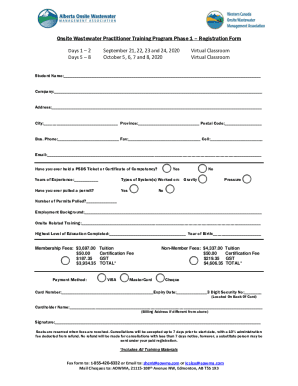
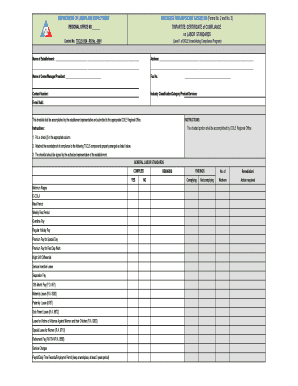
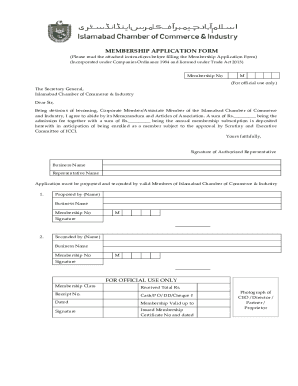
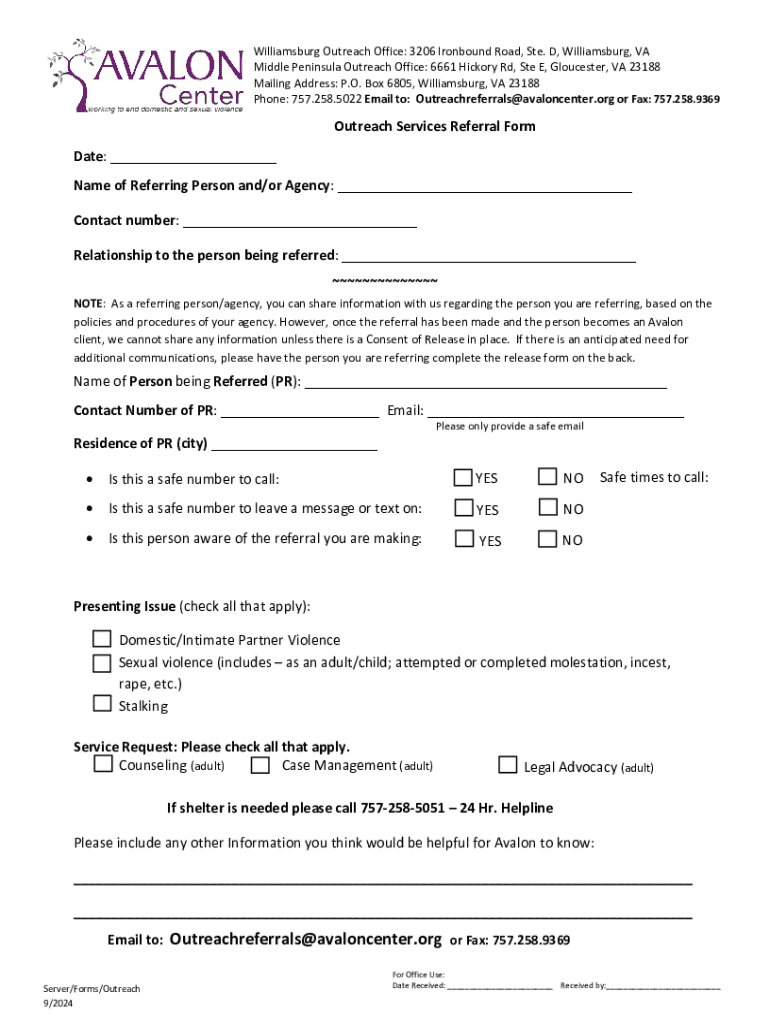
The Outside Agency Referral Form is a specialized document used to facilitate the referral process between different agencies or organizations. Its primary purpose is to provide a standardized method for transferring information about an individual or case from one entity to another, ensuring that all relevant details are documented accurately. This form is critical in situations where organizations need to collaborate on cases that require joint effort, such as situations involving social services, healthcare, or legal assistance. By utilizing this form, agencies can streamline communication, ensuring that all parties involved have access to consistent and comprehensive information.
How to Use the Outside Agency Referral Form
When using the Outside Agency Referral Form, it is important to fill out each section carefully to ensure that all necessary information is captured. The form typically includes fields for the referring agency's details, recipient agency's information, the purpose of the referral, and detailed notes about the individual or case being referred. Users should:
- Begin by entering the contact information for both the referring and receiving organizations.
- Clearly state the reason for the referral, providing specific details about the nature of the situation.
- Include any relevant background information, such as previous interactions or services provided.
- Ensure all sections are complete before submission to avoid delays in processing.
By adhering to these steps, organizations can maintain clarity and prevent miscommunication.
How to Obtain the Outside Agency Referral Form
The Outside Agency Referral Form can be acquired from various sources depending on the specific context and agencies involved. Typically, these forms are available:
- Directly from the agency overseeing the referral process, such as a local social services department or healthcare provider.
- Via online portals for organizations that handle numerous referrals.
- By contacting the administrative offices of involved agencies and requesting a copy, either in digital format or as a physical document.
Obtaining the form from a reliable source ensures that users have the correct version, which aligns with current standards and regulatory requirements.
Steps to Complete the Outside Agency Referral Form
Completing the Outside Agency Referral Form requires careful attention to detail and adherence to specific steps to ensure accuracy and comprehensiveness:
- Gather all necessary information regarding the client or case involved in the referral.
- Fill out the form with accurate contact information for both the referring and recipient agencies.
- Provide a detailed explanation of the referral's purpose, including any specific services requested or required.
- Attach any supplemental documentation, such as previous reports or assessments, to support the referral.
- Review the completed form for errors or omissions before submission.
- Submit the form through the prescribed method, such as electronic submission or postal mail, as specified by the receiving agency.
By following these steps, submitting parties can ensure that the referral is processed efficiently and effectively.
Why Use the Outside Agency Referral Form
The Outside Agency Referral Form plays a vital role in ensuring effective collaboration and communication between different organizations. Its use is critical for several reasons:
- It standardizes the information-sharing process, reducing the likelihood of errors or misinterpretation.
- It ensures that all relevant case details are conveyed accurately, promoting efficient service delivery.
- It facilitates timely interventions by reducing the administrative burden and expediting the referral process.
- It enhances accountability by documenting the referral process and creating a clear record that can be referenced in the future.
Adopting this form increases the efficacy of inter-agency collaborations, particularly in complex cases requiring multi-disciplinary approaches.
Key Elements of the Outside Agency Referral Form
The Outside Agency Referral Form is comprised of several key elements that contribute to its effectiveness:
- Detailed Contact Information: Ensures that both referring and receiving parties can easily communicate and coordinate.
- Purpose of Referral: Clearly articulates why the referral is being made, including specific objectives and services requested.
- Case History: Provides context regarding the individual or situation, supporting informed decision-making by the receiving agency.
- Consent and Confidentiality: Verifies that consent has been obtained from the client, ensuring compliance with privacy regulations and ethical standards.
Each of these elements plays a crucial role in ensuring that the referral process is seamless and effective.
Legal Use of the Outside Agency Referral Form
The legal use of the Outside Agency Referral Form is governed by specific regulations and guidelines to ensure compliance and confidentiality. Key considerations include:
- Adherence to Privacy Laws: Ensuring that all information shared complies with laws such as the Health Insurance Portability and Accountability Act (HIPAA) for healthcare-related referrals.
- Obtaining Client Consent: Securing written consent from the individual involved before sharing personal information, ensuring transparency and ethical integrity.
- Record Keeping: Maintaining copies of completed forms as part of the organizational records, which can be audited for compliance purposes.
Understanding these legal parameters is essential for organizations to avoid potential violations and ensure the ethical use of client information.
Examples of Using the Outside Agency Referral Form
The Outside Agency Referral Form is utilized in various scenarios across different sectors. Some typical examples include:
- Social Services: Used to refer clients to mental health services, housing assistance, and other community resources.
- Healthcare: Facilitates transfers between primary care providers and specialists, ensuring that patient histories and treatment plans are consistently communicated.
- Education: Supports referrals to special education services or external educational support agencies.
These examples illustrate the form's versatility and its crucial role in coordinating services across diverse fields.