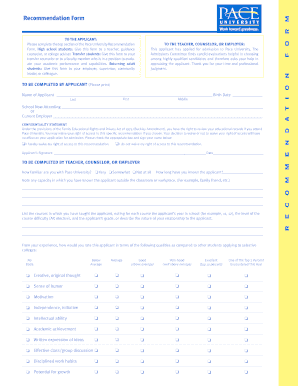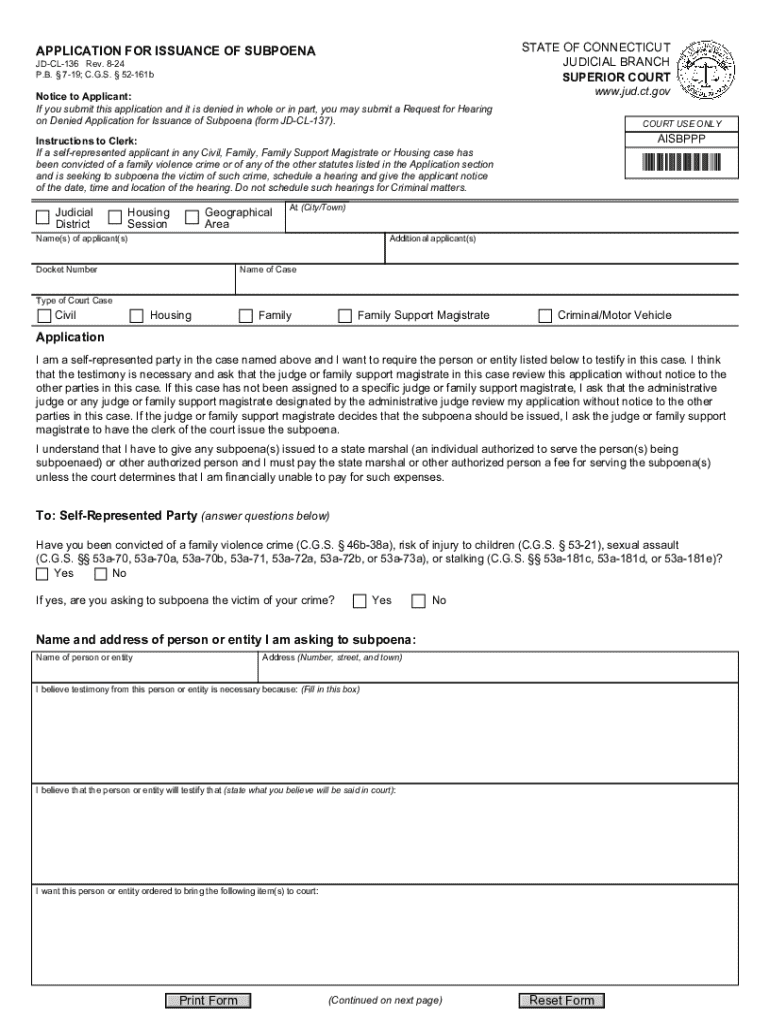







Definition & Meaning
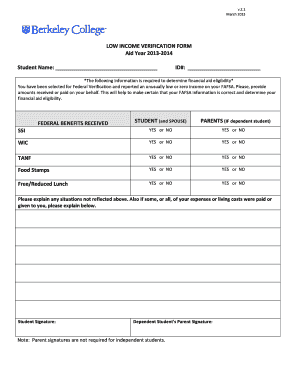
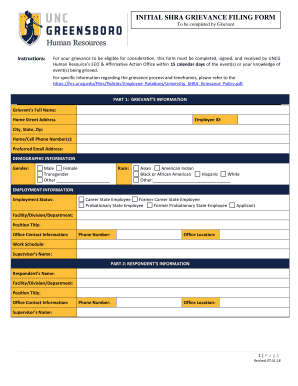
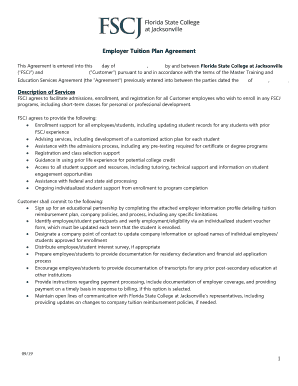
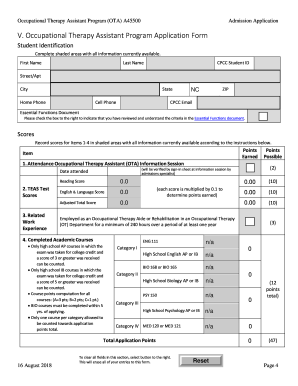
The concept of "form online" encompasses digitized versions of traditional paper forms designed for various purposes such as legal applications, financial documentation, and administrative procedures. These forms are tailored to be filled out, submitted, and stored electronically, streamlining processes and reducing paper waste. The move towards online forms represents a shift in how individuals and businesses handle paperwork, enabling more efficient data management and accessibility. Typically, these forms include fillable fields for entering required information and accommodating a range of functionalities from text input to electronic signatures.
How to Use the Form Online
Using a form online involves several steps that ensure accurate completion and submission. First, navigate to the platform where the form is hosted, such as DocHub, and locate the desired form using search capabilities or direct links. Once accessed, follow these steps:
- Open the Form: Use compatible software or an online service that supports the specific file format, such as PDF or DOC.
- Complete Required Fields: Enter the necessary information in the designated fields, ensuring that all details are accurate and complete. Fields may include personal details, addresses, or specific data related to the form's purpose.
- Review for Accuracy: Carefully review the form to ensure all information is correct and that no sections are incomplete.
- Add Electronic Signature: If required, add your electronic signature. Platforms like DocHub provide tools for creating a compliant signature using a mouse, trackpad, or touchscreen.
- Submit the Form: Submit the completed form by following the platform's submission process, whether it's via email, direct upload, or through an integrated submission button.
How to Obtain the Form Online
Finding and obtaining forms online is straightforward with the use of digital platforms. Typically, these forms are available through official websites of relevant institutions or service providers. To obtain a form online:
- Search on Official Websites: Visit the website of the institution responsible for the form, such as a government agency for tax forms or a company for employment applications.
- Use Document Platforms: Services like DocHub offer libraries of popular forms which users can directly access and edit.
- Request via Email: Some forms might be requested through email with specific institutions or service providers if they are not readily available online.
- Check Cloud Storage: If you’ve previously saved the form from a prior use, check your cloud storage services where documents can be stored and retrieved.
Steps to Complete the Form Online
When completing a form online, following a structured approach ensures the process is efficient and error-free. Here are the typical steps involved:
- Access the Document: Use a reliable internet connection and open the form on a compatible platform.
- Identify Required Fields: Use the form’s layout to guide which fields are mandatory, often indicated by an asterisk or bold text.
- Input Information: Carefully enter the needed details into each field. For text boxes, ensure clarity and conciseness.
- Add Any Attachments: If the form requires additional documents, upload these using the form’s attachment feature.
- Apply Formatting: If applicable, utilize any formatting options provided to align with requirements, such as specific date formats.
- Final Review and Sign: Before submission, conduct a thorough review of all entered information. Add your electronic signature if necessary.
Why Should You Form Online
Filling forms online offers multiple advantages that make it a preferred choice for individuals and organizations:
- Efficiency and Speed: Online forms can be completed and submitted quickly without postal delays.
- Cost Savings: Reduces the need for paper, printing, and postage, resulting in lower operational costs.
- Environmental Benefits: Decreases paper usage, contributing to environmental sustainability efforts.
- Error Reduction: Built-in validation features reduce the likelihood of incomplete fields or incorrect data.
- Convenience: Users can complete forms at their convenience from any location, provided there is internet access.
Key Elements of the Form Online
Online forms typically include several key elements that enhance usability and functionality:
- Form Fields: Consisting of text boxes, dropdown menus, radio buttons, and checkboxes for ease of data entry.
- Instructions: Specific guidance provided on the form to help users fill out each section correctly.
- Validation Checks: Automated alerts that notify users if required fields are left blank or filled incorrectly.
- Submission Confirmation: A message or email that confirms the successful submission of the form, providing peace of mind to the user.
- Security Features: Encryption and authentication measures to ensure data privacy and security.
State-Specific Rules for the Form Online
Certain online forms, especially those related to legal and tax matters, may include state-specific regulations and requirements. This section highlights how these can vary:
- Tax Forms: Different states might have unique tax forms or additional fields for localized taxes.
- Legal Documents: Variations in state laws may require additional language or documentation for legal compliance.
- License Applications: Specific certifications or documentation might be necessary depending on the state regulations.
- Residency Criteria: State-specific criteria may determine eligibility for certain benefits or applications.
Examples of Using the Form Online
Real-world scenarios demonstrate the versatility and application of forms online across various sectors:
- Corporate Environment: HR departments using online forms for employment applications streamline the recruitment process.
- Educational Settings: Universities utilize online registration forms for course enrollments and administrative tasks.
- Government Services: Citizens complete tax returns or apply for permits using state-specific online forms.
- Healthcare: Patients fill out consent forms online, improving data management for healthcare providers.
Important Terms Related to Form Online
Understanding the terminology related to online forms is crucial for proper navigation and usage:
- Fillable PDF: A type of document that allows users to fill in fields directly within the PDF file.
- Electronic Signature (e-sign): A digital method used to sign documents electronically — legally binding and recognized.
- Submission Protocol: The specific method required to send the completed form to the intended recipient, often included in form instructions.
- Digital Authentication: Techniques used to verify the identity of a user before accessing a form or signing digitally.
Versions or Alternatives to the Form Online
While online forms provide significant benefits, alternatives and various versions offer flexibility based on user needs:
- PDF Forms: Standard electronic format used widely for forms due to its cross-platform compatibility.
- HTML Forms: Often used on websites for real-time data entry and submission.
- Mobile-Optimized Forms: Designed specifically for use on smartphones, ensuring ease of access and usability.
- Paper Copies: Traditional counterparts for those who prefer physical documentation or lack digital access.
Examples of Variations and Context-Specific Applications
There are diverse examples of how online forms cater to specific uses, offering tailored solutions for various contexts:
- Multi-Step Forms: Used in complex applications such as visa or immigration processes, where data is collected in stages.
- Feedback Forms: Automated forms sent post-service or product delivery for customer feedback.
- Event Registration: Forms designed to collect information for event attendance and participation.
- Customizable Templates: Pre-designed form structures that can be customized for specific business needs.
By adhering to these comprehensive guidelines and detailed breakdowns, users can effectively manage their online form interactions, ensuring accuracy, compliance, and efficiency.