




01. Edit your form online
Type text, add images, blackout confidential details, add comments, highlights and more.


Type text, add images, blackout confidential details, add comments, highlights and more.

Draw your signature, type it, upload its image, or use your mobile device as a signature pad.

Send it via email, link, or fax. You can also download it, export it or print it out.
"Form online" refers to the process of completing, submitting, and managing forms digitally, as opposed to on paper. This method leverages web-based platforms to streamline workflows, offering various tools to facilitate efficient document handling. Forms completed online can range from simple surveys to complex applications that require detailed information. By using online forms, individuals and businesses can save time, improve accuracy, and enhance accessibility.
Utilizing online forms typically involves accessing a web-based platform like DocHub. Users begin by selecting or creating a form that suits their needs. The process involves several steps, generally starting with filling out personal or business information. Users can easily add text, insert images, or upload documents as needed. After the form is completed, it can be securely saved, signed, and shared with others electronically. Platforms often provide options to email completed forms directly, streamlining the communication process and ensuring swift delivery.
Completing an online form involves navigating a user-friendly interface that guides the user through the required fields and sections. The system ensures that all mandatory fields are filled before submission, reducing the likelihood of incomplete forms. Users are also provided with clear instructions and tooltips to assist with any complexities they might encounter.
Understanding the terminology associated with online forms can facilitate smoother interactions. Key terms often include:
The legal use of online forms adheres to regulations like the ESIGN Act, which validates the legality of electronic signatures in transactions. Organizations must ensure that the forms and processes comply with these regulations to maintain their validity. Legal compliance can vary based on the type of form and its intended use, particularly if sensitive data is involved.
The core components of an online form are designed to collect, process, and store data efficiently. These elements typically include:
Online forms have widespread applications across various domains, such as:
Many platforms facilitate seamless integration with popular software tools like TurboTax and QuickBooks. This compatibility ensures that data can flow easily between applications, reducing redundancy and enhancing productivity. Users can import and export data to ensure continuity in their work processes.
State regulations may impact how online forms are filled out and submitted. Some states may have specific requirements regarding the usage of digital signatures or additional documentation. It's crucial to be aware of any local laws that may affect the process of completing forms online.
Failing to comply with standards for online forms can result in penalties or fines. These consequences hinge on the form type and governing jurisdiction, with severe penalties for misrepresentation or unauthorized disclosure of sensitive information.
By adhering to these guidelines, users can maximize the efficiency and security of using online forms, ensuring compliance with legal requirements and optimizing their document handling process.
We've got more versions of the FERC Form 556 Certification of Qualifying Facility Status form. Select the right FERC Form 556 Certification of Qualifying Facility Status version from the list and start editing it straight away!
At DocHub, your data security is our priority. We follow HIPAA, SOC2, GDPR, and other standards, so you can work on your documents with confidence.
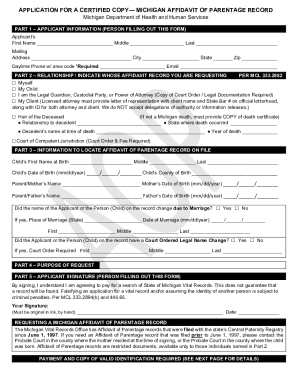
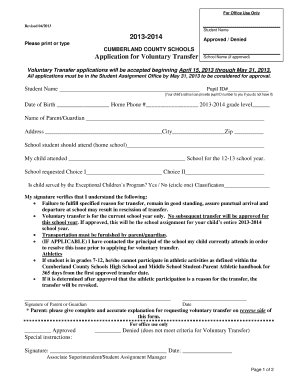
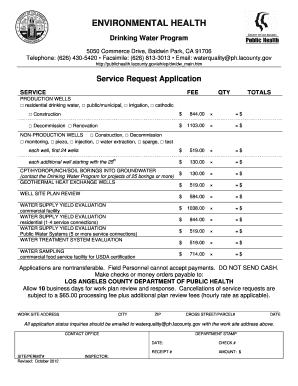

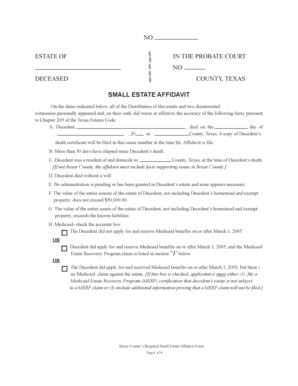

FERC Form No. 556, Certification of qualifying facility (QF) status for a small power production or cogeneration facility.
Status: Operating Start year: 1997. Capacity: 556 MMcf/d [3] Length: 0 miles [3] Status: Operating [4] Start year: U.S. FERC for authorization to construct and


