




01. Edit your form online
Type text, add images, blackout confidential details, add comments, highlights and more.


Type text, add images, blackout confidential details, add comments, highlights and more.

Draw your signature, type it, upload its image, or use your mobile device as a signature pad.

Send it via email, link, or fax. You can also download it, export it or print it out.
Online forms are digital documents designed to collect information from users over the internet. Unlike traditional paper forms, these are accessed and filled through web browsers, providing a seamless way to gather data. Their digital nature allows for easy distribution, higher accessibility, and more efficient data processing. Online forms can be used for various purposes such as applications, surveys, feedback collection, and registrations. With platforms like DocHub, online forms are further enhanced with features such as fillable fields, electronic signatures, and real-time collaboration.
When engaging with an online form, users typically follow a straightforward process that maximizes convenience and efficiency. First, the form is accessed via a link or a web-based platform. Users are then guided through each section of the form, which can include text fields, drop-down lists, checkboxes, and signature fields. With tools like DocHub, users can easily fill out these fields, attach necessary documents, and use annotation tools for additional notes if needed. Upon completion, the form is usually submitted with a simple click, often triggering a confirmation message or email receipt.
To successfully complete an online form, follow these step-by-step instructions:
Utilizing online forms offers multiple advantages over traditional methods:
Understanding key terms associated with online forms can enhance user experience and accuracy.
Online forms, especially those processed through trustworthy platforms like DocHub, adhere to stringent legal standards. They are in compliance with acts such as the ESIGN Act, ensuring that electronic signatures are recognized as legally binding. Forms often include security features that allow for password protection and audit trails, adding layers of reliability and traceability. It's important for users to understand these aspects to ensure forms remain valid and enforceable in legal situations.
From simple surveys to complex legal agreements, the range of applications for online forms is extensive. For instance, educational institutions use them for student registrations, while healthcare providers rely on them for patient intake forms. Businesses utilize them for job applications and client feedback, streamlining their operational processes. Real estate agencies can create electronic lease agreements, and government entities commonly use electronic forms for tax filings and permit applications.
Digital forms offer distinct advantages over their paper counterparts, mainly in the areas of speed, cost, and efficiency. They eliminate the need for printing and physical storage, reducing environmental impact and costs. Digital forms can be easily shared and edited, with changes tracked in real time. In contrast, paper forms require physical handling and are prone to errors during manual data entry. The use of digital solutions like DocHub further enhances these benefits by providing integration with cloud services and secure data handling.
We've got more versions of the Child and Adult Care Food Program Menu form. Select the right Child and Adult Care Food Program Menu version from the list and start editing it straight away!
At DocHub, your data security is our priority. We follow HIPAA, SOC2, GDPR, and other standards, so you can work on your documents with confidence.
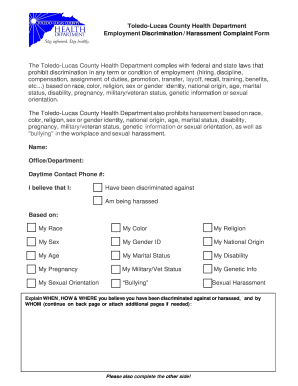


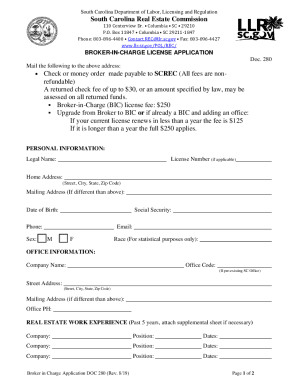

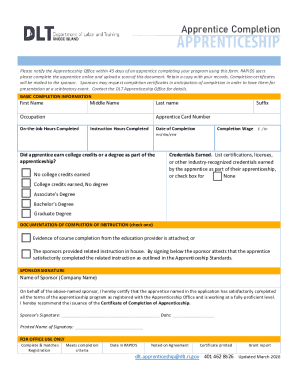
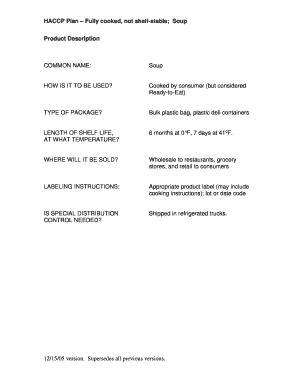

Jun 1, 2026 The Child and Adult Care Food Program (CACFP) is a federal program that provides reimbursements for nutritious meals and snacks to eligibleRead more
Our team distributed free. Many individuals experiencing homelessness shared that they rely on food drives and donated meals for their daily sustenance.
May 19, 2026 The standards support the service of a greater variety of vegetables and fruit, whole grains, lean meats/meat alternative, and low-fat and fat-Read more


