Definition and Meaning of "Form Online"
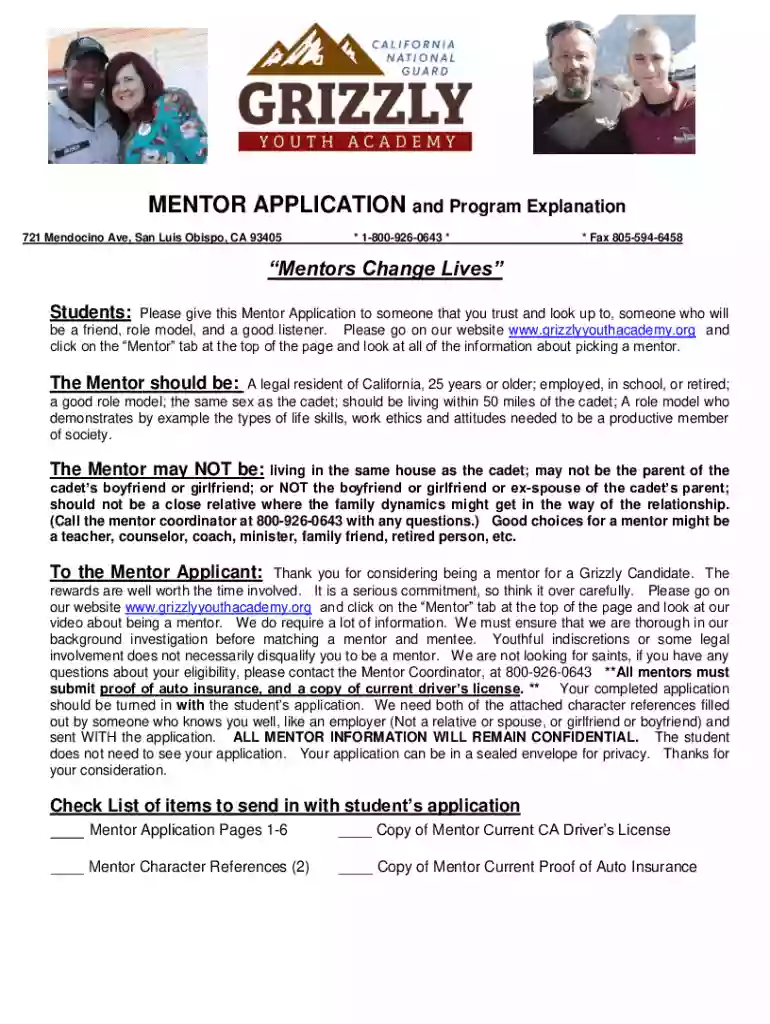
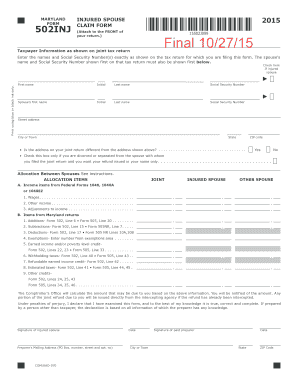
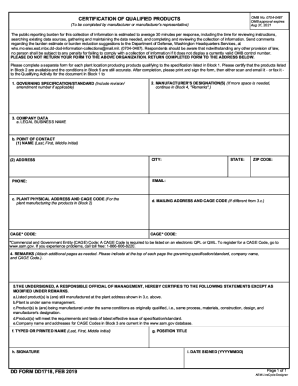
The term "form online" refers to the process of completing and submitting various types of forms through an internet-based platform, rather than using traditional paper forms. This digital approach allows individuals and businesses to fill out, submit, and manage documents efficiently and securely. Online forms are commonly used for applications, registrations, surveys, and data collection. By utilizing online forms, users can streamline administrative tasks, reduce paper usage, and expedite processing times. This digital shift not only enhances convenience but also integrates seamlessly with modern workflow environments.
Common Use Cases for Online Forms
- Application Forms: Used for job applications, educational admissions, and program enrollments where users can easily submit their details without physical paperwork.
- Registration Forms: Utilized for events, classes, or memberships, allowing participants to quickly register online and receive confirmations.
- Surveys and Feedback: Online forms collect customer feedback or conduct market research efficiently, reaching a wider audience.
- Financial Transactions: Forms used for tax filings, payment processing, or financial disclosures streamline complex transactions securely.
- Legal Agreements: Allows for drafting and signing contracts or agreements electronically, ensuring legal compliance and traceability.
How to Use the Form Online
Using an online form involves several key steps to ensure successful completion and submission. Understanding the features and functionalities available is crucial for an efficient process.
Step-by-Step Guide
- Access the Form: Begin by navigating to the correct website or platform hosting the form. Ensure a stable internet connection for uninterrupted access.
- Filling Out Details: Input accurate information in the designated fields, such as personal data, contact information, or specific responses required.
- Attachments and Additions: Some forms may allow or require the addition of documents or images. Attach these files as instructed.
- Review Entries: Before submitting, double-check all entries for accuracy and completeness to avoid errors and possible rejections.
- Submit with Ease: After verifying details, use the submission button or option provided. Many platforms offer an immediate confirmation of receipt.
Tips for Effective Use
- Save Progress: If the form supports saving progress, use this feature to avoid data loss in case of interruptions.
- Read Instructions: Carefully review any provided instructions or guidelines specific to the form to ensure compliance with submission requirements.
- Use Secure Networks: To protect personal and sensitive information, always use secure network connections when accessing and submitting forms.
Steps to Complete the Form Online
Completing an online form requires attention to detail and following a structured process to ensure that all required information is accurately and fully provided.
Detailed Process Overview
- Identifying Required Fields: Some fields may be marked as mandatory. Complete these first to ensure the form can be successfully submitted.
- Providing Information: Entering names, addresses, identification numbers, and other necessary details according to the format specified (e.g., MM/DD/YYYY for dates).
- Field Validation: As you fill out the form, look for real-time field validation features that immediately notify you of any errors or missing information.
- Upload Supporting Documents: If applicable, upload documents like identification proof, photos, or resumes in formats specified (e.g., PDF, JPEG).
- Digital Signature: Use the electronic signature function if a digital signature is required. This step typically involves drawing or typing your signature.
- Final Review and Submission: After cross-checking all the details and making any necessary corrections, submit the form. Upon submission, a notification or confirmation email may be sent.
Common Mistakes to Avoid
- Skipping Mandatory Fields: Incomplete sections can lead to submission errors; check that all required fields are filled.
- Ignoring Instructions: Special instructions often contain crucial information for proper form completion and submission.
- Incorrect File Formats: Ensure that attached documents are in the correct format to prevent submission issues.
Why Should You Use Forms Online
Utilizing forms online offers numerous benefits ranging from enhanced convenience to increased efficiency. Understanding these benefits can help individuals and organizations make informed decisions about digital transformation.
Key Benefits
- Time Efficiency: Completing and submitting forms online saves time, eliminating the need for postage or physical deliveries.
- Accessibility: Online forms can be accessed anytime, anywhere, eradicating constraints posed by geographical locations or time zones.
- Cost-Effective: Reduces costs associated with printing, storage, and transportation of paper forms.
- Environmental Impact: Lower paper usage contributes to environmental sustainability and aligns with corporate social responsibility (CSR) goals.
- Enhanced Accuracy: Reduces human error through automated validations and guided user inputs.
When to Opt for Online Forms
- High-Volume Submissions: When dealing with a large number of forms, online submission proves more manageable and scalable.
- Urgent Applications: For scenarios requiring quick turnaround times, digital forms facilitate faster processing.
- Secure Data Management: In situations where data security is paramount, encrypted online platforms offer robust protection.
Key Elements of the Form Online
Understanding the various components and elements of an online form is essential for accurate completion and optimal use.
Essential Elements to Consider
- User Interface (UI): A well-designed UI ensures the form is user-friendly and intuitive, aiding seamless navigation and completion.
- Input Fields: These may include text boxes, dropdown menus, radio buttons, and checkboxes depending on the information required.
- Validation Checks: Implemented to ensure the correctness of entries, especially for formats like email addresses or dates.
- Submission Controls: A feature that guides users in reviewing their entries and confirms successful submission.
Enhancements for Better User Experience
- Responsive Design: Allows users to fill out forms on various devices, including desktops, tablets, and smartphones.
- Conditional Logic: Forms that adapt based on user responses to show or hide additional questions as necessary, reducing clutter.
- Progress Indicators: Bars or step indicators to show users their progress through the form, assuring them of their completion status.
Common User Groups
- Businesses and Corporates: For applications, internal processes, client onboarding, and feedback collection.
- Educational Institutions: Schools and universities use online forms for admissions, assessments, and surveys.
- Government Agencies: Utilize digital forms for licensure, permit applications, and public service transactions.
- Healthcare Providers: For patient registrations, health surveys, and feedback collection.
Examples of Industries Benefiting from Online Forms
- Real Estate: Lease agreements, property listings, and client feedback.
- Human Resources: Employee onboarding, timesheets, and training evaluations.
- Nonprofits: Volunteer applications, donor pledges, and event registrations.
Legal Use of the Form Online
Understanding the legality and regulatory requirements associated with online forms is crucial, especially when dealing with sensitive or official processes.
Compliance and Legal Frameworks
- ESIGN Act: Ensures that electronic signatures on documents are legally recognized in the United States, giving digital forms the same legal standing as paper documents.
- Data Protection Laws: Online forms should comply with data privacy regulations like GDPR and CCPA, ensuring the protection of personal information.
- Record Keeping: Digital submissions provide easy access to records for auditing purposes, often with built-in audit trails and logs.
Mitigating Legal Risks
- Clear Consent: Obtain explicit consent from users before collecting or processing their data.
- Disclosure of Intent: Clearly outline the purpose of data collection and how it will be used to build trust with users.
- Secure Platforms: Use platforms that offer encryption and other security measures to protect user data from unauthorized access.
State-Specific Rules for the Form Online
Different states may have unique regulations and requirements concerning the use of online forms, impacting legal compliance and processing.
Understanding State Variations
- Form Requirements: Some states require specific forms to include particular details or formats.
- Submission Guidelines: Different states may have varying protocols for electronic submissions, including timelines and confirmation processes.
- Signature Regulations: States might have distinct rules regarding electronic signatures on legal documents.
Ensuring State Compliance
- Stay Informed: Regularly consult state guidelines to ensure compliance with any changing regulations.
- Local Expertise: Engage with local legal experts or consultants who can provide insights into state-specific requirements for online forms.
- Update Practices: Periodically review and update form processes to align with state laws and industry standards.