01. Edit your form online
Type text, add images, blackout confidential details, add comments, highlights and more.

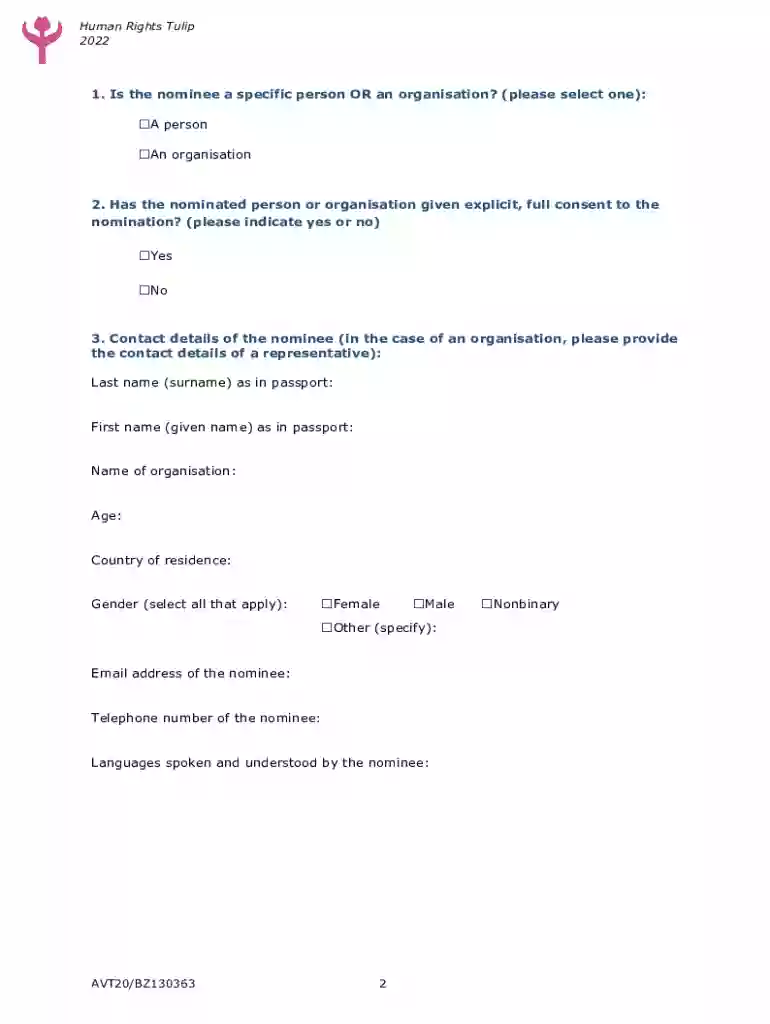
Type text, add images, blackout confidential details, add comments, highlights and more.

Draw your signature, type it, upload its image, or use your mobile device as a signature pad.

Send it via email, link, or fax. You can also download it, export it or print it out.
The TULIP Online Licensure Application SystemTexas Health and Human Services, often referred to as TULIP, is an electronic platform developed by the Texas Health and Human Services (HHS). It facilitates the licensing process for health-related services and ensures compliance with the state’s regulations. This centralized system allows professionals and organizations in the health sector to apply for, renew, and manage their licenses efficiently. Developed to promote transparency and streamline administrative tasks, TULIP plays a critical role in the regulatory landscape for health services in Texas.
Using TULIP involves several key steps that users must follow to effectively navigate the system.
Registration: Begin by creating a user account on the TULIP platform. This requires basic personal information and the creation of a secure password.
Application: Once registered, users can access the application portal to submit a new licensure request or a renewal. The user-friendly interface guides applicants through the required sections.
Documentation: Upload supporting documents, such as identification, professional credentials, and any additional documents required by Texas HHS.
Submission & Payment: After completing the application, submit it electronically. Remit any applicable fees using the secure payment gateway provided by TULIP.
Tracking & Updates: Use the system to monitor the status of your application. Notifications and updates will be sent via email to inform you of any required actions or the final decision.
Completing an application on TULIP entails a structured process to ensure compliance with the Health and Human Services regulations.
Login to Your Account: Access your TULIP account using your registered email and password.
Initiate New Application: Click on the option to start a new application suitable for your needs, be it new licensure, renewals, or amendment of existing credentials.
Fill Application Details: Provide detailed information pertaining to the type of license, professional information, and any relevant health services provided.
Document Verification: Ensure all the documents you need, such as degrees, certifications, and proof of past work experience, are uploaded in the specified formats.
Review & Submit: Double-check all entries for accuracy and completeness. Submit the application and make the required payment through the system.
Follow Up: Post-submission, regularly check your email and the TULIP portal for any communications or updates from Texas HHS regarding your application status.
Several integral components shape the functionality of the TULIP system:
User Accounts: Secure login credentials are mandatory for access, ensuring that sensitive information is protected and confidential.
Application Forms: Tailored forms for various licensing needs, ranging from healthcare providers to facility licenses, are available to meet diverse requirements.
Document Management: An intuitive upload system assists users in managing documents and streamlines the approval process through digital records.
Payment Processing: A built-in feature that allows users to pay licensing fees securely using online banking or credit options.
Notification Services: Automated alerts and notifications keep users informed of deadlines or any additional documentation requested by the licensing body.
Texas-specific regulations govern the operation of the TULIP system, critical for ensuring compliance within the healthcare sector:
Licensing Requirements: Specific prerequisites must be met for each type of licensure, such as educational qualifications or work experience evidences tailored to Texas state laws.
Compliance Protocols: Adherence to Texas administrative codes and standards of practice is mandatory, with the TULIP system monitoring compliance.
Renewal Schedules: State rules dictate the timelines for license renewals which TULIP systematically reminds users to adhere to prevent lapses.
State Jurisdiction: Only entities operating within Texas are eligible to apply through this system, given its jurisdiction-specific focus.
The TULIP system adheres to strict legal frameworks to protect both users and the state licensing body:
Data Privacy: Maintains compliance with data protection laws such as HIPAA, ensuring the confidentiality and security of personal health information.
License Verification: Allows state-level monitoring to verify the authenticity of submitted credentials and detect potential fraud.
Legal Compliance: Application submissions are legally binding, and false information submission can lead to legal consequences under state law.
Audit Trails: Comprehensive audit records are maintained within the TULIP system to ensure transparency and accountability in licensing transactions.
The application process through TULIP is designed to be efficient but requires patience as each application undergoes detailed scrutiny:
Initial Submission: Once an application is submitted, it triggers an initial review by Texas HHS staff.
Verification Phase: The documents are reviewed for authenticity and completeness. Any discrepancies may result in a request for more information.
Evaluation Period: After verification, the application enters an evaluation phase to ensure compliance with licensing standards.
Approval Notification: The complete process generally ranges from days to weeks, depending on the complexity and completeness of the application; applicants are notified once a decision is made.
Licensing Issuance: Upon approval, the official license is issued electronically, allowing the licensed entity to commence operations legally.
Understanding key terminologies associated with TULIP aids users in navigating the system more effectively:
Licensure: The legal accreditation allowing individuals or entities to operate within the health sector in Texas.
Renewal: The process of extending the validity of an existing license by fulfilling specific requirements.
Compliance: Adhering to set rules and standards required by Texas Health and Human Services.
Verification: The act of confirming the authenticity of submitted documents and credentials.
Audit: A systematic review carried out to ensure that all procedures and applications meet legal and professional standards.
The TULIP system provides the greatest advantage to business entities within the health sector in Texas:
Hospitals and Clinics: Facilities requiring state licensure can streamline application and renewal processes.
Individual Practitioners: Doctors, nurses, and other health professionals can manage their licenses efficiently.
Residential Care Providers: Services such as nursing homes or assisted living facilities benefit from a simplified regulatory process.
Therapeutic Services: Including physical therapy and counseling services, which require ongoing adherence to state regulations.
Through the TULIP system, these entities can ensure compliance, reduce administrative overhead, and maintain high standards of care.
At DocHub, your data security is our priority. We follow HIPAA, SOC2, GDPR, and other standards, so you can work on your documents with confidence.