




01. Edit your flight permit online
Type text, add images, blackout confidential details, add comments, highlights and more.

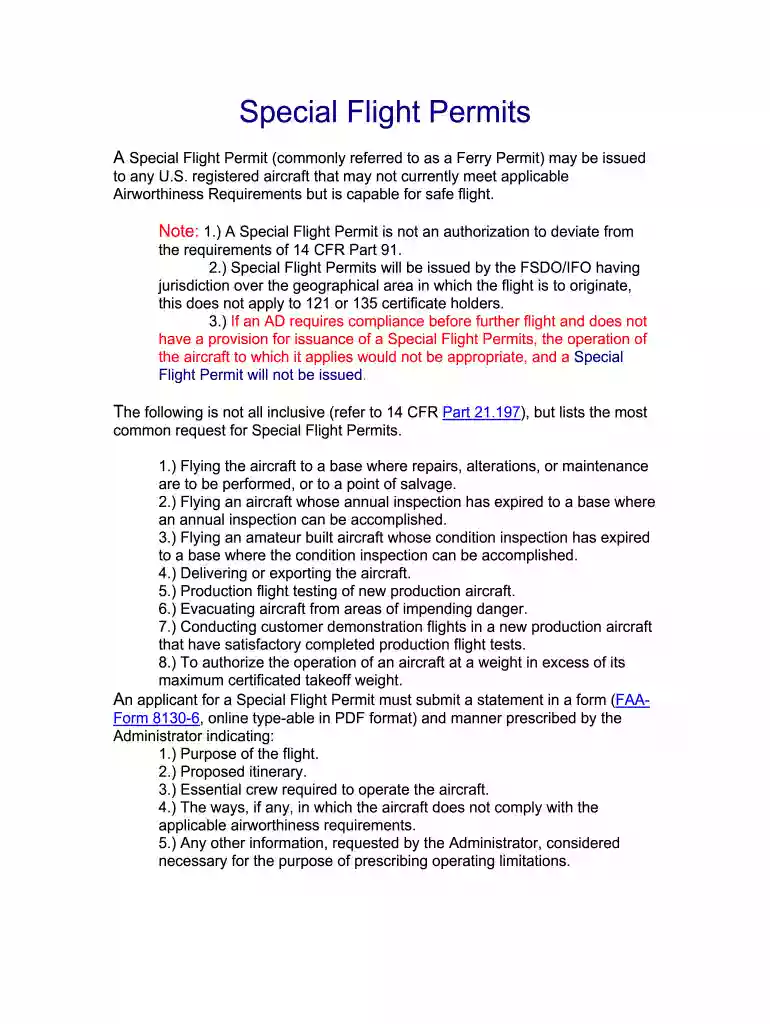
Type text, add images, blackout confidential details, add comments, highlights and more.

Draw your signature, type it, upload its image, or use your mobile device as a signature pad.

Send special flight permits via email, link, or fax. You can also download it, export it or print it out.

Start using our platform today to streamline your special flight permit application process for free!
We've got more versions of the flight permit form. Select the right flight permit version from the list and start editing it straight away!
A lot of software solutions are available on the market for document editing and signing. DocHub is one of the most popular online solutions that comply with all data protection and compliance standards and ensures your electronically signed documentation is legally enforceable. All you need to give it a try is to create an account, upload your special flight permit application, fill out the necessary information, and click Sign. Create your eSignature by typing, drawing it, uploading its picture to your template, or scanning a unique QR code.
If you edit your special flight permits form with DocHub, you will not need to look for other software or solutions to sign it. An electronic signature is part of DocHub’s extensive editing toolset, which allows you to apply changes in your form without jumping between websites. Just complete your form, double-check the correctness of the information and place your electronic signature at the end to make it submission-ready in minutes.
At DocHub, your data security is our priority. We follow HIPAA, SOC2, GDPR, and other standards, so you can work on your documents with confidence.
o Paper application (FAA Form 8130-6). Follow the steps on the following pages to complete the online AWC. Application Page 3. Special Flight Permits.Read more
A special flight permit may be issued for an aircraft that may not currently meet applicable airworthiness requirements but is capable of safe flight.Read more
Oct 5, 2018 Sec. 1. Short title; table of contents. DIVISION ASPORTS MEDICINE LICENSURE. Sec. 11. Short title. Sec. 12. Protections for covered sportsRead more


