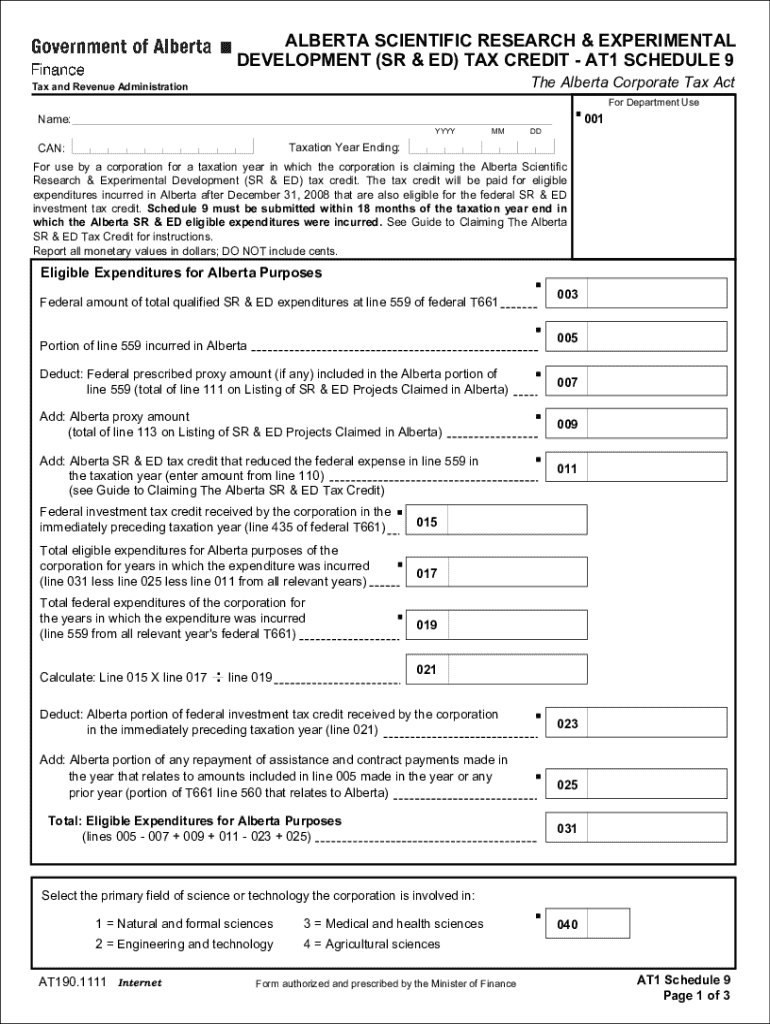







Definition & Meaning
Form online refers to digital versions of traditional forms that users can fill out and submit via the internet. These forms are designed for convenience, allowing users to complete necessary paperwork without needing to visit an office physically or mail a document. Online forms can range from job applications and tax filings to legal documents and educational forms. The primary advantage is the ease of access, enabling users to find, fill, and file these forms from anywhere, enhancing efficiency in various processes.
How to Use the Form Online
Using a form online involves a few straightforward steps that provide both speed and convenience. To begin, users must identify the appropriate form relevant to their needs, which can usually be found through a simple search on a reliable platform like DocHub. Once located, the form can be opened in an online editor, where fields for text input, checkboxes, and dropdown menus guide the user through the information required. Next, users should follow the prompts to fill in their details correctly, making sure all mandatory fields are completed. After reviewing the completed form for accuracy, users can submit it directly through the platform's designated method, whether that's digital submission or export for alternative transmission.
Steps to Complete the Form Online
Completing a form online is typically a streamlined process that involves several key steps:
-
Location and Access: Navigate to a trusted website or platform where the form is hosted. Ensure you have the right form by verifying its title and version.
-
Form Entry: Open the form in a compatible web browser or document editor. Begin by entering your information into the provided fields, which may include text boxes, date selectors, and checkbox options.
-
Review and Verification: Once all data fields are filled out, carefully review your entries to correct any errors or omissions.
-
Save and Backup: Save a digital copy of the filled form to your device or cloud storage to prevent data loss and for future reference.
-
Submission: Submit the completed form using the platform's designated button, ensuring that any additional requirements, such as attachments or signatures, are included.
Why Should You Form Online
Opting for online forms provides numerous benefits, largely centered around efficiency and accessibility. Firstly, they eliminate the time and paper waste associated with traditional forms, as all interactions occur digitally. Online forms can be completed on any device with internet access, allowing for submission from virtually anywhere. Additionally, they often incorporate features such as auto-completion and real-time error checking, minimizing the possibility of mistakes. These forms also facilitate better organization as electronic records are easier to manage, store, and retrieve compared to physical documents.
Important Terms Related to Form Online
Understanding the terminology associated with online forms can significantly enhance the user experience:
- Digital Signature: An electronic form of a signature used to authenticate a document or form.
- Captcha: A test used during the submission to ensure a human is completing the form, preventing automated spam entries.
- Mandatory Field: A required field that must be completed for the form submission to be valid.
- Drop-down Menu: A list of options from which the user can select one, simplifying the entry process for standardized responses.
- Data Encryption: The process of converting information into a secure format to prevent unauthorized access during transmission.
Legal Use of the Form Online
Online forms are legally recognized in many contexts, provided they meet specific criteria. In the United States, the Electronic Signatures in Global and National Commerce Act (ESIGN Act) ensures that electronic signatures and records have the same legal standing as their paper counterparts. This legality extends to forms that require signatures, assuring users that their digitally submitted documents will be deemed valid and binding. Specific businesses and government agencies often stipulate additional requirements to ensure compliance, such as utilizing secure document platforms that support encryption and multi-factor authentication.
Key Elements of the Form Online
Key components that make online forms effective include:
- User-Friendly Interface: Design elements that facilitate easy navigation and input, helping users complete the form effortlessly.
- Security Protocols: Integrated measures like SSL certificates and encryption to protect user data during form submission.
- Responsive Design: The form should function seamlessly across different devices and screen sizes, from desktops to smartphones.
- Field Validations: Automated checks to ensure individuals enter data correctly, such as forcing numeric input where required.
- Accessibility Options: Features to assist users with disabilities, like screen reader compatibility and adjustable text sizes.
Software Compatibility
Ensuring software compatibility is crucial when dealing with online forms. Popular platforms often offer integration with applications like TurboTax and QuickBooks, allowing for easy importation and exportation of form data. This compatibility streamlines processes for businesses that frequently handle large volumes of form submissions and need to incorporate data into existing software systems. Users may benefit from checking the software's support documentation to verify compatibility or seeking help from the software provider to ensure seamless integration.
Taxpayer Scenarios
Online forms are particularly beneficial for various taxpayer scenarios:
- Self-Employed Individuals: Streamline the tax filing process by easily accessing and submitting necessary forms like the 1099 online.
- Retirees: Manage social security and pension-related forms without the hassle of physical paperwork.
- Students: File education-related forms such as FAFSA or student loan applications directly from their digital devices.
These scenarios highlight the adaptability and convenience of online forms for diverse purposes, enhancing the filing and submission efficiency for users of all backgrounds.