Merged Records Personnel Folder (MRPF)GSA 2026

Get Form
Merged Records Personnel Folder (MRPF)GSA Preview on Page 1

Here's how it works

01. Edit your form online
Type text, add images, blackout confidential details, add comments, highlights and more.

02. Sign it in a few clicks
Draw your signature, type it, upload its image, or use your mobile device as a signature pad.

03. Share your form with others
Send it via email, link, or fax. You can also download it, export it or print it out.

Definition & Meaning

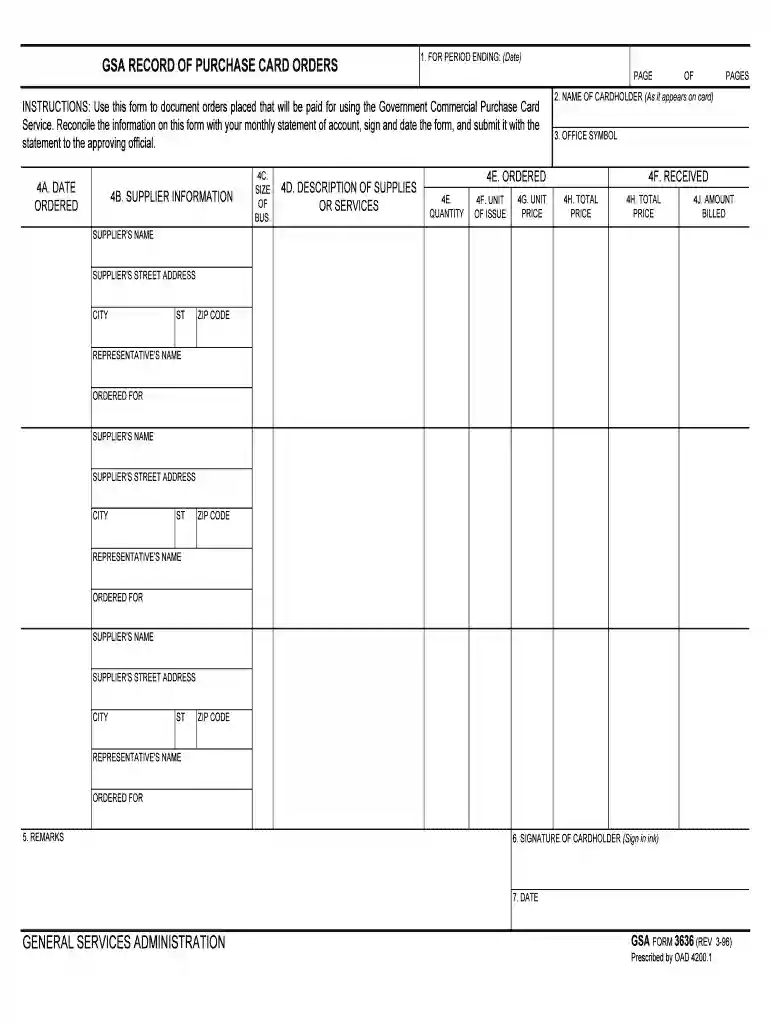
The Merged Records Personnel Folder (MRPF)GSA is a standardized document used by the General Services Administration (GSA) to consolidate and manage personnel records. This form serves as a centralized repository for storing an individual's professional details within federal employment. It includes comprehensive information ranging from employment history to performance evaluations, and it plays a critical role in maintaining accurate and up-to-date personnel data.

Key Functions

  • Consolidation of Records: Merges various personnel-related documents into a single, accessible folder.
  • Standardization: Provides a uniform approach to managing personnel records across different departments.
  • Accessibility: Ensures that critical information is available for review and administrative purposes.

How to Use the Merged Records Personnel Folder (MRPF)GSA

Proper utilization of the MRPF ensures effective personnel management. Users are required to organize and update the folder consistently to reflect any changes in the individual’s employment status or related information.

Steps for Usage

  1. Organize Existing Records: Gather all pertinent documents related to an employee’s career with the GSA.
  2. Update Regularly: Whenever there is a change in employment status or other relevant attributes, ensure that the folder is promptly updated.
  3. Secure Access: Ensure that only authorized personnel can access the MRPF to maintain the confidentiality and integrity of the records.

Steps to Complete the Merged Records Personnel Folder (MRPF)GSA

Completing the MRPF requires careful attention to detail and adherence to GSA guidelines. Each step is essential to ensure accuracy and compliance.

Detailed Steps

  1. Collect Information: Gather all necessary documents like employment history, evaluations, and certifications.
  2. Verify Accuracy: Cross-check all entries for accuracy before including them in the folder.
  3. Record Entries: Enter each piece of information into the relevant sections of the MRPF.
  4. Review Entries: Conduct a thorough review to ensure that all entries are complete and accurate.

Key Elements of the Merged Records Personnel Folder (MRPF)GSA

The MRPF comprises several crucial sections that together provide a complete profile of a federal employee.

Main Sections

  • Employment History: Details of the employee's job positions, departments, and durations.
  • Performance Evaluations: Records of performance reviews and any applicable commendations or warnings.
  • Certification and Training: Documentation of completed training programs and certifications.
  • Personal Information: Basic details such as contact information and emergency contacts.

Legal Use of the Merged Records Personnel Folder (MRPF)GSA

The MRPF is governed by strict legal frameworks to ensure compliance and protect employee privacy. Its usage must align with federal and state regulations.

Legal Considerations

  • Confidentiality: Sensitive information within the MRPF must be safeguarded according to privacy laws.
  • Access Protocols: Only authorized individuals are allowed to view or edit the MRPF.
  • Record Retention: Federal guidelines dictate how long records must be retained.

Software Compatibility

The MRPF must be compatible with various document management systems to facilitate easy access and updates across platforms.

Supported Systems

  • DocHub: Streamline document workflows by integrating MRPF updates with DocHub’s editing and signing capabilities.
  • TurboTax & QuickBooks: While these are primarily tax software, ensuring that personnel forms are compatible may simplify the data management process.

Examples of Using the Merged Records Personnel Folder (MRPF)GSA

Various scenarios illustrate how the MRPF can be effectively utilized within the federal system.

Practical Applications

  • Onboarding: As new employees join, their initial employment details are added to the MRPF.
  • Annual Reviews: Performance evaluations are updated annually to provide a comprehensive career overview.
  • Career Progression: As employees move through different roles, their job descriptions and related details update within the MRPF.

Penalties for Non-Compliance

Compliance with MRPF protocols is mandatory. Failure to adhere to guidelines can result in penalties.

Potential Consequences

  • Legal Ramifications: Breaches of privacy laws can result in legal action.
  • Administrative Penalties: Failure to maintain accurate records may lead to administrative sanctions or audits.
  • Security Breaches: Unauthorized access or data breaches can lead to significant repercussions for the responsible department.
be ready to get more

Complete this form in 5 minutes or less

Get form

Got questions?

We have answers to the most popular questions from our customers. If you can't find an answer to your question, please contact us.
Contact us
Submitting your SIP file From the top menu, select Communications | Create Catalog Files. Once the create catalog process is complete, click the Click here to start upload to automatically begin uploading the files to GSA.
Genome Sequence Archive. The Genome Sequence Archive (GSA) is a data repository for collecting, archiving, managing and sharing raw sequence data, which is the first repository of the genome sequence data with international journal recognition in China.

Security and compliance

At DocHub, your data security is our priority. We follow HIPAA, SOC2, GDPR, and other standards, so you can work on your documents with confidence.
Learn more
ccpa2
pci-dss
gdpr-compliance
hipaa
soc-compliance