01. Edit your form online
Type text, add images, blackout confidential details, add comments, highlights and more.

Type text, add images, blackout confidential details, add comments, highlights and more.

Draw your signature, type it, upload its image, or use your mobile device as a signature pad.

Send it via email, link, or fax. You can also download it, export it or print it out.
Online forms are digital documents that streamline data collection, processing, and interactions across various digital platforms. Unlike traditional paper forms, online versions allow users to fill out, submit, and manage data via the internet, offering greater convenience and efficiency. This digital transition has facilitated improved accessibility and speed, making it integral to numerous industries, including healthcare, education, and business. Online forms often encompass various fields, such as text boxes, dropdown lists, and signature fields, to cater to specific data requirements and ensure comprehensive data capture.
Online forms are used in various real-world scenarios, enhancing processes such as registration for events, collection of customer feedback, and processing of applications. For instance, businesses frequently utilize forms to gather customer information and preferences, while educational institutions use them to handle student enrollments efficiently. The service sector also benefits by employing online forms for appointment scheduling and service requests, demonstrating their versatility across multiple fields.
Utilizing an online form requires understanding its structure and purpose. Users typically begin by accessing the form via a link or website, where they can enter their information directly into designated fields. Each form is designed to guide the user through the process; ensuring necessary data is collected accurately and efficiently. Users can review their entries before submission, with an option to save or print a copy of the completed form for future reference.
To access forms online, users typically navigate to the website or digital platform where the form is hosted. Some forms may require users to create an account or authenticate their identity before access is granted. Once logged in, users can download or interact with forms directly on the platform.
Understanding key terminology associated with online forms is essential for effective use:
Electronic records, including online forms, hold legal standing if they comply with established regulations such as the ESIGN Act. This act validates electronic signatures and records, ensuring they are as credible as their paper counterparts. Online forms must provide clear consent and disclosure agreements to users, reinforcing their legal integrity.
While many forms are standardized, state-specific regulations may alter how forms are filled out or submitted. Variations in tax forms, for example, often arise from differing local tax laws and filing requirements. Understanding and strictly adhering to these state-specific distinctions is crucial for compliance and accurate reporting.
Critical aspects of online forms include their design for user-friendliness and comprehensive data collection:
Online forms often require compatibility with software like Google Workspace, ensuring fluid integration with users' work environments. Platforms such as TurboTax or QuickBooks might integrate online forms to facilitate data imports and exports seamlessly.
By leveraging these digital tools, users can significantly optimize their form management workflows and ensure compliance with all necessary legal and procedural requirements.
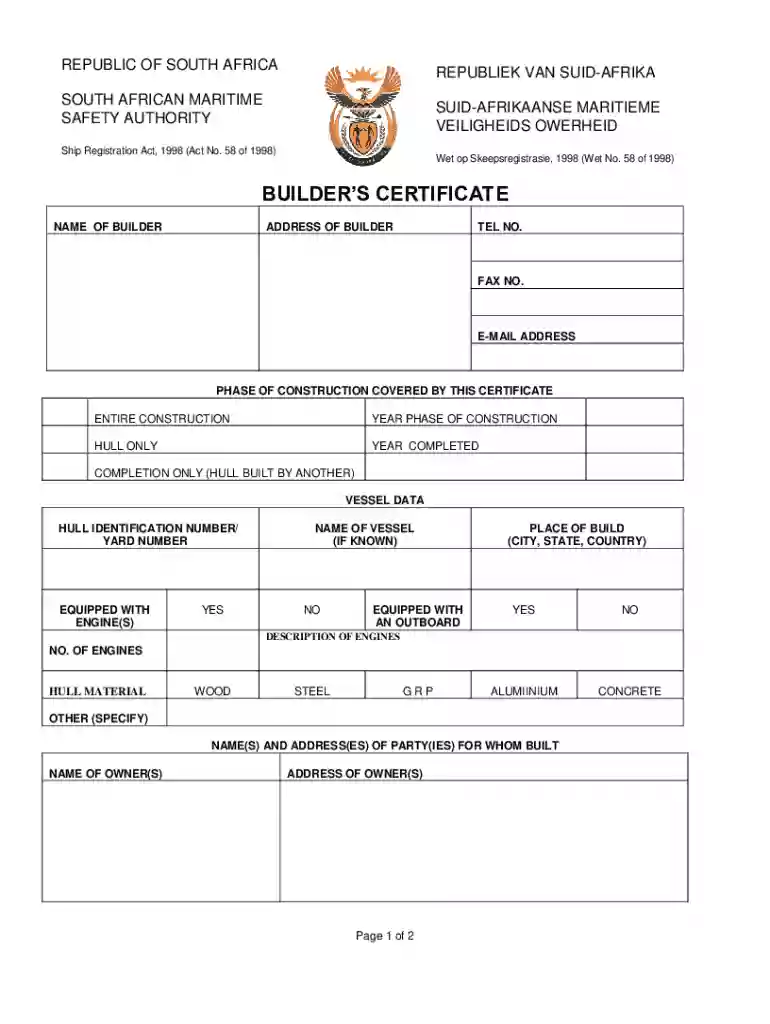
We've got more versions of the South African Builder s Certificate form. Select the right South African Builder s Certificate version from the list and start editing it straight away!
At DocHub, your data security is our priority. We follow HIPAA, SOC2, GDPR, and other standards, so you can work on your documents with confidence.