




01. Edit your form online
Type text, add images, blackout confidential details, add comments, highlights and more.

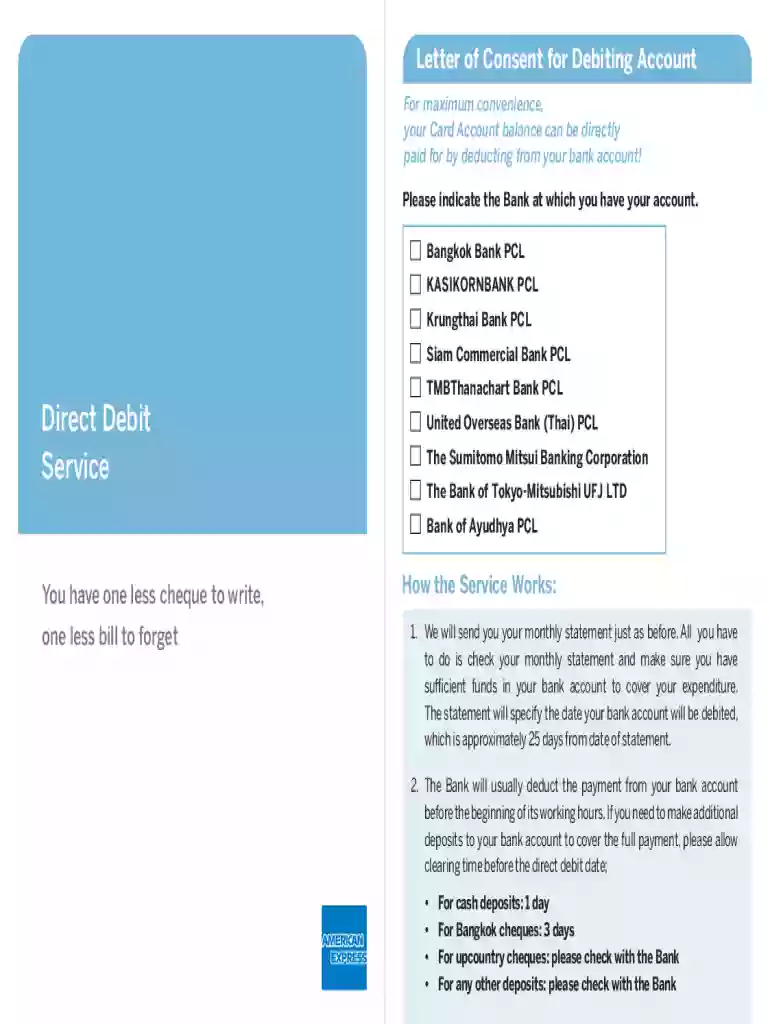
Type text, add images, blackout confidential details, add comments, highlights and more.

Draw your signature, type it, upload its image, or use your mobile device as a signature pad.

Send it via email, link, or fax. You can also download it, export it or print it out.
In the context of DocHub and similar platforms, a "form online" refers to an electronic version of a document that individuals or businesses can fill out, sign, and submit through an internet-based application. This digital approach allows for streamlined data collection and distribution, removing the need for physical paperwork. These online forms can support various functions such as capturing personal data, gathering feedback, processing orders, or collecting signatures. The flexibility of online forms means they can be tailored to specific requirements, making them indispensable in many professional and personal scenarios.
Utilizing an online form involves several steps to ensure accurate completion and submission. First, access the platform hosting the form, such as DocHub. Once there, locate the form by browsing available options or uploading one from your device or cloud storage. After opening the form, review the fields to understand the types of information required. Begin filling out the form, ensuring that all mandatory fields, often marked with an asterisk, are duly completed. Save your progress frequently. If a signature is necessary, you can use the platform's electronic signature feature to sign the form before submitting it electronically. The intuitive interfaces most platforms provide make this process straightforward and user-friendly.
Access the Platform:
Open or Upload the Form:
Fill in the Required Information:
Add Required Attachments:
Review and Correct:
Sign the Form:
Submit the Form:
Converting traditional paper forms into digital formats and filling them out online offers numerous advantages. These include enhanced convenience, as users can access and complete forms anytime, anywhere, using any internet-enabled device. This improves efficiency, reduces paper waste, and shortens the waiting time associated with mailing or faxing documents. Additionally, online forms offer better data accuracy and security due to automated error-checking features and the ability to encrypt sensitive information. Adopting online forms streamlines processes for both users and administrators, leading to more prompt task completion and increased productivity overall.
When dealing with online forms, several critical components contribute to their effectiveness. These typically include:
Title and Instructions:
Fields for Data Entry:
Signature Blocks:
Validation Rules:
Confirmation:
Online forms find utility across various sectors. For instance, in healthcare, patients fill out digital consent forms before procedures. In educational settings, schools use online forms for student enrollment or course sign-ups. Businesses regularly employ online forms for customer feedback surveys, job applications, and service requests. The adaptability of online forms means they can be customized for virtually any purpose, whether for internal use within an organization or customer-facing applications.
The legal use of online forms is supported by compliance with regulations such as the ESIGN Act, which grants electronic signatures the same legal standing as physical signatures in the US. This legitimacy makes online forms suitable for contractual agreements, lease agreements, NDAs, and more. Legal entities advise ensuring that all fields accurately reflect legal expectations and parties involved fully understand the form's content before signing. Additionally, audit trails maintain a record of interactions, further bolstering their legal reliability.
Form online platforms often integrate seamlessly with widely used software applications, enhancing functionality and user convenience. For example, users can import data directly from spreadsheets or export completed forms to accounting software like QuickBooks. Integration with cloud storage services such as OneDrive or Google Workspace allows for fluid data transfer, ensuring users maintain access to their forms and documents across multiple platforms without manual data entry. This compatibility minimizes errors and workflows, helping users efficiently manage documentation processes.
When using forms online within the United States, it's crucial to consider state-specific variations in legal requirements and regulations. For instance, some states have unique requirements for notarization or certification of electronic signatures. Tax forms or business registration documents may also vary based on state jurisdiction. Therefore, it is advisable to reference the specific regulations or consult a legal expert to ensure compliance with the local laws applicable in the user's state.
We've got more versions of the Letter of Consent for Debiting Account form. Select the right Letter of Consent for Debiting Account version from the list and start editing it straight away!
At DocHub, your data security is our priority. We follow HIPAA, SOC2, GDPR, and other standards, so you can work on your documents with confidence.


