




01. Edit your form online
Type text, add images, blackout confidential details, add comments, highlights and more.

Type text, add images, blackout confidential details, add comments, highlights and more.

Draw your signature, type it, upload its image, or use your mobile device as a signature pad.

Send it via email, link, or fax. You can also download it, export it or print it out.
Forms online refer to digital documents available on the internet that can be filled, submitted, and managed digitally, replacing the traditional paper forms. This digital transition streamlines data collection, enhances efficiency, and reduces errors compared to manually entering data from printed forms. Digital forms can be customized to suit specific needs, including various layouts and fields to collect required information accurately.
Using forms online involves several straightforward steps. First, access the desired form through the platform offering the digital document. DocHub, for instance, allows users to upload a blank document or select from pre-existing templates. Once the form is uploaded to the platform, users can edit and fill it using intuitive tools like text boxes, checkboxes, and dropdown menus. After completion, the form can be saved, shared, or submitted as required.
DocHub provides several editing features to make online forms more versatile. Key tools include:
Maximize form accuracy by confirming all information before submission, using real-time collaboration if multiple users need to contribute, and enabling electronic signatures for validation.
Forms online offer numerous advantages over traditional paper forms:
An essential feature of online forms is the ability to incorporate multiple types of fields, each tailor-fitted for specific data collection:
Online forms must adhere to specific legal standards to ensure their validity. In the U.S., the ESIGN Act grants electronic signatures the same legal standing as handwritten ones, provided they meet specified criteria. This assures users that online forms are legally recognized, simplifying processes such as contract signing and document submission.
Forms online are versatile tools used across various sectors:
DocHub and similar platforms are compatible with popular software applications like Google Workspace, TurboTax, and QuickBooks, facilitating seamless form usage and management. Users can import tax documents from QuickBooks to DocHub for editing or completion before filing with TurboTax, demonstrating the interconnected nature of modern digital tools.
Each U.S. state may have unique regulations regarding the use of online forms, particularly for legal and tax documents. It's crucial to verify state-specific requirements before submitting forms online to ensure compliance and avoid penalties. Platforms like DocHub may offer state-specific templates or guidelines to aid users in adhering to localized rules.
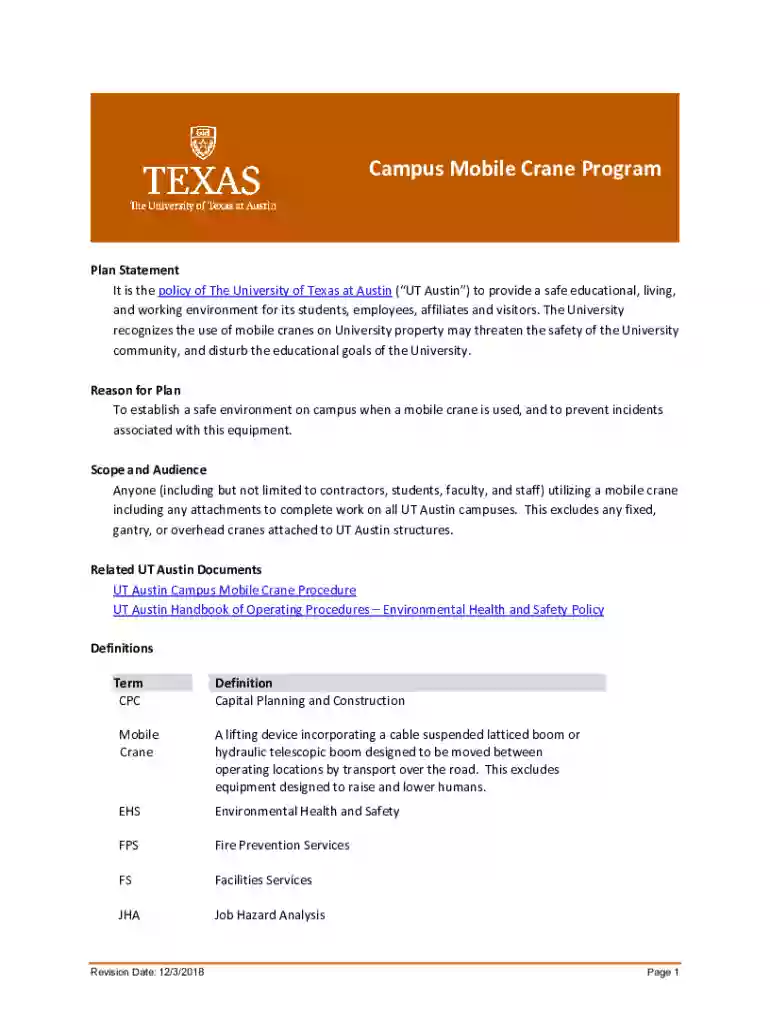
We've got more versions of the UT Austin Campus Mobile Crane Program form. Select the right UT Austin Campus Mobile Crane Program version from the list and start editing it straight away!
| Versions | Form popularity | Fillable & printable |
|---|---|---|
| 2018 | 4.6 Satisfied (41 Votes) |
At DocHub, your data security is our priority. We follow HIPAA, SOC2, GDPR, and other standards, so you can work on your documents with confidence.

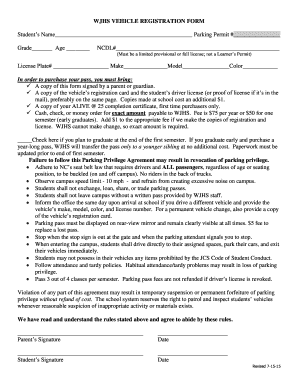

Candidates for the U.S. Presidential Scholars Program in Career and Technical Education. Austin - Lake Travis High School TX
The University of Texas at Austin. 1 University Station C1786. Austin, Texas 78712-0283. Telephone: (512) 471-4642. Fax: (512) 471-5870 reible@mail.utexas.edu.Read more
The Campus Mobile Crane Program and Procedure applies to all UT Austin campuses for anyone utilizing a mobile crane including any attachments to complete work.


