01. Edit your form online
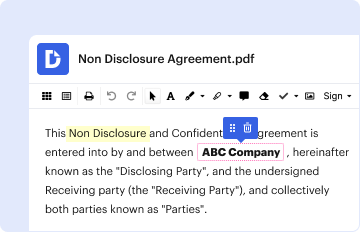
Type text, add images, blackout confidential details, add comments, highlights and more.

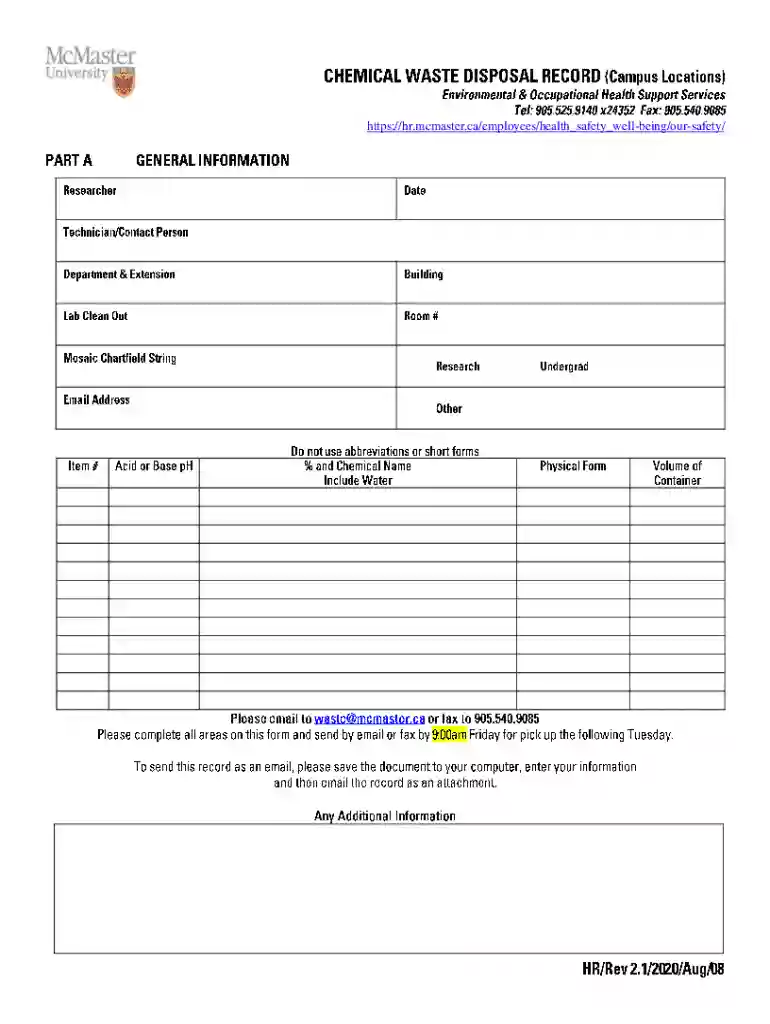
Type text, add images, blackout confidential details, add comments, highlights and more.
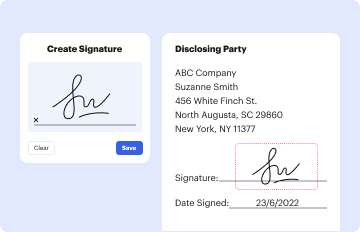
Draw your signature, type it, upload its image, or use your mobile device as a signature pad.
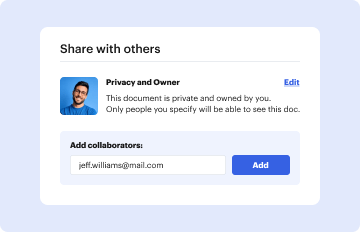
Send it via email, link, or fax. You can also download it, export it or print it out.
Online forms are digital versions of paper forms that can be filled out electronically. They provide a flexible and accessible way to collect information, requests, and applications over the internet. Unlike traditional paper forms, online forms are designed to be user-friendly and can incorporate various functionalities such as dropdown menus, checkboxes, and text fields to streamline the data entry process. They are often used for a range of purposes, including job applications, surveys, registration forms, and more.
Using an online form typically involves visiting a website where the form is hosted, filling in the required information, and submitting it electronically. Here's a step-by-step guide on how to effectively use an online form:
Completing an online form is straightforward, but ensuring all details are correct and properly entered is important. Follow these steps for a seamless process:
Opting for online forms over their paper counterparts has several advantages. They enhance efficiency and accuracy in data collection while contributing to environmental sustainability by reducing paper consumption. Additionally, online forms streamline administrative processes, providing instant feedback and reducing mailing delays. They also offer enhanced security for sensitive information compared to traditional methods.
Understanding specific terminology associated with online forms can improve clarity and ease of use. Here are key terms you might encounter:
In the U.S., completing forms online is generally recognized as legal and valid, provided they comply with the Electronic Signatures in Global and National Commerce Act (ESIGN Act). This act allows electronic signatures to have the same legal standing as handwritten signatures. For certain official documents, specific compliance requirements must be met to ensure legal validity.
The structure of an online form plays a crucial role in its effectiveness. Typically, an online form will include the following key elements:
Certain states in the U.S. may impose specific regulations or guidelines for online forms. For example, some states might have additional data protection requirements or demand explicit consent for particular data use.
Online forms serve various practical applications in different scenarios. Here are a few examples illustrating their use:
Online forms can often interface with various software applications to enhance their functionality and integration capabilities. They are typically compatible with systems like Google Workspace and popular accounting software such as QuickBooks or TurboTax, making them more versatile for capturing and managing data.
By ensuring comprehensive coverage and focusing on utility and detail, these sections aim to provide an extensive overview of the functionality and benefits of using forms online.
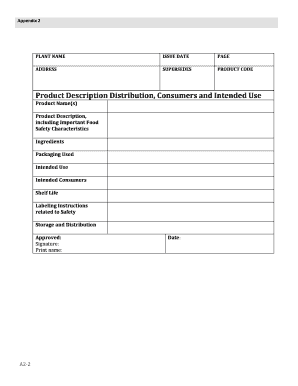
We've got more versions of the McMaster University Safety Form form. Select the right McMaster University Safety Form version from the list and start editing it straight away!
At DocHub, your data security is our priority. We follow HIPAA, SOC2, GDPR, and other standards, so you can work on your documents with confidence.