




01. Edit your form online
Type text, add images, blackout confidential details, add comments, highlights and more.

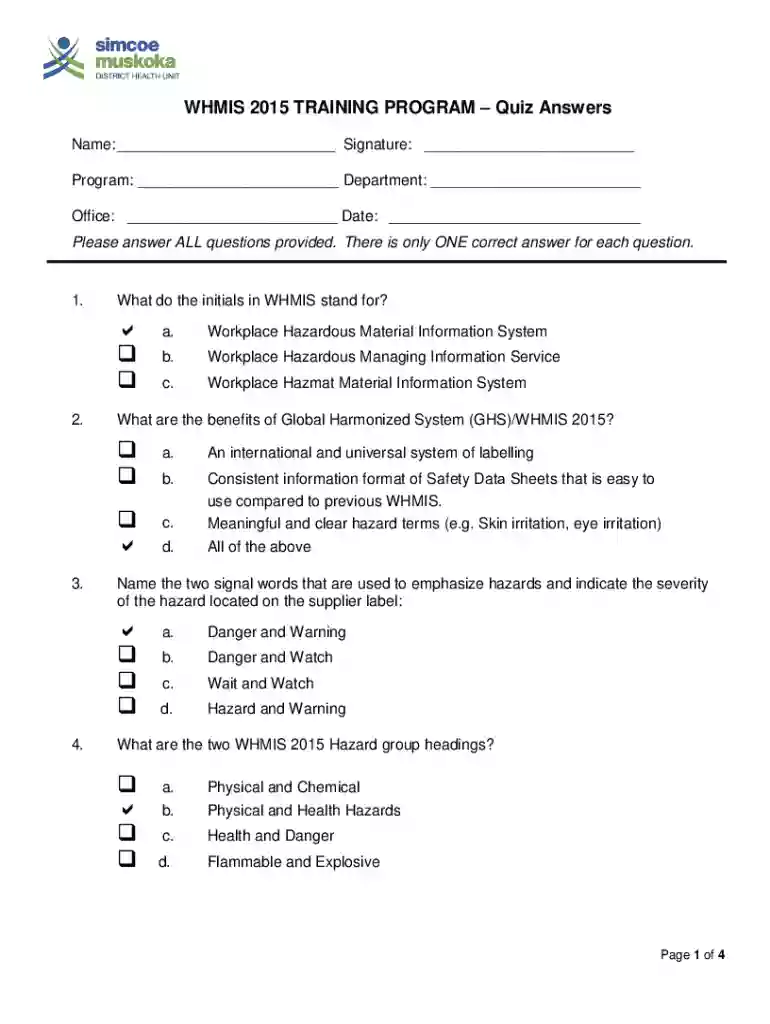
Type text, add images, blackout confidential details, add comments, highlights and more.

Draw your signature, type it, upload its image, or use your mobile device as a signature pad.

Send it via email, link, or fax. You can also download it, export it or print it out.
The term "form online" refers to the digital platform for creating, completing, and submitting forms without the need for physical paperwork. It encompasses any form that can be accessed and filled out via the internet, often through websites or software applications. The convenience and efficiency of online forms have revolutionized sectors such as government, education, healthcare, and business by streamlining data collection and processing.
Using online forms involves a few basic steps, making the process intuitive even for those with limited technical skills. First, access the form through a web browser on a computer or mobile device.
Completing a form online is designed to be user-friendly, but attention to detail is crucial for successful submission. Follow these steps to ensure efficiency and accuracy:
Online forms offer numerous advantages over traditional paper forms, becoming the preferred method across various sectors for several reasons:
Convenience: Instant access from any device with internet capability.
Speed: Faster processing time compared to mailing paper forms.
Eco-Friendly: Reduces the need for paper, supporting sustainable practices.
In professional environments, this can result in significant time savings and enhanced productivity.
For individuals, it offers the flexibility to complete forms outside traditional office hours.
Understanding specific terminology can enhance your ability to fill out and submit forms effectively. Here are key terms associated with online forms:
Captcha: A security feature used to verify that a human is filling out the form.
Encryption: Protects data entered on forms during transmission.
Interactive Fields: Dynamic sections of the form where users input data.
Legal Declaration: A statement affirming the truthfulness of the information provided.
Familiarity with these terms can improve understanding of the form's functionalities and requirements.
Forms completed and submitted online often have the same legal standing as those submitted on paper, streamlining many regulatory processes:
Compliance: Many online forms comply with laws like the ESIGN Act in the U.S.
Security: Encryption ensures that the information is transmitted securely.
Verification: Digital signatures offer a legally binding way to consent or verify identity.
Being aware of the legal implications ensures that forms are used correctly and remain compliant with applicable laws.
For tax-related forms, the Internal Revenue Service (IRS) provides clear guidelines for submission. When dealing with forms online, it’s vital to be aware of IRS requirements:
Electronic Filing: Many tax forms can be submitted electronically, reducing processing time.
Verification: The IRS often requires a form of identity verification which can be facilitated through online platforms.
Updates: Stay informed about any changes in tax guidelines or form specifications.
Utilizing the IRS's e-file system can expedite refunds and enhance accuracy.
Knowing the software compatibility of online forms can help you choose the appropriate tools and platforms for form completion and submission:
Common Software: Many forms are compatible with popular platforms like TurboTax and QuickBooks, especially for financial documentation.
Document Formats: Platforms often support formats like PDF, DOCX, or XLSX, which are widely readable and editable.
Integration Capabilities: Some systems allow integration with cloud storage services for seamless document management.
Example: Filling out tax forms using TurboTax, which directly integrates with IRS systems for efficient submission.
Understanding these components of form online can enhance your experience, ensuring each submission is efficient, secure, and legally compliant.
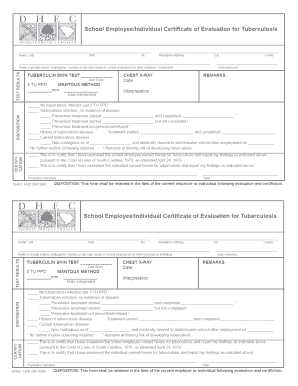
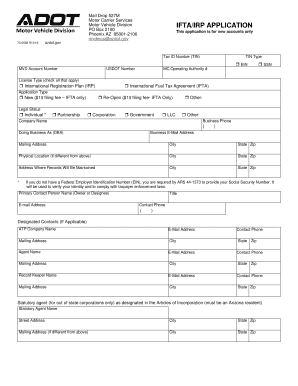
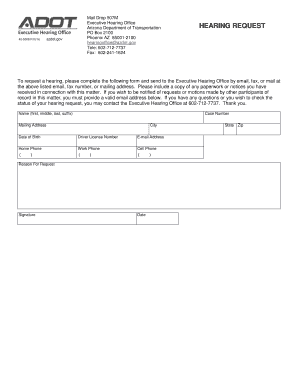
We've got more versions of the WHMIS 2015 Training Program Quiz form. Select the right WHMIS 2015 Training Program Quiz version from the list and start editing it straight away!
At DocHub, your data security is our priority. We follow HIPAA, SOC2, GDPR, and other standards, so you can work on your documents with confidence.




Worker Education and Training: Programs designed to teach employees how to read labels and SDS, and how to work safely with hazardous materials.
Laboratory safety training; Hazard assessment training; WHMIS 2015; Biosafety (program) training; Fire safety; Biosafety (Bloodborne Pathogens). Additionally,
Mar 25, 2026 The WHMIS training course will take approximately 1.5 hours to complete. Online WHMIS training is on OWL Brightspace. More details on WHMISRead more


