Definition and Purpose of Form Online
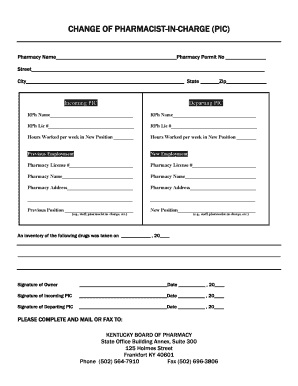
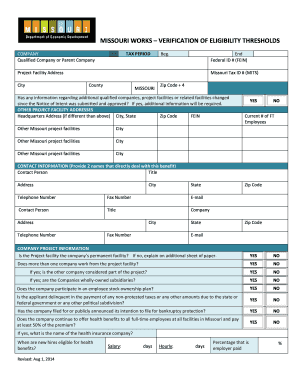
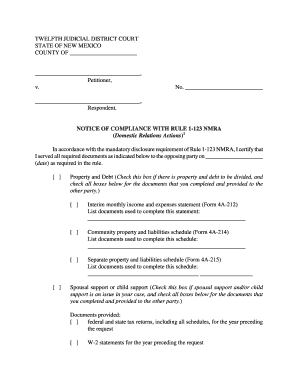
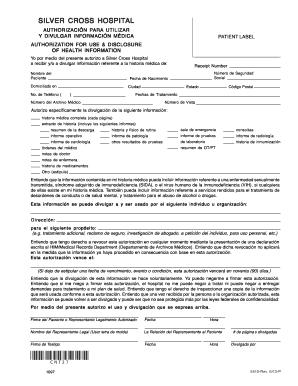
Form online refers to the digital version of a document that individuals or organizations can complete, submit, and process over the internet. This streamlined approach is designed to enhance accessibility, convenience, and efficiency in handling various administrative tasks. Whether it involves government, business, or personal dealings, online forms play a significant role in modern document workflows.
Types of Online Forms
- Tax Forms: These include forms like the W-9 or IRS documents filed during tax season.
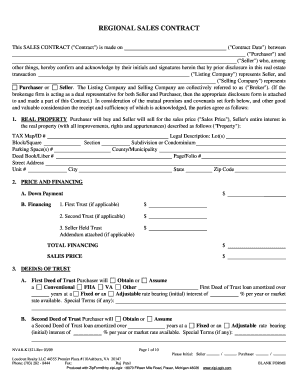
- Legal Documents: Contracts, agreements, and other official paperwork.
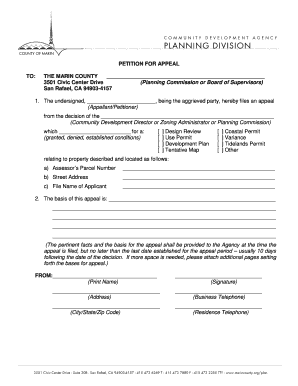
- Application Forms: Used for job applications, college admissions, or credit applications.
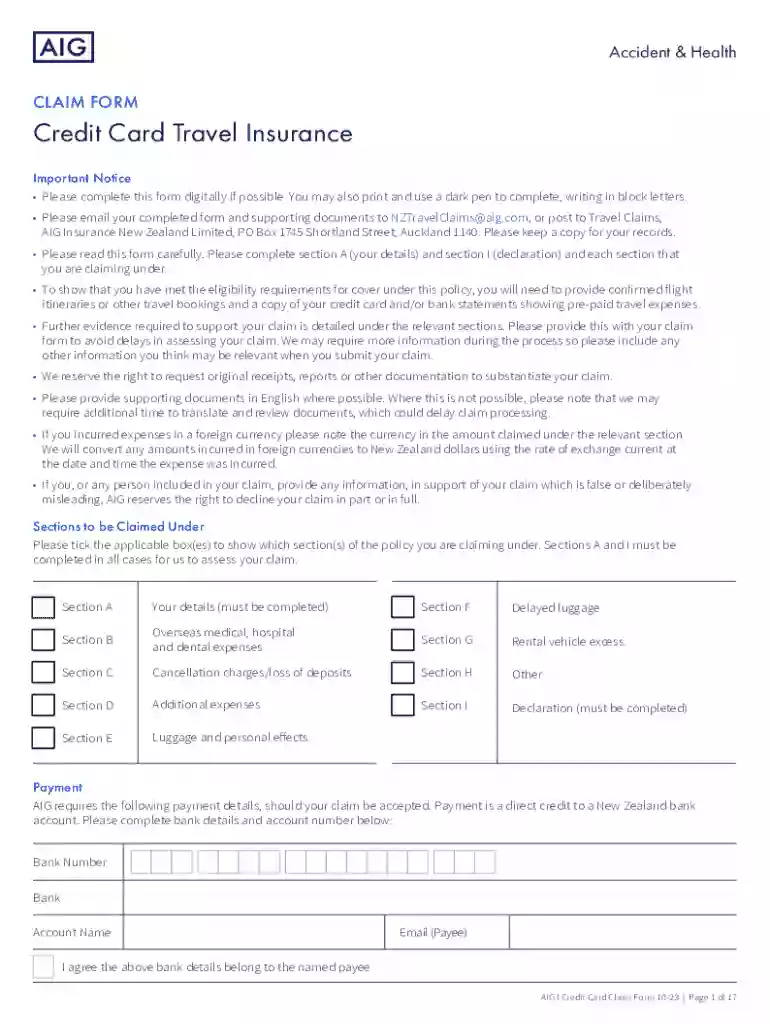
- Claim Forms: For instance, insurance claims like travel insurance forms.
Benefits of Using Forms Online
- Convenience: Allows users to complete forms at any time and from any location.
- Speed: Reduces the time taken to process forms by eliminating postal delays.
- Accuracy: Digital forms often include validation tools to minimize errors.
How to Use Form Online
To effectively use a form online, follow a structured process to ensure all fields are correctly completed and submitted.
- Access: Locate the required form on the relevant website. For example, if dealing with tax-related forms, visit the IRS website to download or complete forms online.
- Fill Out: Enter requested information accurately. Use available tools like auto-fill for repeated entries to save time.
- Review: Double-check all entered information and use any spell-check or validation features.
- Submit: Submit the form electronically by clicking the designated button or follow instructions for email submission.
- Save a Copy: Always download or send yourself a copy of the completed form for personal records.
Tips for Effective Form Completion
- Read Instructions: Carefully follow any accompanying instructions for specific guidance on how to fill out the form.
- Secure Connection: Ensure you are on a secure internet connection to protect sensitive data.
Key Elements of Form Online
Understanding the core elements of an online form enhances easy navigation and completion.
Common Features
- Mandatory Fields: Indicated with an asterisk (*), these fields must be completed before submission.
- Dropdown Menus: These allow users to select options, ensuring uniformity in responses.
- Checkboxes and Radio Buttons: Used for single or multiple choice selections.
- Text Fields: For entering text-based information, such as names or addresses.
- Electronic Signature Lines: For signing the form digitally, often using tools like DocHub.
Advanced Elements
- Conditional Logic: Some forms adapt and display additional fields based on previous answers.
- File Attachments: Allow users to upload supporting documents necessary for the form submission.
Steps to Complete the Form Online
Completing a form online involves a step-by-step process that ensures nothing is overlooked.
- Preparation: Gather necessary information and documents before you begin.
- Access the Form: Go to the website or platform offering the form, ensuring it’s a trustworthy source.
- Complete Basic Information: Start with easy, straightforward fields like personal identification details.
- Detailed Sections: Move to more specific sections, filling in required details and optional fields where applicable.
- Review and Adjust: Carefully review the form, making necessary adjustments for accuracy.
- Sign and Submit: Use available digital signature tools to sign before submitting the form.
Examples of Using Form Online
Real-world scenarios can help illustrate the utility of using forms online.
- Job Applications: Many companies, including large corporations, provide online application forms to streamline recruitment.
- Insurance Claims: Insurance providers offer online claim forms enabling quick submission and processing.
- College Admissions: Institutions often require prospective students to fill out application forms online for efficiency.
Case Studies
- Company X implemented online tax forms which decreased processing time by 40% and improved accuracy through integrated checks.
- University Y saw higher application completion rates after moving their admission forms online, providing real-time application tracking.
Important Terms Related to Form Online
An understanding of important terms associated with form online enhances navigation and usage.
- Digital Signature: An electronic form of a signature acceptable for legally binding agreements.
- Encryption: Technology used to secure sensitive data during form submission.
- Authentication: Process of verifying the identity of a user accessing an online form.
Legal Use of Form Online
Forms completed and submitted online hold legal validity, provided they meet certain regulatory criteria.
Regulatory Framework
- ESIGN Act Compliance: The Electronic Signatures in Global and National Commerce Act validates the legality of electronic signatures in interstate and foreign commerce.
- HIPAA: Medical forms online must comply with HIPAA regulations to protect patient information.
Circumstances Enhancing Legal Validity
- Clear Identification: Forms should clearly identify signatories and their intentions.
- Secure Platforms: Use only secure and reputable platforms for handling sensitive legal documents online.
Digital vs. Paper Version
Choosing between digital and paper forms can depend on several factors, including user preference and specific circumstances.
- Environmental Impact: Digital forms reduce paper consumption, positively affecting the environment.
- Archiving: Digital forms are easier to organize and retrieve than physical documents.
- Versatility: Online forms are easily integrated with software systems for enhanced data analysis.
Practical Considerations
- Access to Technology: Not all users have reliable internet access, making paper forms necessary in certain cases.
- User Preferences: Some individuals or entities may prefer paper forms for traditional records.
Conclusion
Using forms online streamlines a multitude of tasks by combining convenience, speed, and accuracy. Whether for professional, legal, or personal use, understanding the components and processes involved enables users to efficiently navigate and complete these digital documents, ensuring their effective application in varying scenarios.