Definition and Meaning of Form Online
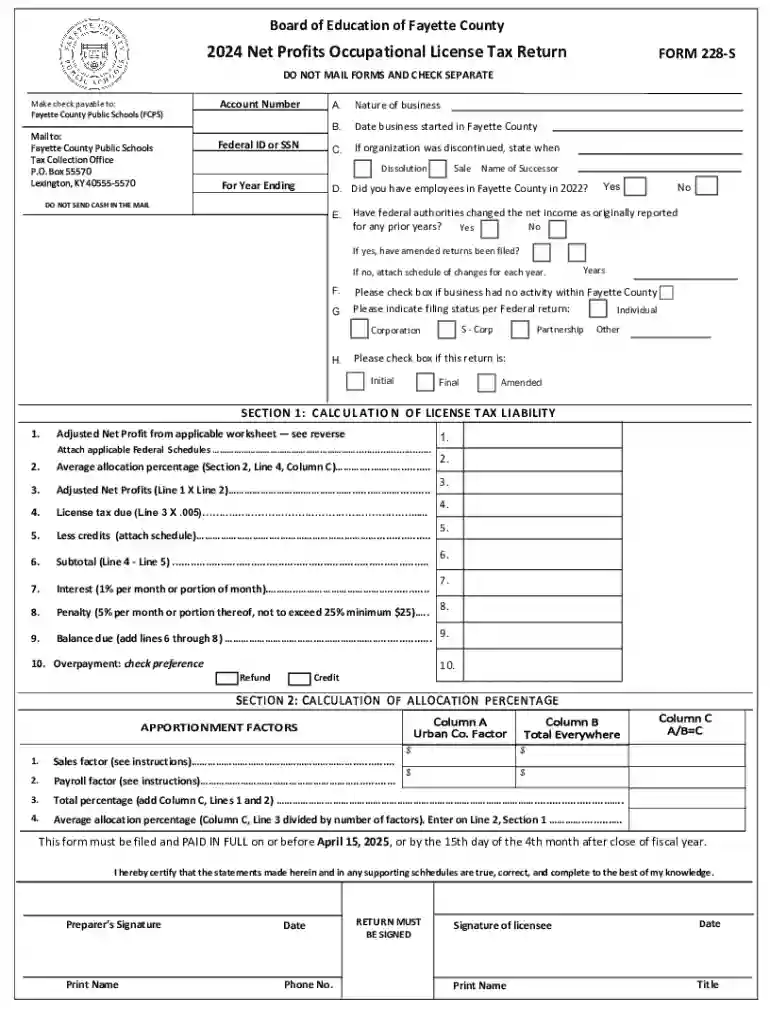
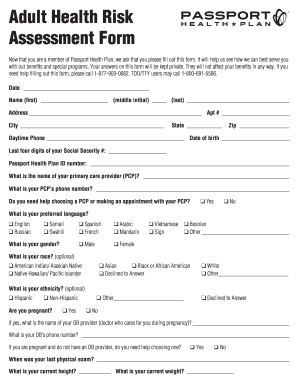
Forms available online provide a digital alternative for traditional paper forms, facilitating a wide range of applications in business, tax, legal, and government interactions. The concept of "form online" encompasses electronic versions of forms that users can fill, submit, and manage via internet-enabled devices. By allowing users to complete forms digitally, it greatly enhances accessibility and efficiency, reducing the need for physical paperwork and in-person consultations.
Common Uses of Online Forms
- Tax Filings: Many federal and state tax forms are now available online, enabling taxpayers to submit returns electronically.
- Business Applications: Online forms play a crucial role in applications for licenses, permits, and registrations for business entities.
- Legal Documentation: Users can complete legal forms such as contracts and agreements digitally, often integrating electronic signatures for legal binding.
- Government Services: Applications for social services, licenses, and voting registrations are frequently facilitated through online forms.
How to Use the Form Online
Using a form online is a streamlined process designed to simplify data entry and submission. Most online platforms, including DocHub, offer an intuitive user interface enabling users to interact with forms effortlessly.
Detailed Steps to Use an Online Form
- Access the Form: Navigate to the website hosting the form—possibly provided by government agencies, businesses, or document management platforms such as DocHub.
- Fill Out the Form: Use your keyboard and mouse (or touchscreen device) to enter information into the required fields. Platforms like DocHub allow for inserting text, signatures, and other necessary elements.
- Review Your Information: Before submission, review all entered details for accuracy and completeness. Many systems will highlight fields that have been left blank or contain errors.
- Submit the Form: Once all fields are correctly filled and verified, submit the form through the platform. Some systems offer the option to save a copy for your records.
Benefits of Using Online Forms
- Time Efficiency: Instant submission and processing.
- Accessibility: Accessible from any internet-enabled device at any time.
- Increased Accuracy: Built-in checks reduce human errors.
How to Obtain the Form Online
Finding an online form is usually straightforward. Various resources are available for locating specific forms, particularly those related to taxes, legal documentation, or business applications.
Resources for Locating Forms Online
- Official Websites: Check the official websites of federal and state agencies. Links to PDFs or online form platforms are often provided.
- Document Management Tools: Platforms like DocHub offer a comprehensive library of common forms across industries.
- Search Engines: Utilize keywords that include the purpose and location (e.g., "New York tax form online") for specific results.
- Professional Services: Legal or tax advisors may provide direct links to essential forms required for compliance.
Steps to Complete the Form Online
Completing a form online involves several essential steps to ensure that all necessary data is correctly captured and submitted.
Necessary Steps for Proper Form Completion
- Create an Account (if required): Some platforms require users to create accounts for tracking or security purposes.
- Read Instructions Carefully: Forms often come with guidelines—ensure understanding to avoid errors in submission.
- Fill in All Required Fields: Provide all requested information in mandatory fields, which might be denoted with an asterisk (*).
- Check for Additional Attachments: Some forms might require supporting documents—prepare these for upload where necessary.
- Validate and Proofread Entries: Recheck all filled data to correct any potential mistakes or omissions.
- Submit and Save Confirmation: After submission, save or print the confirmation page for your records.
Why Should You Form Online
Filling forms online offers numerous advantages over traditional paper-based systems, suitable for both individual and business purposes.
Advantages of Online Form Completion
- Environmental Savings: Reducing paper usage contributes to environmental conservation efforts.
- Efficiency: Online forms allow for quick data input and immediate submission, eliminating postal delays.
- Trackability: Many platforms provide status updates or tracking numbers for submitted forms.
- Secure Storage: Your data is stored electronically, minimizing the risk of losing important documents.
Important Terms Related to Form Online
Understanding certain terms is crucial when interacting with online forms, ensuring proper comprehension and execution of tasks.
Key Terminology Explained
- Electronic Signature: A digital version of a handwritten signature recognized legally.
- Encryption: A method of protecting personal data when shared online.
- Authentication: Verifying user identities to ensure secure access to forms.
- Fillable Fields: Specific areas in the form designated for data entry.
Legal Use of the Form Online
Online forms must comply with legal standards to ensure their recognition and enforceability, particularly forms related to government or legal processes.
Legal Considerations for Online Forms
- Compliance with Acts: Online forms should adhere to laws such as the Electronic Signatures in Global and National Commerce Act (ESIGN) for legality.
- Confidentiality Concerns: Ensure that platforms used for form submission have robust privacy measures in place.
- Authorization: Confirm that the user submitting the form has the legal authority to do so, especially in business or legal contexts.
Key Elements of the Form Online
Each online form consists of several critical elements that users must understand to complete and submit the form successfully.
Components of a Typical Online Form
- Header Information: Often includes form title and introductory details.
- Instructions: Guidance on how to complete the form accurately.
- Data Entry Fields: Areas for inputting required information like names, dates, and signatures.
- Submission Buttons: Finalize the form process with clear submission buttons, often labeled "Submit" or "Send."
- Confirmation Feedback: After submission, systems often provide an acknowledgment or receipt.
State-Specific Rules for the Form Online
While many forms are universally recognized, it is crucial to acknowledge and adhere to any state-specific rules that may apply, especially for legal and tax documents.
Observing Regional Regulations
- State Regulations: Each state may have particular requirements and formats for certain forms.
- Compliance Necessities: Verify rules and adaptations mandated by the state where the form is filed.
- Localized Variations: Some forms might have additions or subtractions in sections, reflecting state legislation or procedural differences.
This curated selection of instructions and insights provides comprehensive coverage for maximizing efficacious interaction with online forms on platforms like DocHub. Each section is designed to assist users in navigating the complexities surrounding online forms in various contexts and industries.