




01. Edit your 2024 puerto rico tax form online
Type text, add images, blackout confidential details, add comments, highlights and more.

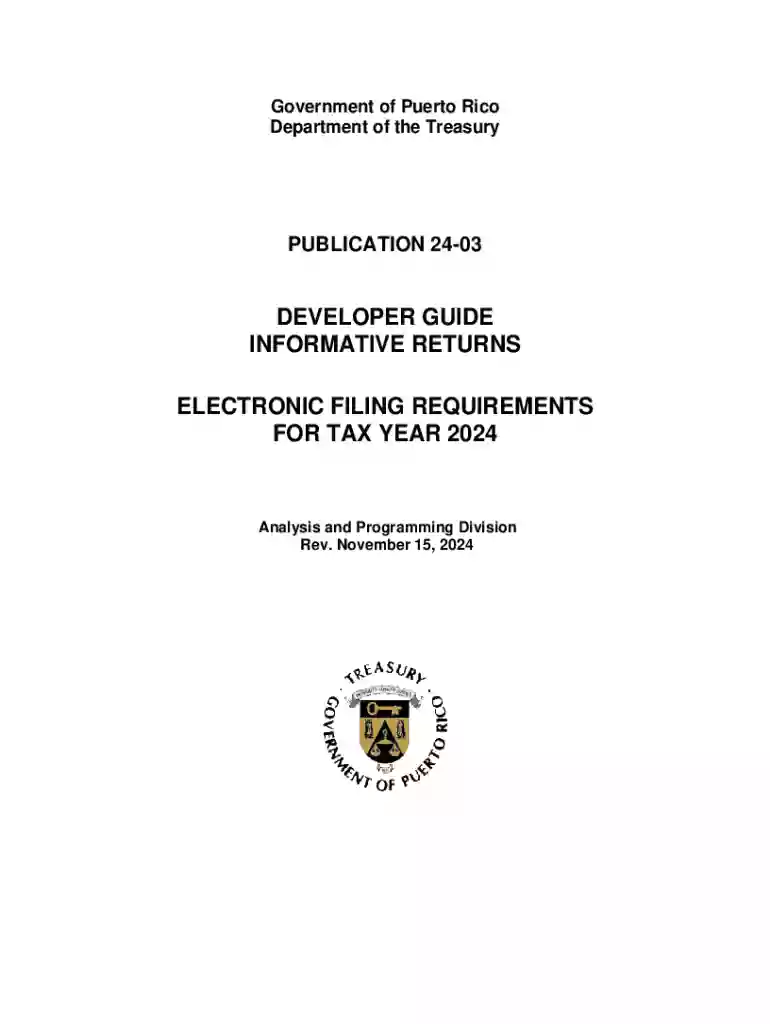
Type text, add images, blackout confidential details, add comments, highlights and more.

Draw your signature, type it, upload its image, or use your mobile device as a signature pad.

Send it via email, link, or fax. You can also download it, export it or print it out.
Forms online refer to digital documents that users can fill out and submit via the internet. These forms are designed to collect information in a structured format and can accommodate various fields, such as text inputs, checkboxes, dropdown selections, and signature fields. Utilizing online forms streamlines data collection and management processes by eliminating the need for physical paperwork.
Successfully filling out an online form involves several steps designed to ensure accurate input and submission.
Obtaining forms online is straightforward, often involving a few key actions.
A well-structured online form typically includes various input fields and features designed to collect specific information efficiently.
The legal use of forms online is subject to compliance with relevant laws and guidelines, particularly regarding privacy and electronic signatures.
Online forms can be integrated or used with various software solutions, enhancing their utility in different contexts.
Online forms are versatile and applicable across numerous fields and industries. Here are a few examples:
Keeping track of submission deadlines for online forms is critical to avoiding penalties or delays.
By adhering to these guidelines and steps, users can leverage online forms to optimize their document processing, data collection, and compliance with legal requirements.
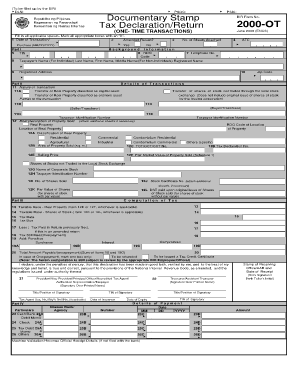
We've got more versions of the 2024 puerto rico tax form form. Select the right 2024 puerto rico tax form version from the list and start editing it straight away!
At DocHub, your data security is our priority. We follow HIPAA, SOC2, GDPR, and other standards, so you can work on your documents with confidence.


Students must use the Direct Data Exchange (DDX) on the FAFSA by providing consent to automatically transfer tax information to the FAFSA and to the University.Read more
Where To Get Forms and Information. Requests for information about the filing of Puerto Rico tax returns should be addressed to: Departamento de HaciendaRead more
AES Puerto Rico power station is an operating power station of at least 510-megawatts (MW) in Guayama, Puerto Rico. 2024 Gross Load (MWh): 3290497.89. AES


