
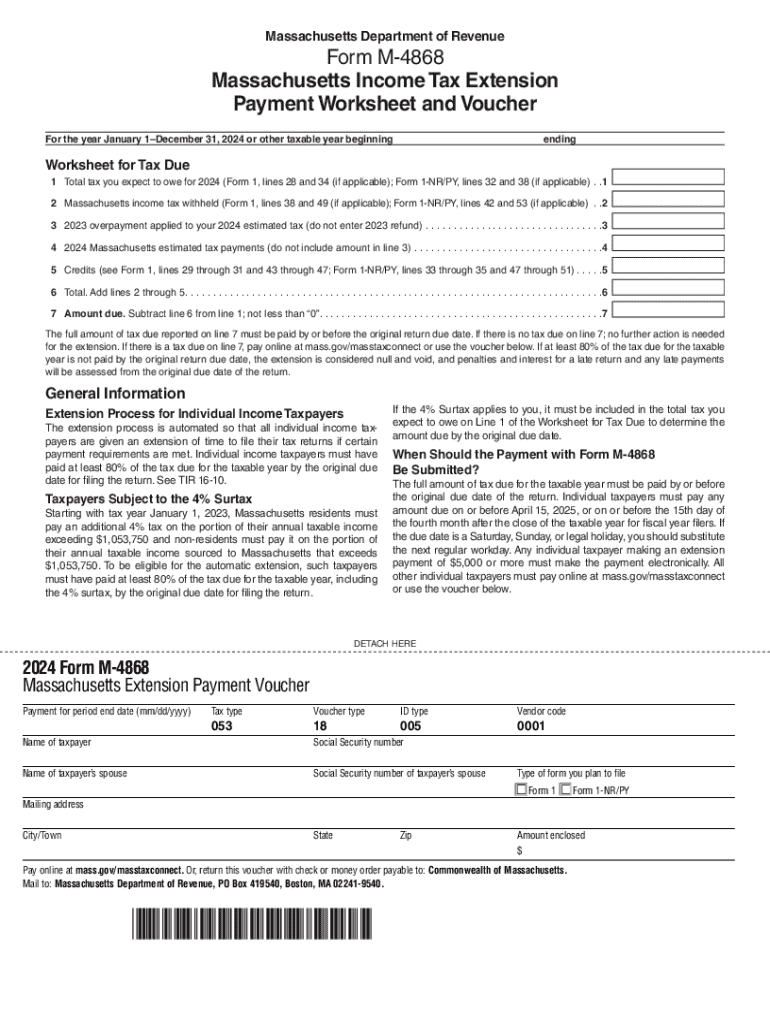







Definition and Purpose of Form Online
Form online refers to the digital format in which various types of forms are created, distributed, and completed through internet-based platforms. This process typically involves creating fillable templates, collecting necessary information, and managing submissions without the need for physical paperwork. By utilizing online forms, users benefit from swift data entry, immediate accessibility, and the convenience of managing documents remotely.
Key Advantages of Using Online Forms
- Accessibility: Users can access forms from any internet-enabled device, ensuring flexibility in submission.
- Efficiency: Automated processes reduce the time required to distribute, complete, and process forms.
- Accuracy: Digital formats often include validation rules that help minimize errors in data entry.
- Cost-effectiveness: Eliminates the need for printing, scanning, and mailing physical forms.
How to Use the Form Online
When engaging with forms online, there are several steps involved to ensure proper submission and processing. Below is a general guide on how to effectively use online forms.
- Locate the Form: Access the specific form required by visiting the appropriate website or database.
- Review Instructions: Carefully read any accompanying instructions to understand the requirements and necessary fields.
- Fill in Information: Input required data into all applicable fields, making use of any drop-down menus, checkboxes, or text fields.
- Attach Documents: Use the upload feature to attach any relevant supporting documents if necessary.
- Review and Edit: Double-check all entered information for accuracy and completeness.
Steps to Complete the Form Online
Completing a form online can usually be summarized into a few critical steps, which ensure that all necessary information is accurately submitted.
Detailed Steps to Completion
- Access the Platform: Log in to the platform hosting the form, whether it is a government site, educational portal, or business tool like DocHub.
- Fill Required Fields: Input data into mandatory fields, marked with an asterisk (*) in most platforms.
- Attach Necessary Documents: Upload any required documents through the platform’s attachment feature.
- Submit the Form: Once all information is entered and verified, use the submit button to send your form for processing.
Why You Should Form Online
Utilizing the capabilities of online forms has specific advantages that make it an attractive option for individuals and organizations.
- Convenience: Completing forms online removes geographical barriers, allowing submissions from virtually anywhere.
- Time-Saving: Reducing the need for physical interactions and mailing significantly speeds up the approval processes.
- Environmental Impact: Decreases the consumption of paper, aligning with eco-friendly practices.
Legal Use of Form Online
Electronic forms, when used correctly, can be completely compliant with legal standards. They are often recognized across various sectors for official use.
Ensuring Legal Compliance
- Digital Signatures: Use of legally binding e-signatures complies with acts like the ESIGN Act.
- Authentication Protocols: Platforms like DocHub utilize secure authentication procedures to verify user identity.
Important Terms Related to Form Online
Understanding specific terminology used in online form environments can enhance the filing process and reduce errors.
Commonly Used Terms
- Fillable Fields: Sections of a form where users can input information directly.
- Validation: Automated checks that ensure the accuracy and format of entered data.
- Digital Signature: An electronic form of a signature with legal authority.
Examples of Using the Form Online
Online forms are utilized across various industries and contexts. Below are a few scenarios illustrating their potential applications.
- Business Applications: Employee onboarding, client registration, and contract agreements.
- Educational Forms: Student enrollment, course feedback, and exam registrations.
- Government Services: Tax filing, census data collection, and benefit applications.
Required Documents for Online Form Processes
When engaging with forms online, often specific documents are needed for verification or additional information submission.
Typical Required Documents
- Identification: Government-issued IDs such as a driver’s license or passport.
- Proof of Address: Utility bills or bank statements as current address verification.
- Financial Documentation: Pay stubs, tax returns, or bank statements for financial information.
This content provides a detailed look into the use and management of forms online, offering both practical and technical insights to maximize understanding and utility.




