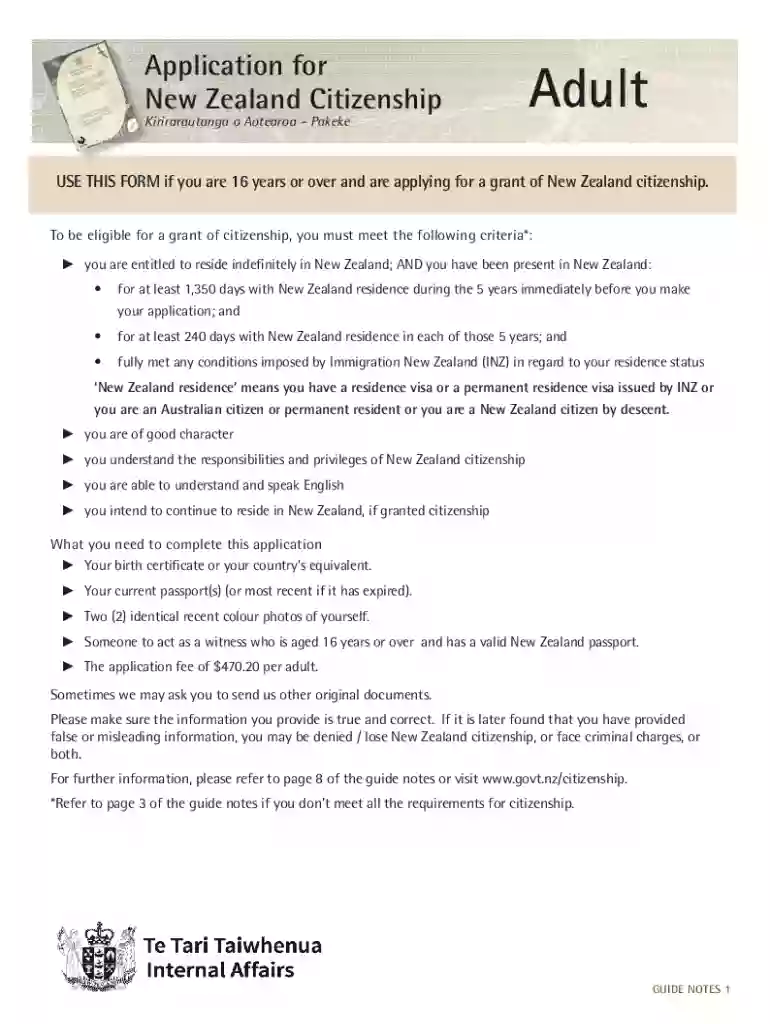
nz citizenship application form Preview on Page 1

Application for a new zealand citizenship 2026

Here's how it works

  • 01. Edit your nz citizenship application form online

    Type text, add images, blackout confidential details, add comments, highlights and more.

  • 02. Sign it in a few clicks

    Draw your signature, type it, upload its image, or use your mobile device as a signature pad.

  • 03. Share your form with others

    Send nz citizenship form via email, link, or fax. You can also download it, export it or print it out.

How to use or fill out application for a new zealand citizenship with DocHub

Form edit decoration
9.5
Ease of Setup
DocHub User Ratings on G2
9.0
Ease of Use
DocHub User Ratings on G2
  1. Click ‘Get Form’ to open the application for New Zealand Citizenship in our editor.
  2. Begin by entering your full name, gender, and date of birth in the designated fields. Ensure accuracy as this information is crucial.
  3. Provide details about your current citizenship and any other citizenships you may have held. This includes listing all passports held in the last five years.
  4. Fill in your residential address and postal address if different. Include contact details such as phone numbers and email.
  5. Answer questions regarding your English proficiency and any previous legal issues honestly. Attach additional letters of explanation if necessary.
  6. Complete the witness section by having a valid New Zealand passport holder verify your identity and sign the required documents.
  7. Review all sections carefully to ensure completeness before submitting your application through our platform, either online or via post.

Start your journey towards New Zealand citizenship today by utilizing our platform for free!

See more nz citizenship application form versions

We've got more versions of the nz citizenship application form form. Select the right nz citizenship application form version from the list and start editing it straight away!

VersionsForm popularityFillable & printable
20234.4 Satisfied (56 Votes)
20214.8 Satisfied (86 Votes)
20204.1 Satisfied (54 Votes)
20194.3 Satisfied (35 Votes)
20144 Satisfied (47 Votes)
20084.2 Satisfied (42 Votes)

be ready to get more

Complete this form in 5 minutes or less

Got questions?

We have answers to the most popular questions from our customers. If you can't find an answer to your question, please contact us.

Approving paperwork on a mobile device is quick, straightforward, and doesn’t require software installation if you have an account with DocHub. Log in from any browser, fill in your empty fields with your data, and click on Sign → Create your signature. You can draw your eSignature just as you usually do on paper, add its image to your nz citizenship application form pdf, or type in your name and stylize its look. No matter what option you select, your form will be valid.

In case your go-to email service is Gmail, it is simple to integrate your DocHub editor into your work. Edit your nz citizenship requirements with DocHub instruments and attach it to your drafts in Gmail. See how effortless it can be to exchange files and work together with a swift PDF editing solution at hand.

Security and compliance

At DocHub, your data security is our priority. We follow HIPAA, SOC2, GDPR, and other standards, so you can work on your documents with confidence.

new zealand citizenship

Citizenship Services

At the US Embassy and Consulate in New Zealand, we can provide certification of US citizenship for eligible individuals born abroad to US citizen parents.Read more

Learn more
If you believe that this page should be taken down, please follow our DMCA take down process here