




01. Edit your form online
Type text, add images, blackout confidential details, add comments, highlights and more.

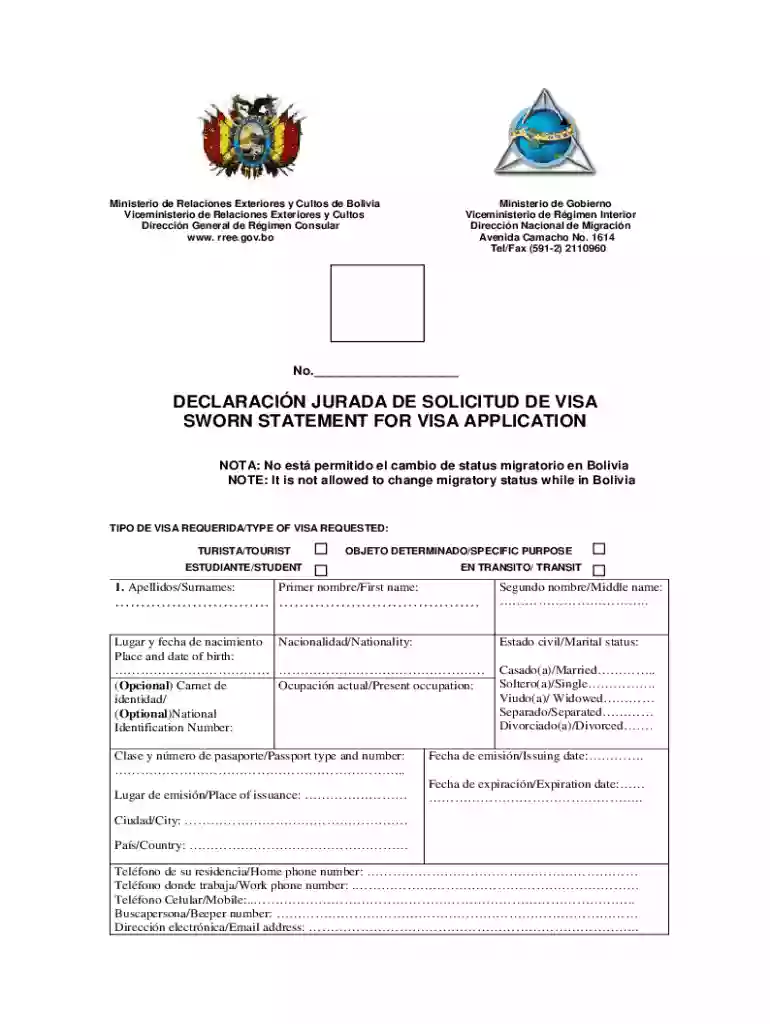
Type text, add images, blackout confidential details, add comments, highlights and more.

Draw your signature, type it, upload its image, or use your mobile device as a signature pad.

Send it via email, link, or fax. You can also download it, export it or print it out.
Forms online are digital versions of traditional paper-based forms that allow users to complete and submit information electronically. These forms can range from simple data entry documents to complex interactive templates with multiple sections and fields. The transition to online forms has streamlined many administrative processes, offering enhanced efficiency, accuracy, and accessibility.
Electronic forms are used across various sectors, including government agencies, educational institutions, and businesses, enabling users to fill out forms from any internet-connected device. The broad applicability of forms online makes them a critical tool for modern document management, eliminating the need for physical paperwork and enabling faster processing times.
Utilizing forms online is generally straightforward and user-friendly. Here’s a step-by-step approach to effectively using these forms:
Access the Form: Navigate to the website or platform hosting the form. This could be a government site, educational portal, or business application.
Review the Instructions: Ensure you understand the requirements and instructions provided. This section often outlines what information is required and any specific formatting or attachments needed.
Complete the Form: Enter the required information into the designated fields. Many online forms offer features like dropdown lists or radio buttons to simplify data entry.
Verify Information: Before submission, review your entries for accuracy. Some platforms feature built-in validation to check for errors or incomplete sections.
Submit the Form: Once all fields are completed and verified, submit the form by clicking the designated button, often labeled "Submit" or "Send."
Save a Copy: After submission, save or print a copy of the form for your records. Many platforms will send a confirmation email with a summary of your submission.
Accessing forms online involves a few straightforward steps, ensuring convenience and efficiency:
Visit the Appropriate Website: Forms are typically available on the relevant organization's official website. For instance, government forms can be found on government portals.
Use the Search Functionality: Most sites have a search bar where you can enter the form name or number to locate it quickly.
Browse the Forms Section: Websites often have dedicated sections for forms, categorized to streamline the search process.
Download or Open Form: Depending on the platform, you might be able to fill out the form directly online or download a PDF version for offline completion.
Filling out forms online involves a series of steps that are generally intuitive and clearly outlined:
Initiate the Form: Begin by opening the form on your device and ensuring you have a stable internet connection.
Fill in Personal Details: Start with basic information like your name, contact information, and any reference numbers, if applicable.
Provide Specific Details: Move on to sections requiring detailed input specific to the form’s purpose, such as tax information, application data, or personal declarations.
Attach Supporting Documents: If the form requires uploads, ensure files are in the correct format and within size limits.
Authorize and Agree: Most forms have a section for consent or authorization, which may be in the form of a digital signature or checkbox.
Review and Edit: Double-check all entries for accuracy and completeness before final submission.
There are several compelling reasons to complete forms online, ranging from efficiency to convenience:
Time-Saving: Forms online reduce the time spent on physical paperwork, allowing for quick data entry and immediate submission.
Accessibility: Forms can be accessed from any location with an internet connection, making them ideal for busy individuals or remote processes.
Enhanced Accuracy: Electronic forms often include validation features that help prevent mistakes, ensuring data accuracy from the outset.
Cost-Effective: Eliminating the need for printing and postage saves costs for both the sender and receiver.
Environmentally Friendly: Utilizing digital forms reduces paper consumption, contributing to environmental conservation efforts.
Forms online are used by a diverse range of individuals and entities, including:
Individuals: People engaging in activities that require documentation, such as applying for a visa or filing taxes.
Businesses: Companies of all sizes use online forms for HR processes, surveys, client onboarding, and vendor management.
Educational Institutions: Schools and universities employ online forms for student applications, enrollment, and feedback collection.
Government Agencies: Online forms facilitate various public services, from tax filing to voting and census participation.


Understanding common terms associated with forms online can enhance user experience and compliance:
Fillable Fields: Areas within the form where users can input information, such as text boxes or dropdown menus.
Submission Deadlines: Specific dates by which forms must be submitted to be considered.
Validation: Automated checking of form inputs to ensure correctness and completeness.
Digital Signature: An electronic method of signing a document, legally binding in many jurisdictions.
Encryption: Security protocol ensuring data is safely transmitted and stored.
Online forms often adhere to legal standards to ensure compliance and validity:
ESIGN Act Compliance: Forms that require signatures often comply with the Electronic Signatures in Global and National Commerce Act, ensuring they are legally binding.
Privacy Regulations: Online forms must adhere to privacy laws, such as GDPR or CCPA, to protect personal data.
Audit Trails: Many platforms include an audit trail feature, logging all access and changes to the form for accountability.
Critical components of an online form ensure its functionality and user-friendliness:
User Interface: A well-designed interface that is intuitive and simple to navigate.
Instructions and Help: Clear guidance and tips to assist users in completing the form.
Responsive Design: Ensures compatibility across various devices, such as desktops, tablets, and smartphones.
Progress Indicators: Visual markers that show form completion status, helping users manage tasks efficiently.
Online forms are indispensable in the digital age, offering streamlined processes and unparalleled convenience across various fields. Their adaptability and accessibility make them a preferred choice over traditional paper forms.
We've got more versions of the Bolivia Visa Application Form form. Select the right Bolivia Visa Application Form version from the list and start editing it straight away!
At DocHub, your data security is our priority. We follow HIPAA, SOC2, GDPR, and other standards, so you can work on your documents with confidence.
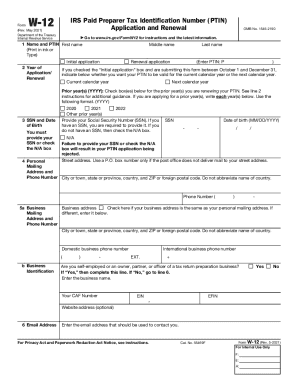
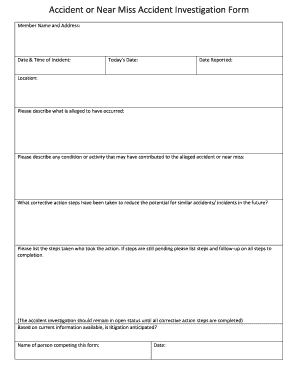
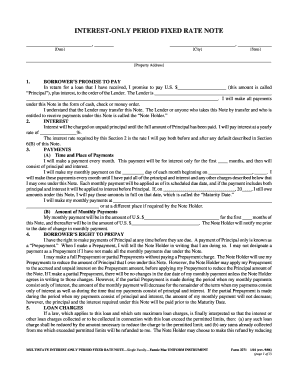
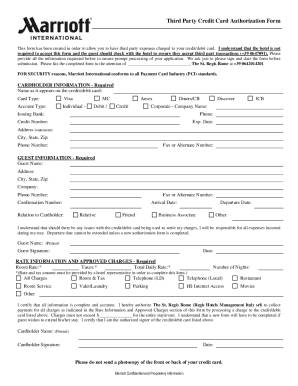
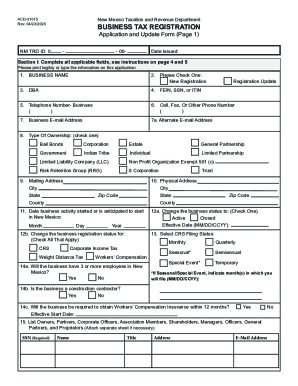

Sep 4, 2024 A Bolivian visitor visa costs $160 US. Visitors must show proof of a round-trip ticket, complete the web-based registration process (SIGEMIG)
It is your responsibility to confirm and complete the visa application process particular to your situation, and to keep your admissions counselor informed.Read more
May 12, 2026 Cross-border payments are transactions where money is sent from one country to another. These involve individuals, businesses, or financialRead more


