




01. Edit your criminal history questionnaire online
Type text, add images, blackout confidential details, add comments, highlights and more.

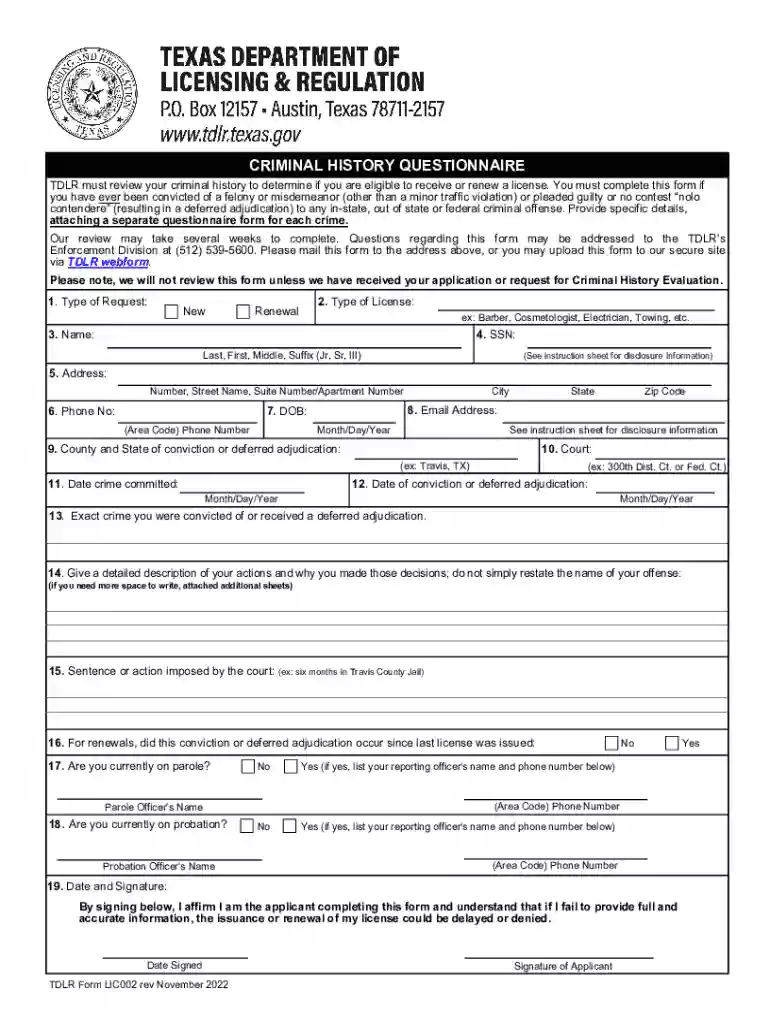
Type text, add images, blackout confidential details, add comments, highlights and more.

Draw your signature, type it, upload its image, or use your mobile device as a signature pad.

Send it via email, link, or fax. You can also download it, export it or print it out.

Start filling out your ENF001 - Criminal History Questionnaire today using our platform for free!
We've got more versions of the criminal history questionnaire form. Select the right criminal history questionnaire version from the list and start editing it straight away!
With DocHub, it’s quite simple. The editor offers users an add-on called DocHub for Gmail, which you can locate in the Google Workspace Marketplace without being charged. Set it up and give it access to your Google account. Open your email with your ENF001 - Criminal History Questionnaire attached and click on the add-on button in the right-side panel. Sign in to your DocHub account, and import the form to our editor, where you can fill it out and sign.
With DocHub, you have several convenient methods to edit your ENF001 - Criminal History Questionnaire online. You can drag and drop the form and edit it straight at the DocHub site or use our browser extension to fill out your form right away. On top of that, you can edit your PDF on your phone, as DocHub is compatible with all the available mobile platforms.
At DocHub, your data security is our priority. We follow HIPAA, SOC2, GDPR, and other standards, so you can work on your documents with confidence.
You must complete this form if you have ever been convicted of a felony or misdemeanor (other than a minor traffic violation) or pleaded guilty or no contest Read more
A complete Criminal History Questionnaire is required for each crime for which you were convicted or placed on deferred adjudication. Pay the non-refundableRead more


