




Here's how it works

01. Edit your q230 form download online
Type text, add images, blackout confidential details, add comments, highlights and more.

02. Sign it in a few clicks
Draw your signature, type it, upload its image, or use your mobile device as a signature pad.

03. Share your form with others
Send q230 form via email, link, or fax. You can also download it, export it or print it out.
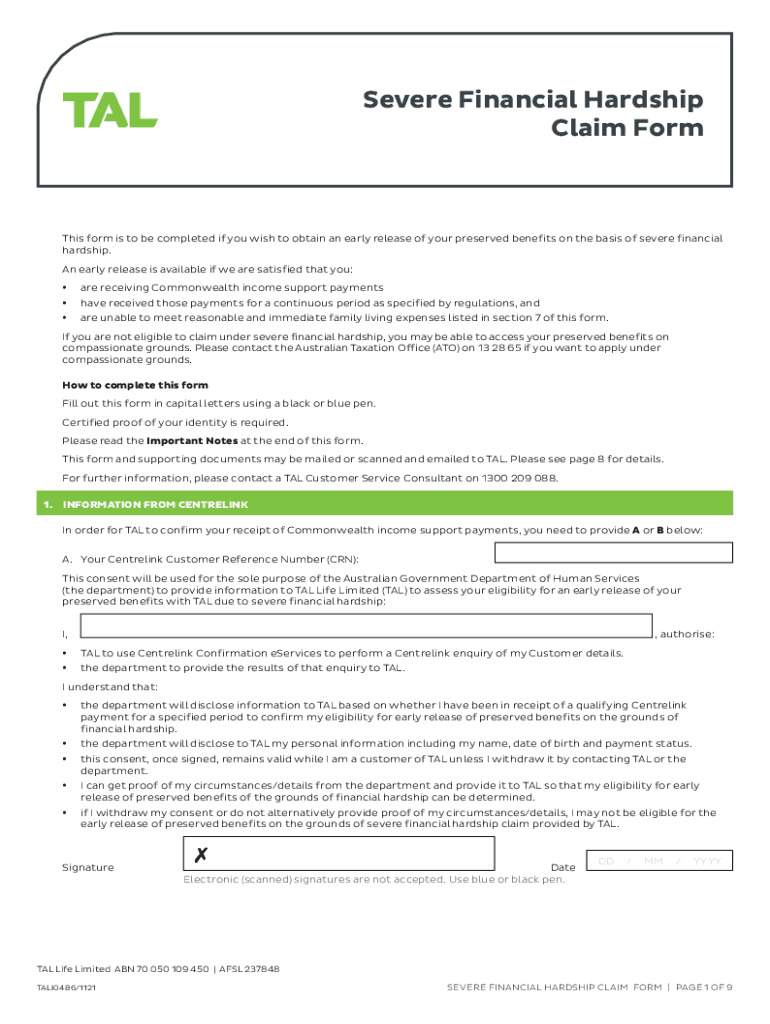
How to use or fill out Application for early release of benefits on grounds of with our platform

- Click ‘Get Form’ to open it in the editor.
- Begin by filling out Section 1, providing your Centrelink Customer Reference Number (CRN) or attaching the original Q230 or Q251 letter if you prefer not to provide your CRN.
- In Section 2, enter your personal details including your title, name, date of birth, and contact information. Ensure all fields are completed accurately.
- Proceed to Section 3 where you will need to provide certified proof of identity. Upload scanned copies of required documents directly through our platform.
- In Section 4, detail your claim circumstances. Clearly explain why you cannot meet living expenses and how the funds will be used.
- Complete Sections 5 through 9 by listing financial dependents, income sources, family living expenses, and payment instructions for the release of funds.
- Finally, review all sections for accuracy before signing the declaration in Section 10. Use our platform’s tools to ensure everything is correct before submission.
Start using our platform today for free to streamline your application process!
Fill out Application for early release of benefits on grounds of online
It's free
It's free
See more Application for early release of benefits on grounds of versions
We've got more versions of the Application for early release of benefits on grounds of form. Select the right Application for early release of benefits on grounds of version from the list and start editing it straight away!
Security and compliance
At DocHub, your data security is our priority. We follow HIPAA, SOC2, GDPR, and other standards, so you can work on your documents with confidence.
Learn more




