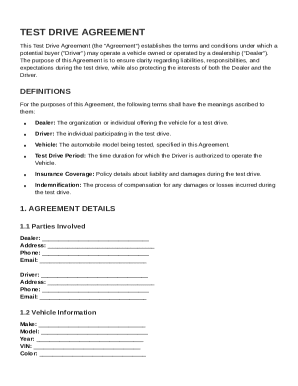
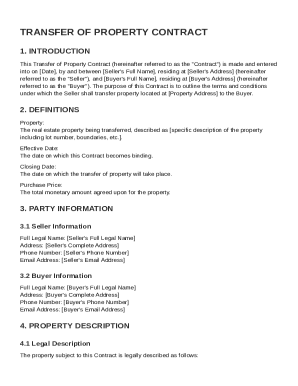
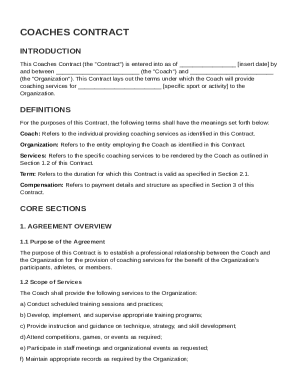
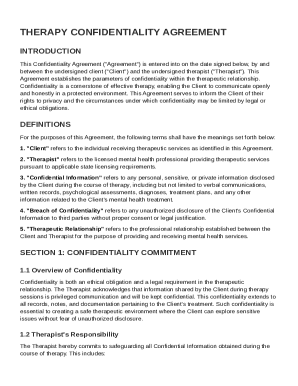
Type text, add images, blackout confidential details, add comments, highlights and more.
02. Sign it in a few clicks
Draw your signature, type it, upload its image, or use your mobile device as a signature pad.
03. Share your form with others
Send it via email, link, or fax. You can also download it, export it or print it out.
How to use or fill out Activate Your Prepaid Phone Service with DocHub
Ease of Setup
DocHub User Ratings on G2
Ease of Use
DocHub User Ratings on G2
Click ‘Get Form’ to open the Activate Your Prepaid Phone Service document in our editor.
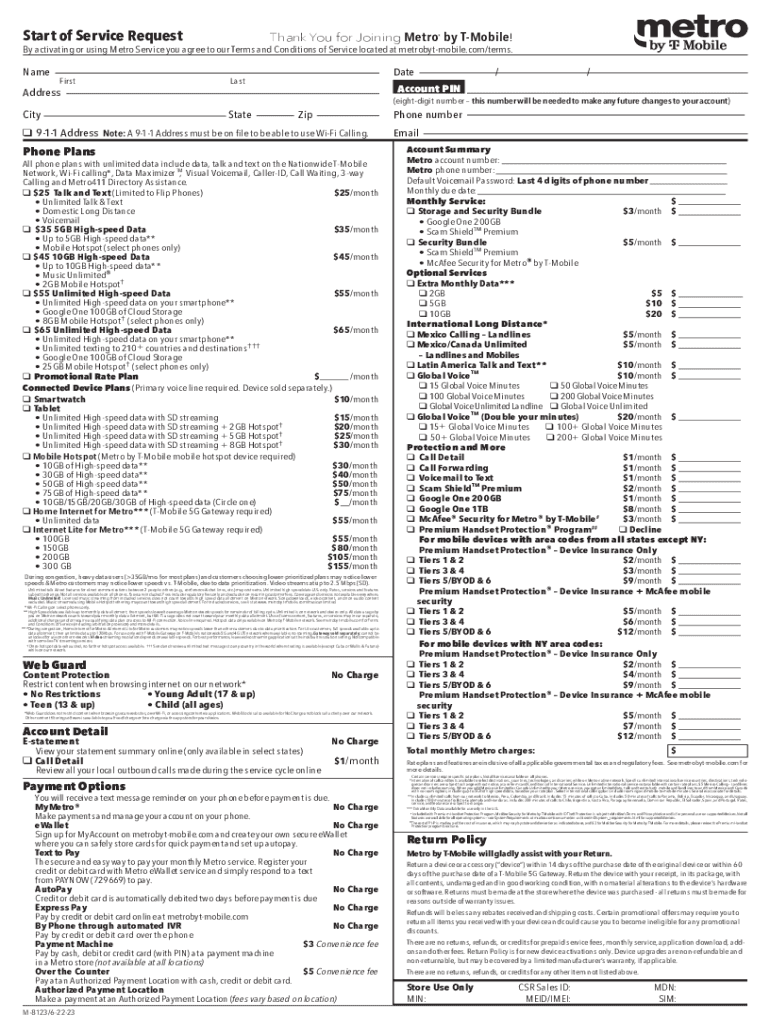
Begin by entering your personal information in the designated fields. Fill in your first and last name, address, city, state, zip code, and phone number accurately.
Next, select your desired phone plan from the options provided. Each plan includes specific features; ensure you choose one that meets your needs.
If applicable, indicate any additional services or features you wish to add by checking the corresponding boxes.
Review all entered information for accuracy before proceeding. Once confirmed, save your changes and follow any additional prompts to complete the activation process.
Start using our platform today to easily activate your prepaid phone service for free!
Fill out Activate Your Prepaid Phone Service online It's free
See more Activate Your Prepaid Phone Service versions
We've got more versions of the Activate Your Prepaid Phone Service form. Select the right Activate Your Prepaid Phone Service version from the list and start editing it straight away!
Activate your prepaid phone service verizonActivate your prepaid phone service t mobileActivate your prepaid phone service iphoneActivate your prepaid phone service androidATT Prepaid activate phone number onlineActivate ATT Prepaid with phone cardActivate ATT SIM card onlineHow to activate ATT Prepaid without phone number
Security and compliance
At DocHub, your data security is our priority. We follow HIPAA, SOC2, GDPR, and other standards, so you can work on your documents with confidence.
Prepaid Phone Cards - California Public Utilities Commission
Telephone prepaid debit card calls are typically made by calling a toll-free number and entering a Personal Identification Number (PIN) printed on the back ofRead more
You must subscribe to this service from your local telephone company for this feature to work on your phone. Your caller must be calling from an area thatRead more
Cookie consent notice
This site uses cookies to enhance site navigation and personalize your experience.
By using this site you agree to our use of cookies as described in our Privacy Notice.
You can modify your selections by visiting our Cookie and Advertising Notice.